
InVideo AITrasforma le promozioni di testo in video pronti per condividere in pochi minuti

Panoramica
Funzionalità chiave
- Generazione di video da testo in tempo reale
- Doppiaggio AI in diverse lingue
- Sottotitoli e sottotitoli automatici
- Biblioteca integrata di footaggio e musica di stock
- Editing basato sulle promozioni conversazionali
- Impostazioni di rapporto d'aspetto specifiche per piattaforma
Prezzi
- Modello
- Freemium
- Categoria
- Video Generation
- Valutazione
- 4.5 / 5 (6)
Casi d’uso
Contenuti Social Media a Scala
I manager dei social media possono generare video pronti per YouTube, Instagram e TikTok con impostazioni di rapporto d'aspetto, producendo contenuti consitenti senza editing manuale.
Video dei Campagne di Marketing
I marketer possono trasformare le brevi sintesi dei campagne o i sceneggiati in video promozionali raccordati coi doppiaggi, i sottotitoli e il footaggio di stock in pochi minuti.
Lezioni di Video di Istruzione
Gli educator possono convertire gli schemi delle lezioni in video narrati coi doppiaggi multilingue AI e sottotitoli automatici per una maggiore accessibilità.
Prototipaggio Rapido per i Creaori
Gli creator di contenuti possono disegnare rapidamente le idee di video dalle promozioni di testo e rifinarle attraverso gli editi conversazionali prima di dedicarsi a una produzione completa.
Pro & contro
Pro
- Tempo di realizzazione veloce da idea a video completato
- Editing in linguaggio naturale attraverso le promozioni
- Libreria di media e template di stock ampio
- Opzioni multiple di doppiaggio e lingua
- Format di uscita personalizzati per le principali piattaforme
Contro
- Visivi generati possono sembrare generici o ripetitivi
- Tier gratuito include watermarks e limiti
- Gestione fine-granulare meno flessibile rispetto agli editori tradizionali
- Doppiaggi AI possono richiedere un'aggiustamento manuale
Recensioni
Media su 6 valutazioni.
Accedi per lasciare una recensione.
Skeptical, then convinced
I went in skeptical — most tools in this space overpromise. It actually delivers on platform-specific aspect ratio presets, and multiple voice and language options caught me off guard. still, I'd recommend giving it a real trial.
Solid for our team
We rolled this out across the team last quarter and fast turnaround from idea to finished video. Platform-specific aspect ratio presets fits neatly into how we already work, and automatic captions and subtitles removed a step we used to do by hand. but it has held up under daily use.
Years in this space
I've evaluated a lot of these over the years. What stands out here is built-in stock footage and music library — handled better than most — and multiple voice and language options. Fine-grained editing is less flexible than traditional editors is my one real gripe. Worth the time if this is your use case.
Does the job
Pretty happy overall. Platform-specific aspect ratio presets just works and fast turnaround from idea to finished video. Free tier includes watermarks and limits can be annoying, but no dealbreakers — I'd recommend it to a friend without hesitating.
Skeptical, then convinced
I went in skeptical — most tools in this space overpromise. It actually delivers on conversational prompt-based editing, and fast turnaround from idea to finished video caught me off guard. Generated visuals can feel generic or repetitive is why this isn't a perfect score, still, I'd recommend giving it a real trial.
Compared a few options
Evaluated this against two competitors. Where it wins: automatic captions and subtitles and natural-language editing through prompts. Where it lags: aI voiceovers may need manual adjustment. On balance the feature set — especially aI voiceover in multiple languages — justifies the 4 stars for our use case.
Domande e risposte
Ancora nessuna domanda — sii il primo a chiedere.
Fai una domanda
Alternative a Video Generation
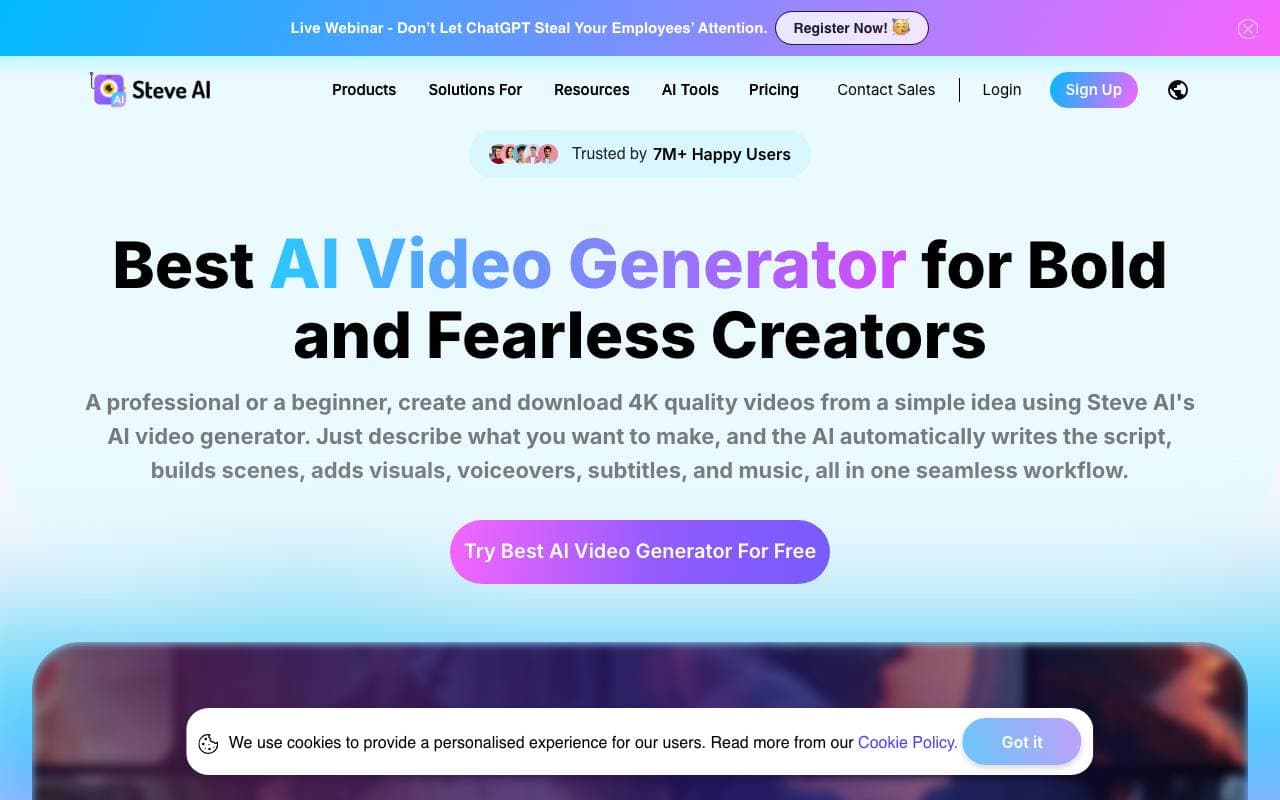

Steve Ai
Video Generation
Trasforma testi, sceneggiature e audio in video animati o generativi AI in pochi minuti.


Voe Ai
Video Generation
Piattaforma di generazione video AI alimentata dal modello Veo 3.1.


Animate AI
Video Generation
Tutti i tool AI per la generazione di video animati per serie con personaggi coerenti


vidBoard AI
Video Generation
Crea video con AI a prezzi accessibili con avatar, voce in offerta e editing automatico per contenuti di marketing e formazione.
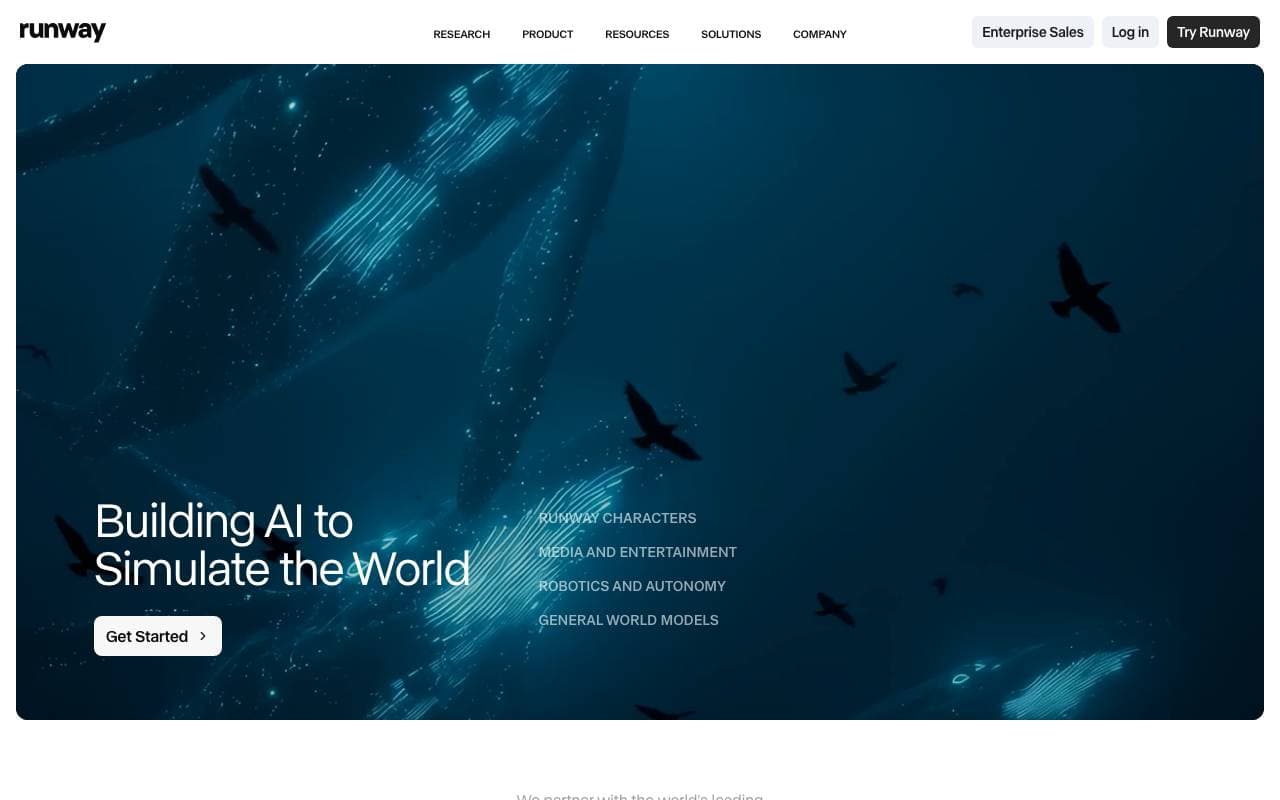

Runway ML
Video Generation
Suite creativa alimentata dall'intelligenza artificiale per la generazione di video, immagini e multimedia per l'editing
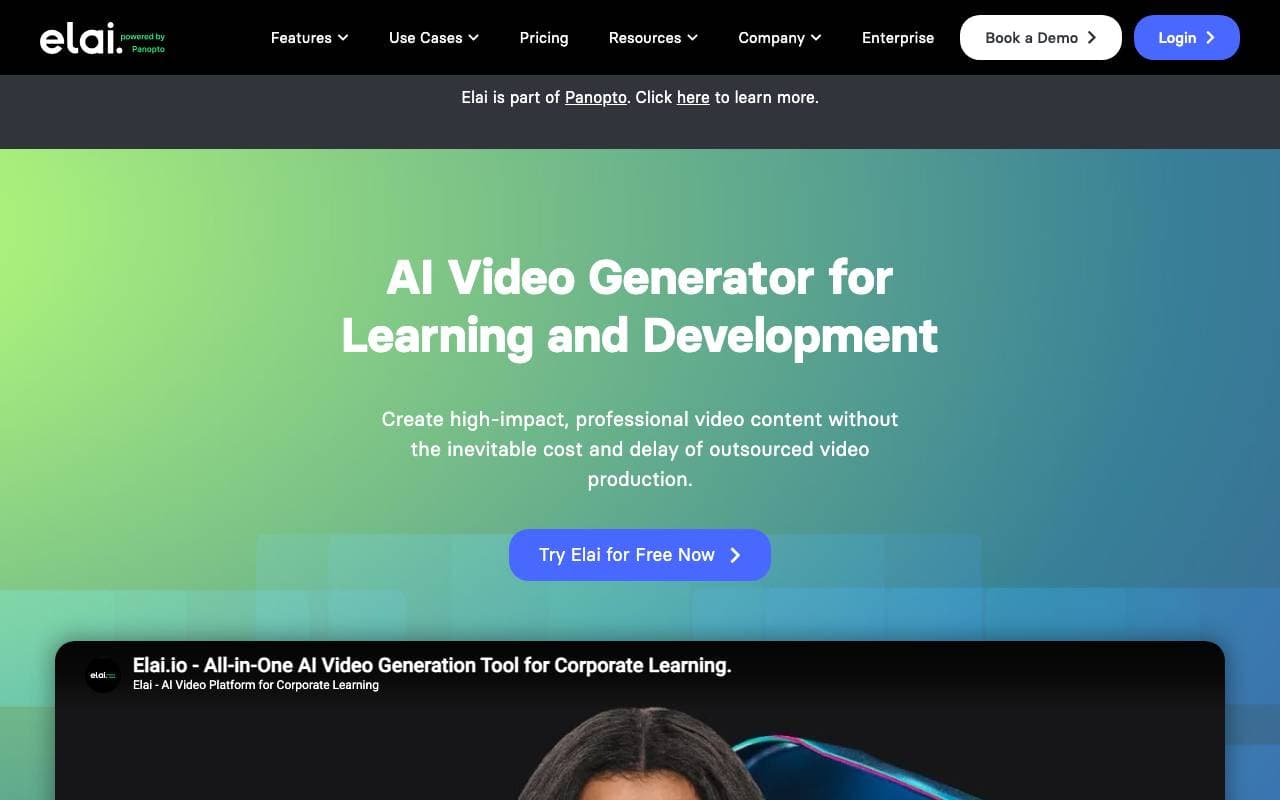

Elai.io
Video Generation
Piattaforma basata su IA che trasforma il testo in video professionali con avatar digitali verosimili, ottimizzando la creazione di contenuti in varie industrie...。


HeyOz
Video Generation
Genera post social, annunci, UGC e spot pubblicitari in pochi minuti con l'intelligenza artificiale.
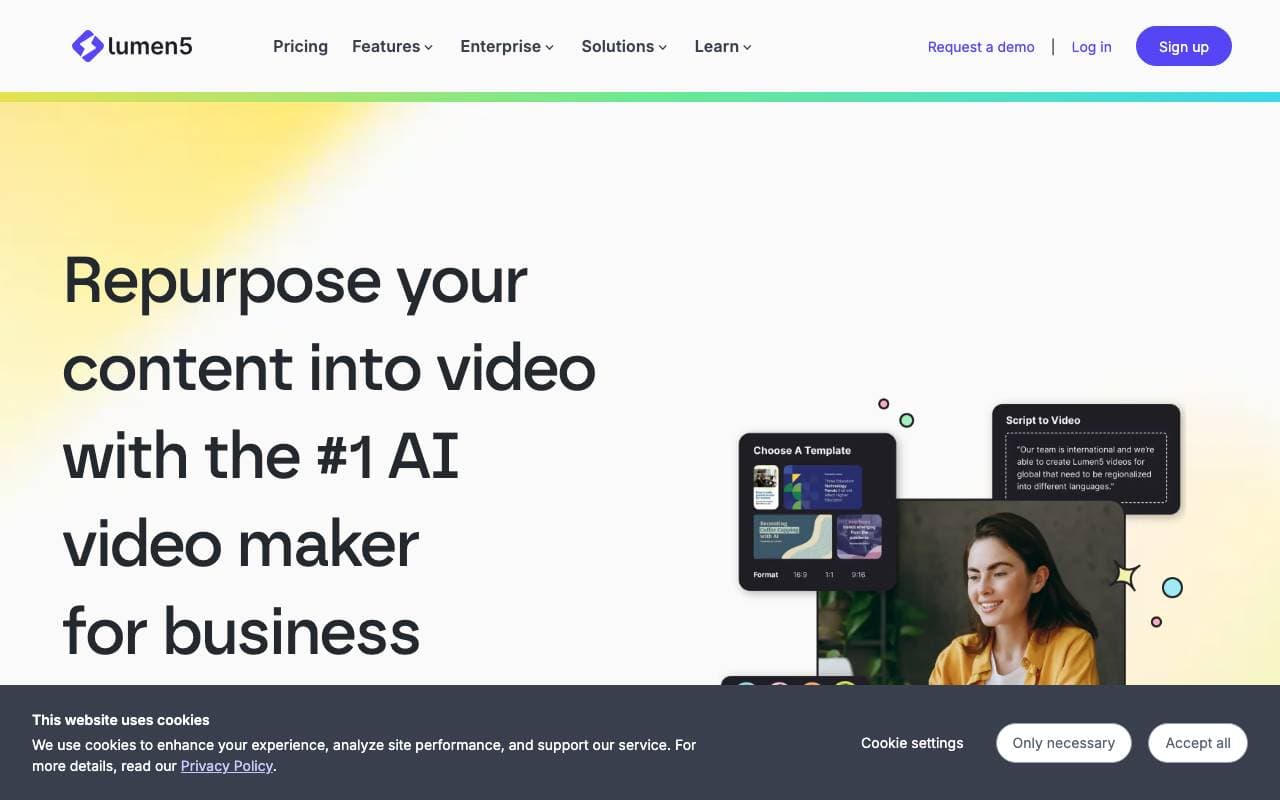

Lumen5
Video Generation
Una piattaforma di creazione video alimentata dall'intelligenza artificiale che trasforma il contenuto di testo in video coinvolgenti, consentendo un'efficace riutilizzo del contenuto e una maggiore interazione con l'utenza...
Trending now


Claude
AI Agents & Chatbots
Assistente AI conversazionale di Anthropic per scrittura, analisi, coding e compiti documentali

Doozer Ai
Sales Agent
Coworker digital che automatizzano i flussi operativi per migliorare l'efficienza del team


Pin AI
Workflow automation
Recruiter AI Agent che automatizza la sorgenza, lo screening e la outreach per velocizzare il processo di assunzione.
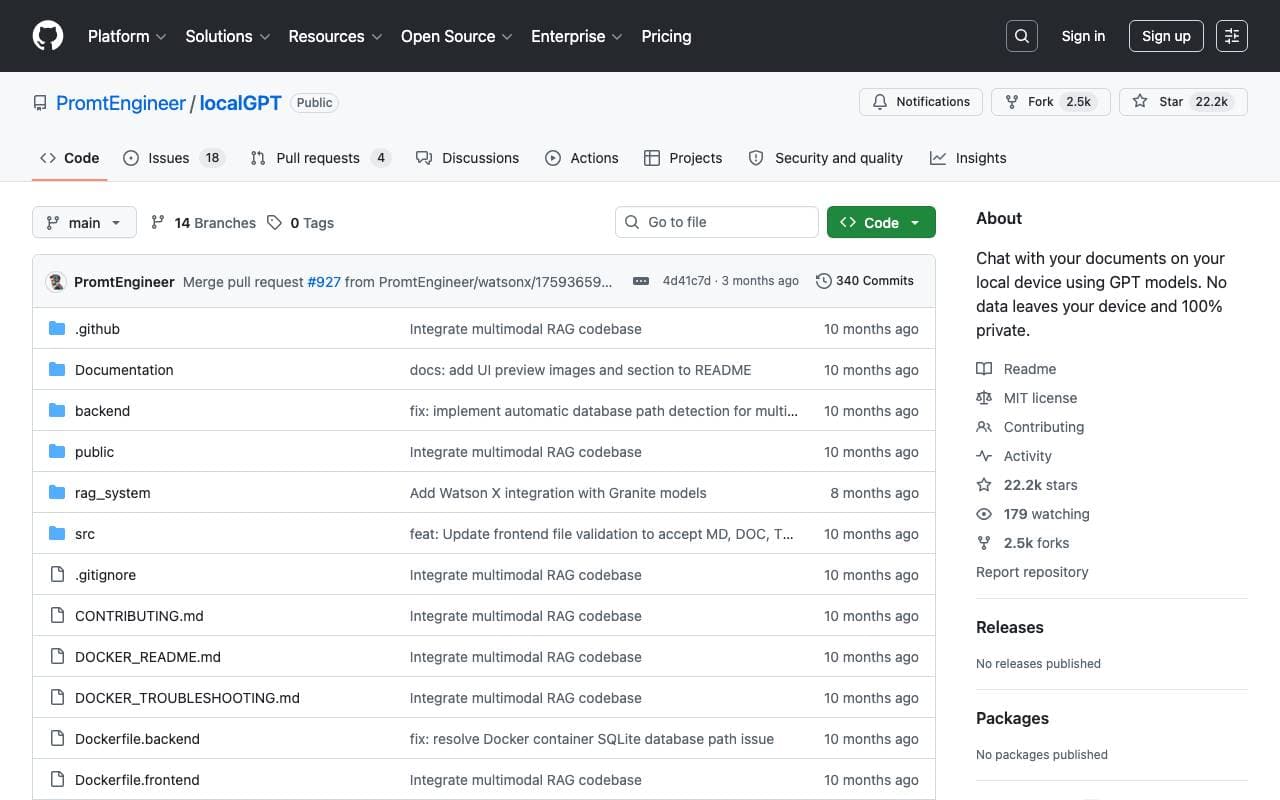

Local GPT
Other
AI locale aperto per chat di documenti privati ed offline utilizzando modelli a stile GPT sul tuo hardware