
FocuSeeUn registratore di schermo alimentato da AI che automatizza l'editing con zoom, didascalie e effetti filmati per video curati.

Panoramica
Funzionalità chiave
- Pan e Zoom automatico
- Effetti del cursore
- Layout dinamico
- Miglioramento della qualità audio basato su AI
- Suite di annotazione
- Avatar virtuale basato su AI
Prezzi
- Modello
- Paid
- Categoria
- Video AI Agents
- Valutazione
- 4.8 / 5 (5)
Casi d’uso
Creare video di demo del prodotto
Registrare lo schermo e lasciare che FocuSee aggiunga automaticamente effetti di zoom e didascalie per produrre un demo curato senza editing manuale.
Registrare tutorial del software
Catturare walkthrough passo per passo con zoom automatizzato sugli azioni chiave e didascalie generate per migliorare la comprensione del lettore.
Producere clip per social media
Trasformare velocemente le registrazioni dello schermo in video corti formatori con effetti di AI appropriati per condividerli sui piattaforme social.
Creare contenuti di formazione interne
Registrare processi e workflow per la formazione del team, utilizzando il taglio automatizzato per distribuire video di alta qualità con scarso sforzo.
Pro & contro
Pro
- Editing video automatizzato e miglioramento
- Caratteristiche alimentate da AI per video di alta qualità
- Supporta oltre 50 lingue per la generazione di didascalie
- Offre avatar virtuali e rimozione di sfondi
- Limitata controllo sulle caratteristiche di editing automatizzate dalla AI
Contro
- Limited control sulla funzionalità di editing guidata dall'IA
- Potenziale di inesattezze nella generazione automatica dei sottotitoli
- Dipendenza dall'IA può limitare le opzioni di personalizzazione
Recensioni
Media su 5 valutazioni.
Accedi per lasciare una recensione.
Does the job
Pretty happy overall. The core workflow just works and the value for money is strong. The docs could be deeper can be annoying, but no dealbreakers — I'd recommend it to a friend without hesitating.
Use it every day
Honestly didn't expect to like it this much. The automation is exactly what I needed, and the value for money is strong. but I reach for it almost every day now and it just clicks.
Years in this space
I've evaluated a lot of these over the years. What stands out here is the core workflow — handled better than most — and it is genuinely easy to set up. Pricing gets steep at scale is my one real gripe. Worth the time if this is your use case.
Years in this space
I've evaluated a lot of these over the years. What stands out here is the integrations — handled better than most — and it is genuinely easy to set up. Worth the time if this is your use case.
Years in this space
I've evaluated a lot of these over the years. What stands out here is the dashboard — handled better than most — and it saves real time. The mobile experience lags is my one real gripe. Worth the time if this is your use case.
Domande e risposte
What does FocuSee actually do during a screen recording?
FocuSee is an AI-powered screen recorder that automatically edits your footage, applying zoom effects, captions, and other visual enhancements to produce polished videos without manual post-production work.
Who is FocuSee best suited for?
It's a good fit for creators, educators, marketers, and product teams who need professional-looking screen recordings—such as tutorials, demos, or walkthroughs—without spending time on manual video editing.
Do I need video editing experience to use FocuSee?
No. FocuSee automates the editing process, including zooms, captions, and effects, so you can produce polished videos without prior editing skills or familiarity with traditional video editing software.
Fai una domanda
Alternative a Video AI Agents
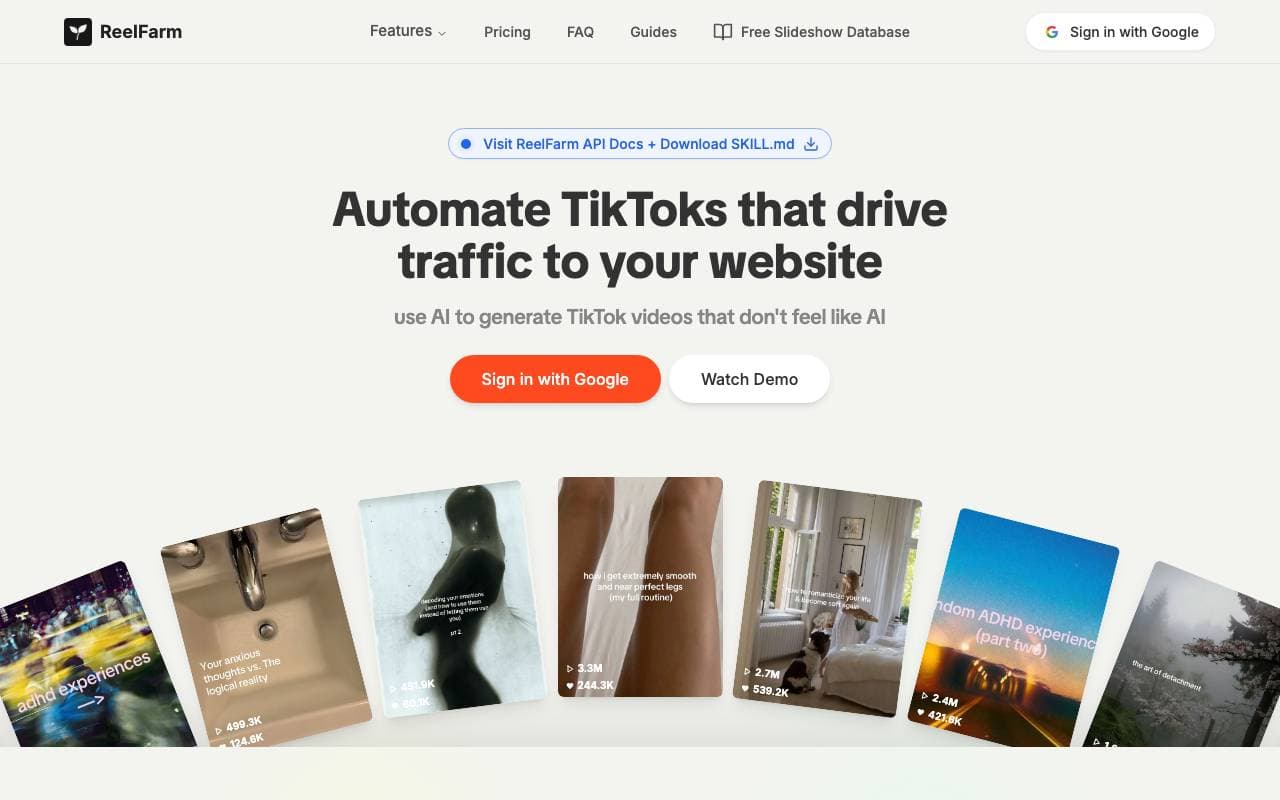

ReelFarm
Video AI Agents
Strumento AI per la generazione automatica di video dello stile UGC su TikTok e programmazione di invio per aumentare i visitatori e i risultati pubblicitari.
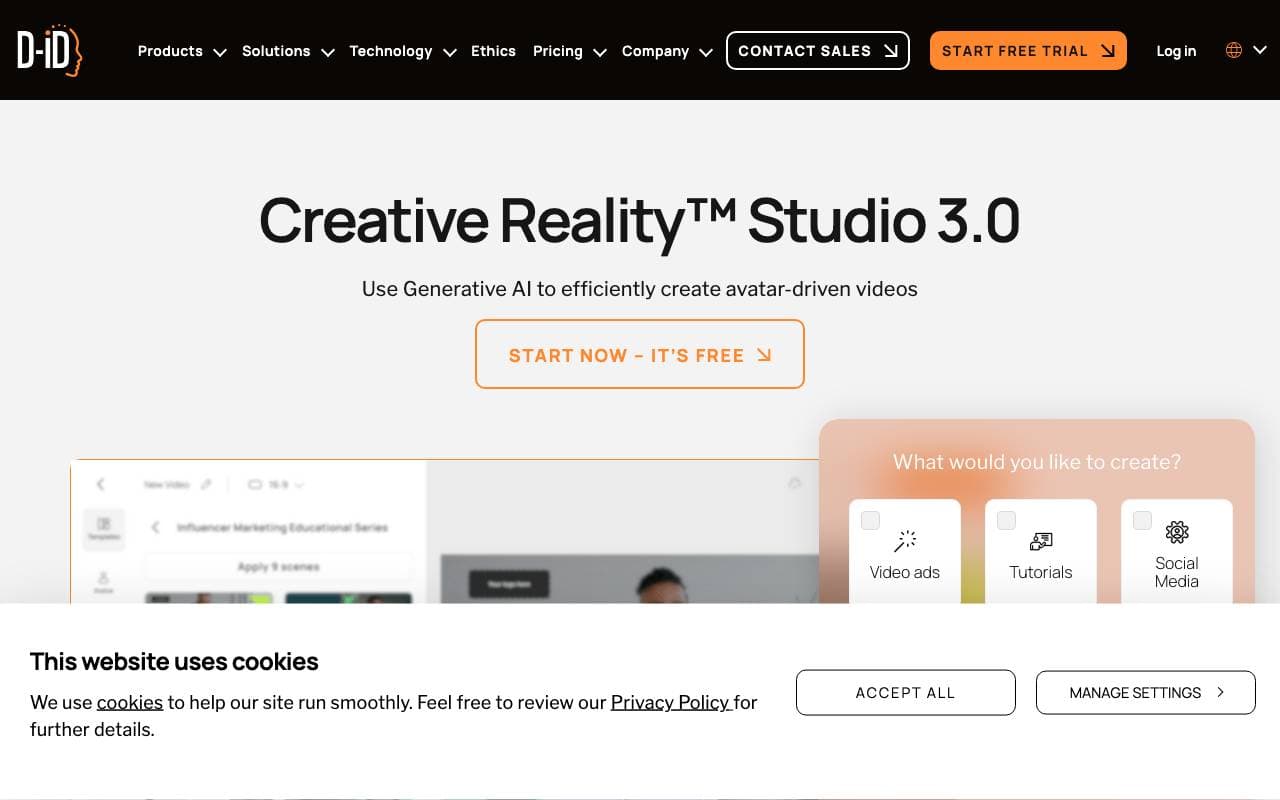

D-ID Creative Reality™ Studio
Video AI Agents
Trasforma testi e foto in video di avatar parlanti verosimili
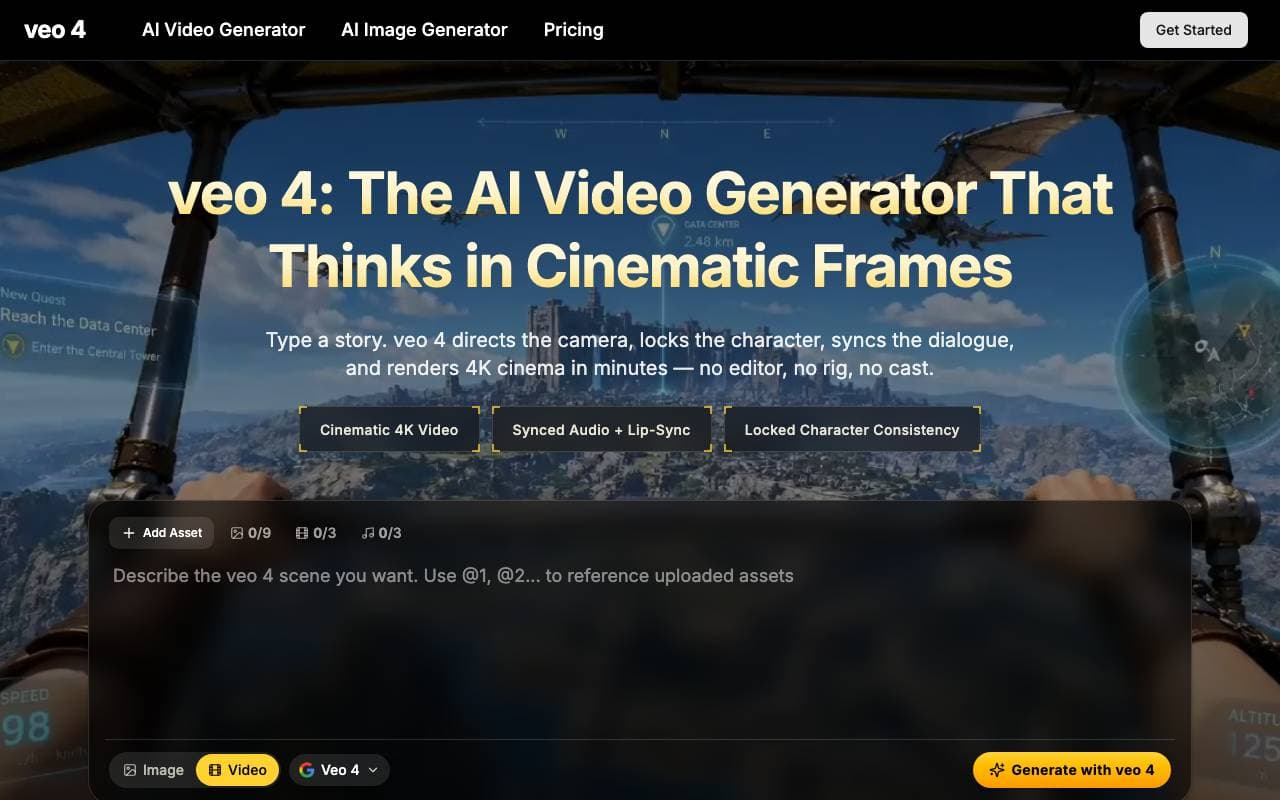

Veo 4 Video Generator
Video AI Agents
Piattaforma per il passaggio dal testo al video per sequenze multifoto cinematiche con audio sincronizzato e personaggi costanti.
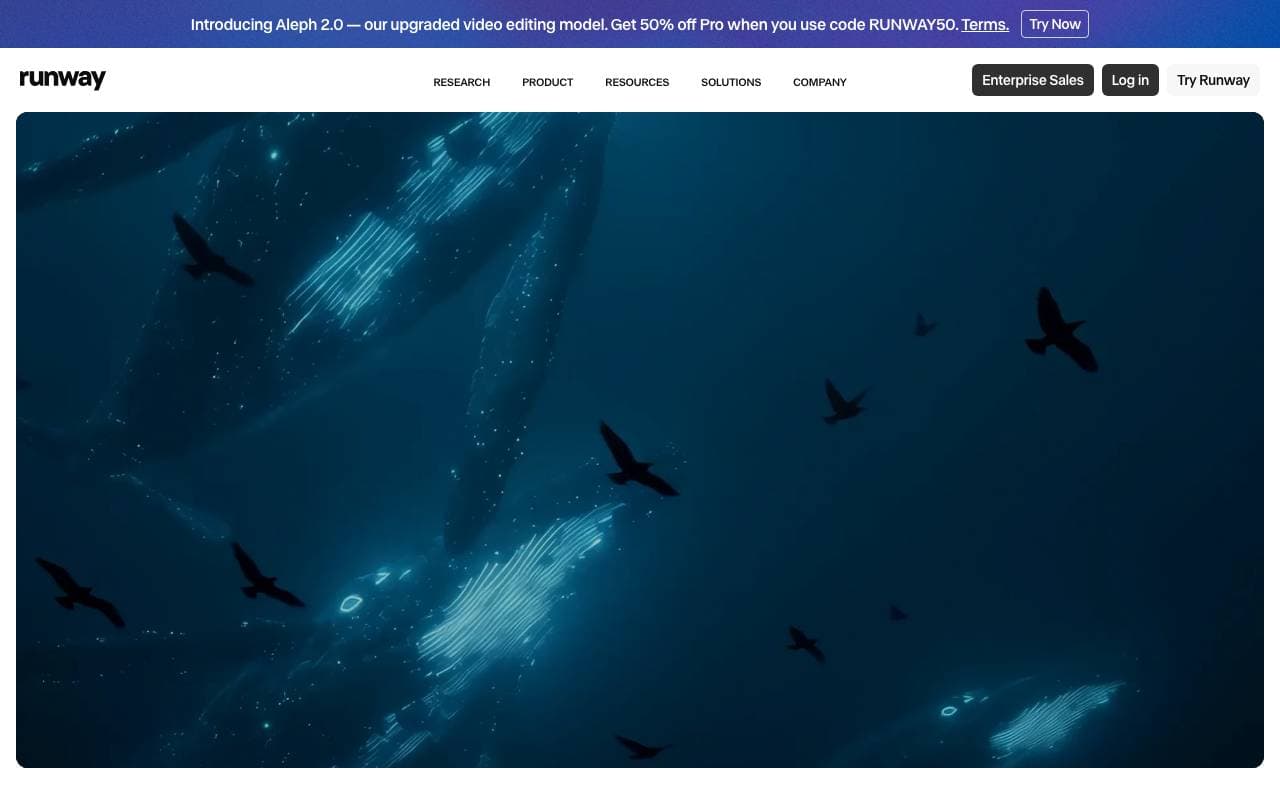

Runway
Video AI Agents
Piattaforma creativa potenziata dall'IA che offre strumenti per generare ed editare video, immagini e altri contenuti multimediali.
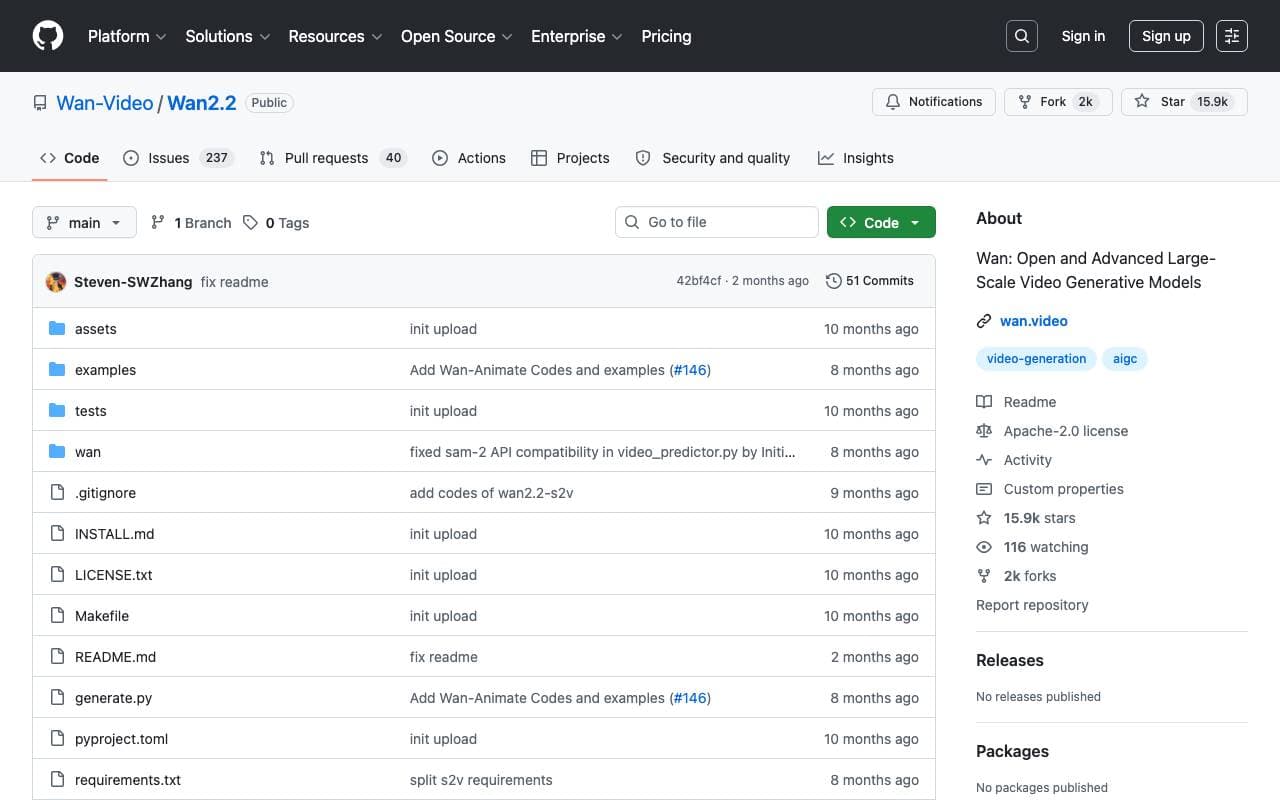

Wan2.2
Video AI Agents
Famiglia di modelli di generazione video open-source (5B/14B) per la generazione di testo/immagine/video-in-video, fornendo clip 1080p con miglioramento della movimento e controllo.

Agent Opus
Video AI Agents
Agente video AI che trasforma le idee in video rifiniti e pronti per la pubblicazione
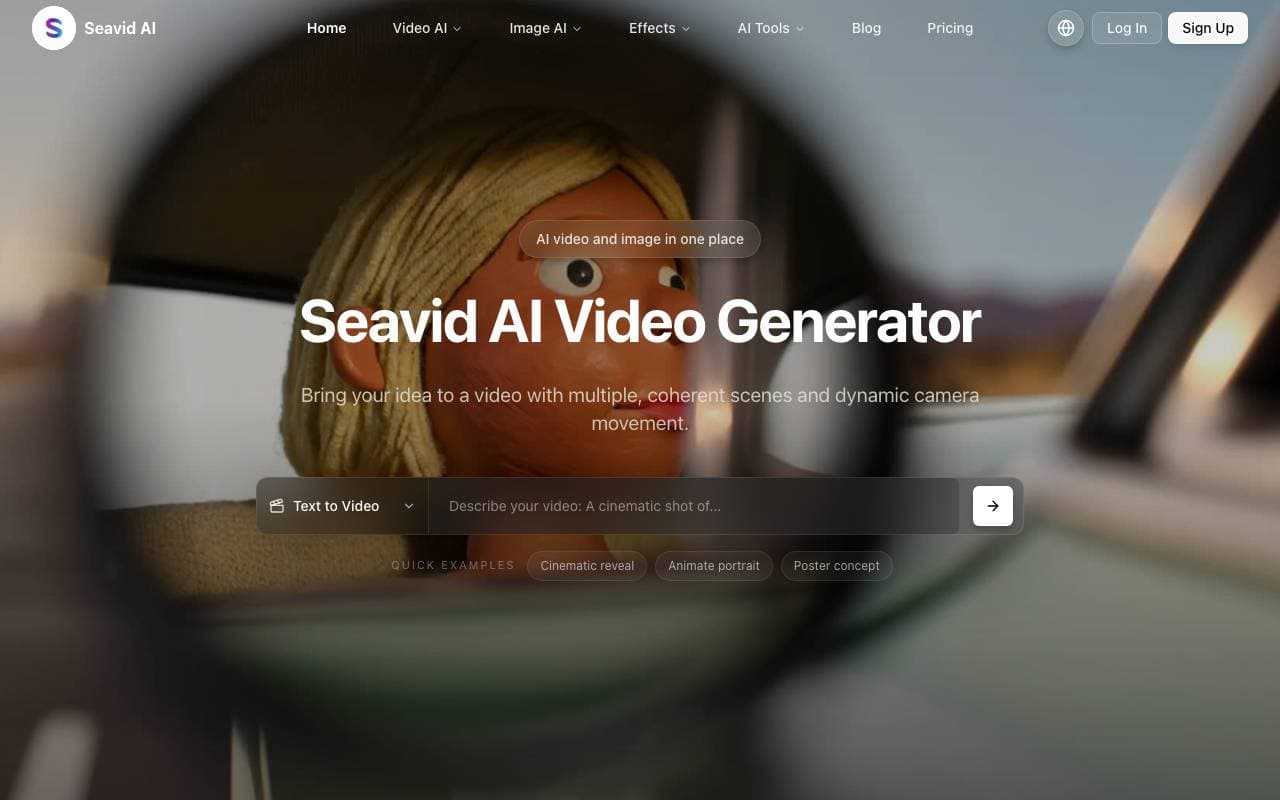

Seadance AI
Video AI Agents
Studio all-en-one per AI per generazione e editing di video e immagini da testo o foto.
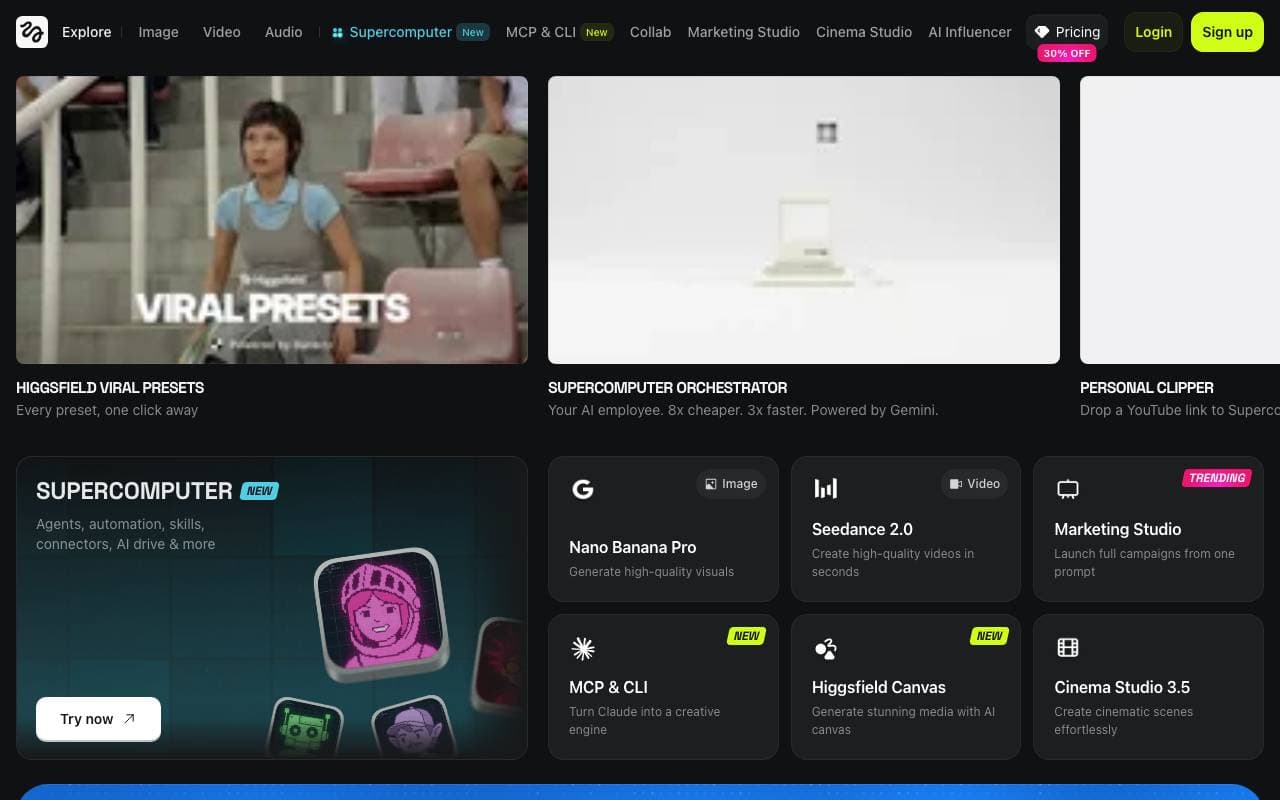

Higgsfield AI
Video AI Agents
Piattaforma di video AI che trasforma promemoria e immagini in clip cinematografiche e in movimento.
Trending now

Doozer Ai
Sales Agent
Coworker digital che automatizzano i flussi operativi per migliorare l'efficienza del team


Claude
AI Agents & Chatbots
Assistente AI conversazionale di Anthropic per scrittura, analisi, coding e compiti documentali


Consistent Character AI
Images
Genera personaggi AI coerenti tra scene da un unico riferimento della foto.


Pin AI
Workflow automation
Recruiter AI Agent che automatizza la sorgenza, lo screening e la outreach per velocizzare il processo di assunzione.