
DopioTrasforma i PDF ed le screenshots in dati strutturati per flussi di lavoro software moderni

Panoramica
Funzionalità chiave
- Estrazione di testo e dati da PDF
- Analisi di screenshot con intelligenza artificiale
- Output strutturato per l'uso software
- Processe documentali automatizzate
- Supporto per layout documentali diversificati
Prezzi
- Modello
- Freemium
- Categoria
- Edge AI
- Valutazione
- 4.8 / 5 (6)
Casi d’uso
Automatizza il processo di fatture e ricevute
Estrae gli elementi di linea, le somme e i dettagli del fornitore dai PDF delle fatture e dalle immagini di screenshot delle ricevute, quindi invia i dati strutturati nei tool contabili o nei database.
Digitalizza i moduli e le relazioni
Converte le forme scanned e i documenti report PDF in campi strutturati che possono popolare i CRM, i pannelli di controllo o le pipeline di analisi senza l'ingresso manuale.
Analizza i screenshot di interfacce utente in dati
Trasforma le immagini dello schermo delle interfacce utenti o delle pagine web in dati leggibili per machine per i test di qualità, la monitorizzazione o il nutrimento delle automazioni successive e delle API.
Alimenta le automazioni dei workflow
Utilizza l'output strutturato di Doppio per attivare le automazioni, sincronizzare l'informazione tra gli strumenti SaaS e ridurre il divario tra i documenti non strutturati e i sistemi software.
Pro & contro
Pro
- Tratta sia i documenti PDF che gli screenshot
- Riduce l'ingresso manuale dei dati
- Restituisce dati strutturati e pronti per l'uso software
- Utile per molti tipi di documenti
Contro
- L'accuratezza può variare con scansione di qualità bassa
- Dettagli pubblici limitati sulle integrazioni
- Potrebbe richiedere una revisione per documenti sensibili
Storico battaglie
Su 2 battaglie nel Pantheon.
Last 2 battles
Recensioni
Media su 6 valutazioni.
Accedi per lasciare una recensione.
Use it every day
Honestly didn't expect to like it this much. Structured output for software use is exactly what I needed, and reduces manual data entry. but I reach for it almost every day now and it just clicks.
Skeptical, then convinced
I went in skeptical — most tools in this space overpromise. It actually delivers on screenshot parsing with AI, and useful across many document types caught me off guard. still, I'd recommend giving it a real trial.
Solid for our team
We rolled this out across the team last quarter and useful across many document types. Automated document processing fits neatly into how we already work, and automated document processing removed a step we used to do by hand. Limited public details on integrations, which is the main caveat, but it has held up under daily use.
Use it every day
Honestly didn't expect to like it this much. Automated document processing is exactly what I needed, and handles both PDF documents and screenshots. I do wish accuracy may vary with low-quality scans, but I reach for it almost every day now and it just clicks.
Compared a few options
Evaluated this against two competitors. Where it wins: screenshot parsing with AI and reduces manual data entry. On balance the feature set — especially support for varied document layouts — justifies the 5 stars for our use case.
Solid for our team
We rolled this out across the team last quarter and reduces manual data entry. Automated document processing fits neatly into how we already work, and structured output for software use removed a step we used to do by hand. Accuracy may vary with low-quality scans, which is the main caveat, but it has held up under daily use.
Domande e risposte
Ancora nessuna domanda — sii il primo a chiedere.
Fai una domanda
Alternative a Edge AI
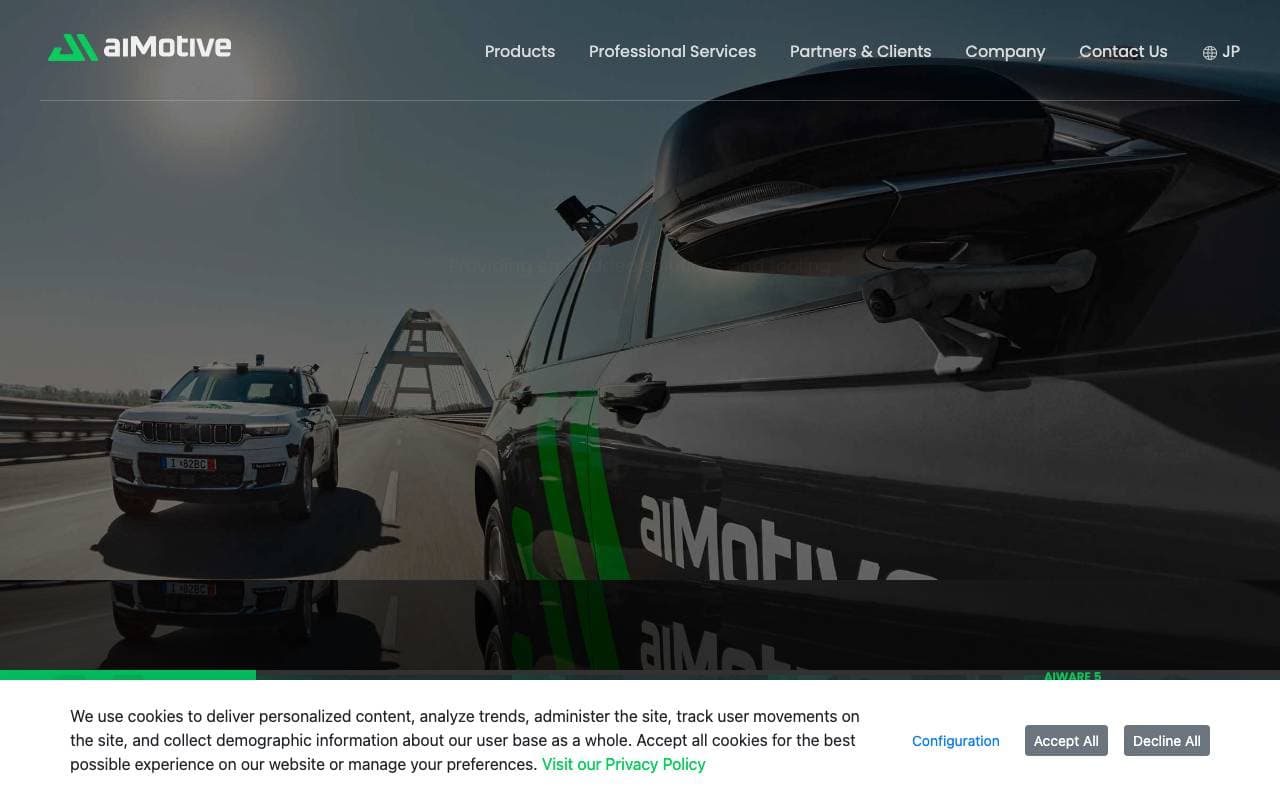

aiMotive
Edge AI
Software di guida autonoma e strumenti di simulazione alimentati dall'intelligenza artificiale per fabbricanti di automobili e fornitori.

Cruise
Edge AI
Sviluppatore di tecnologia per veicoli autonomi con l'obiettivo di rivoluzionare i trasporti.
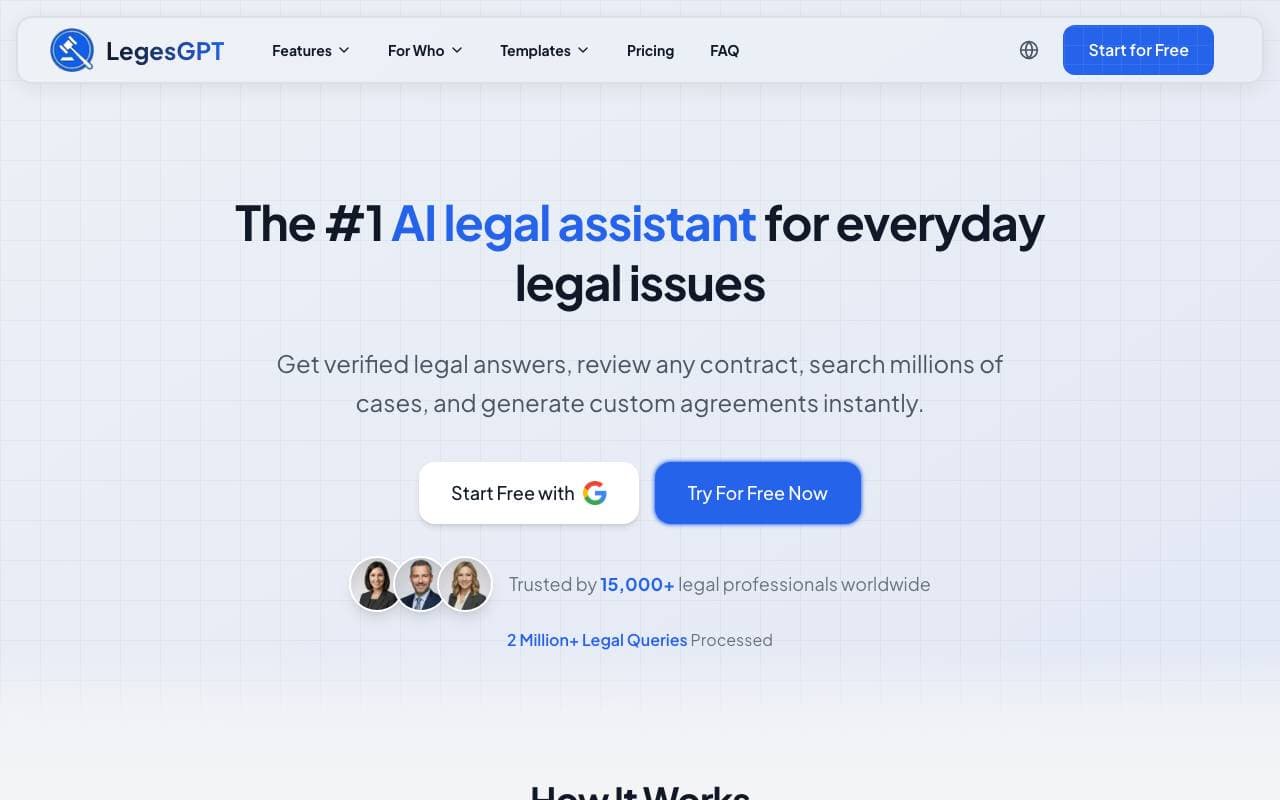

LegesGPT
Edge AI
Assistente legale AI per domande e decisioni ogni giorno.
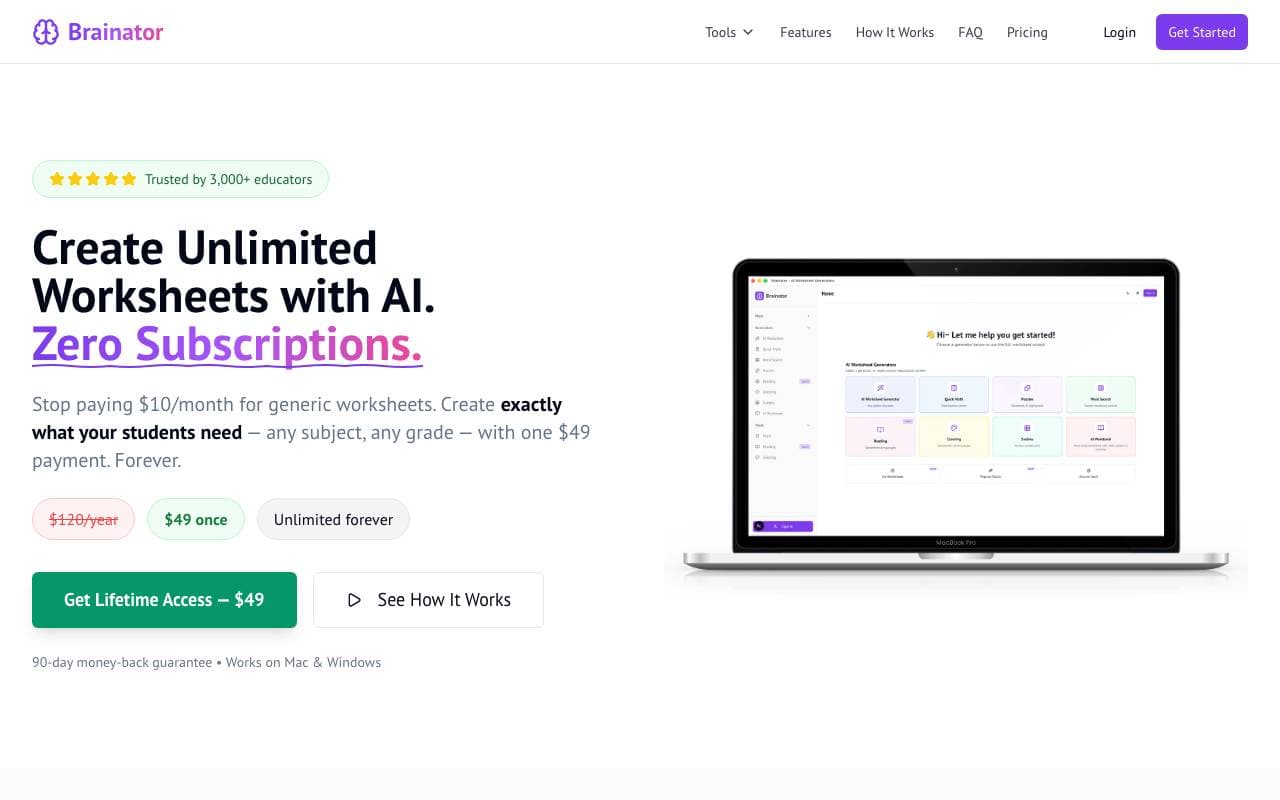

Brainator
Edge AI
Lavoro di apprendimento e generator di lezioni per insegnanti e genitori che educano in casa

Aurora
Edge AI
Piattaforma di tecnologia di guida autonoma progettata per camion e veicoli a passaggiere.

Spot AI
Edge AI
Intelligenza artificiale per video che trasforma le telecamera di sicurezza in strumenti di insight operativo
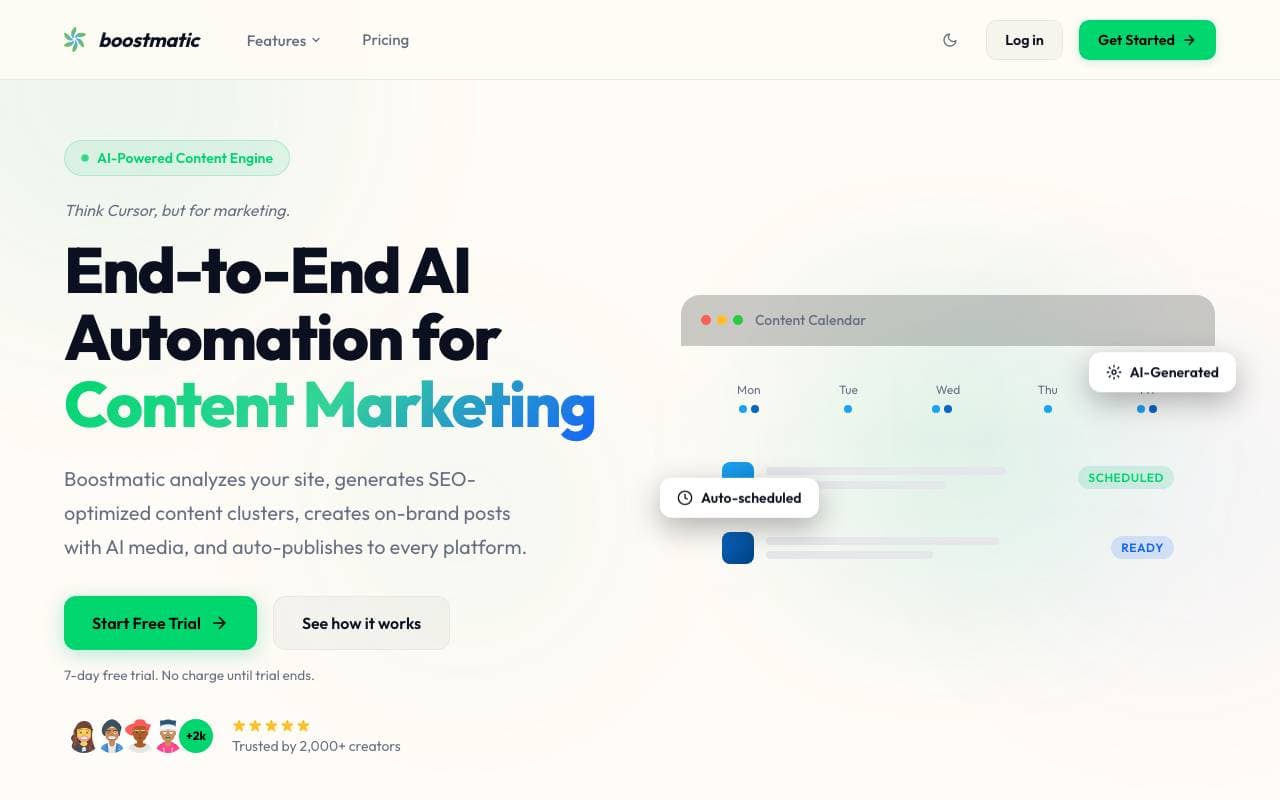

BoostMatic
Edge AI
Automazione totale dell'intelligenza artificiale per il marketing del contenuto SEO
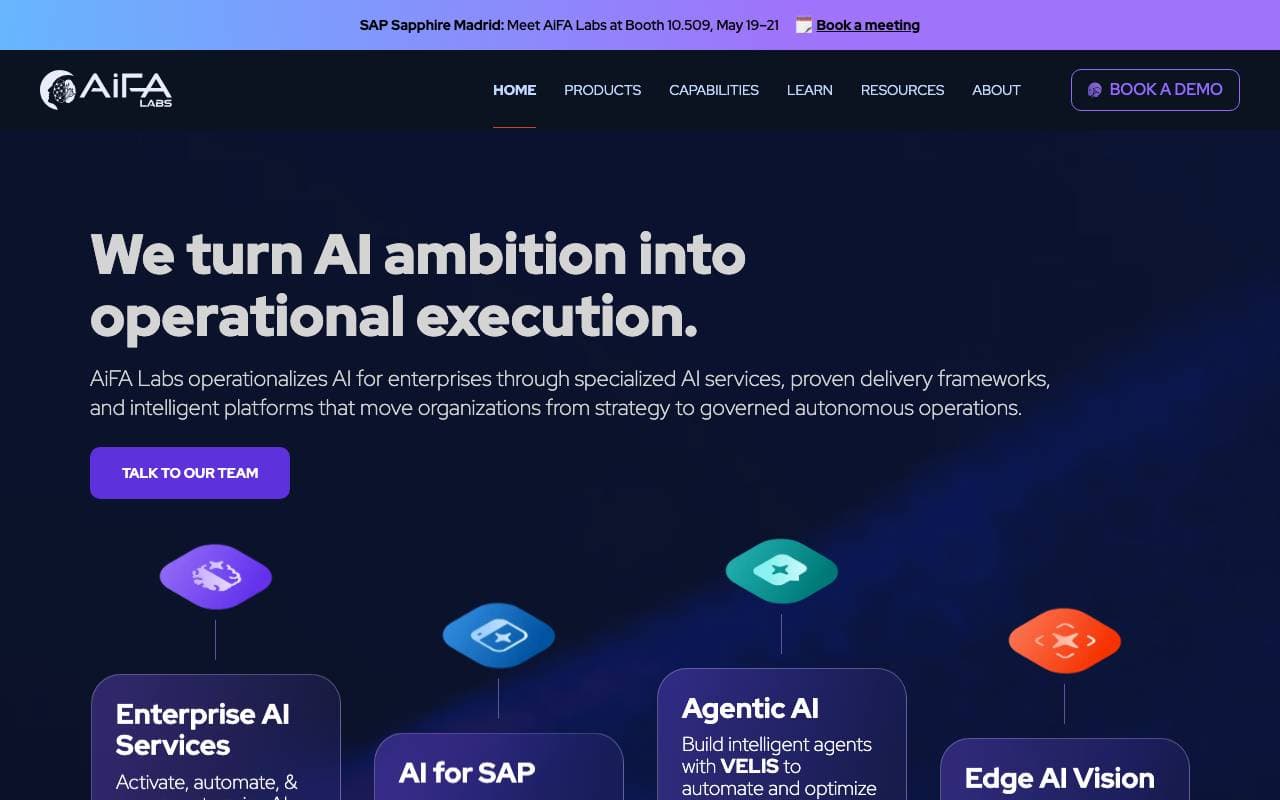
AiFA Labs
Edge AI
Piattaforma di AI aziendale per l'automazione dei flussi di lavoro e il miglioramento dell'efficienza operativa.
Trending now


Claude
AI Agents & Chatbots
Assistente AI conversazionale di Anthropic per scrittura, analisi, coding e compiti documentali

Doozer Ai
Sales Agent
Coworker digital che automatizzano i flussi operativi per migliorare l'efficienza del team


Pin AI
Workflow automation
Recruiter AI Agent che automatizza la sorgenza, lo screening e la outreach per velocizzare il processo di assunzione.


Local GPT
Other
AI locale aperto per chat di documenti privati ed offline utilizzando modelli a stile GPT sul tuo hardware