
Ace by General AgentsAgente AI desktop che automatizza le attività controllando mouse e tastiera come un utente umano.

Panoramica
Funzionalità chiave
- Simulazione di input da mouse e tastiera
- Interpretazione visiva degli elementi della schermata
- Automazione di workflow applicazioni incrociate
- Istruzioni di compito in linguaggio naturale
- Esecuzione multi-steps autonoma
- Funziona direttamente sul desktop dell'utente
Prezzi
- Modello
- Contact for pricing
- Categoria
- Virtual Workers
- Valutazione
- 4.7 / 5 (6)
Casi d’uso
Automazione del lavoro amministrativo ripetitivo
Delega ad altri i compiti routine come la digitazione dei dati, il riempimento dei form o l'organizzazione dei file all'interno delle app desktop per fargli lavorare autonomamente mentre si concentra su compiti di maggiore valore.
Puente per software legacy privi di API
Automatizza i workflow all'interno degli applicativi più vecchi o di proprietà priva di API facendo in modo che Ace interagisca con la GUI nello stesso modo che un operatore umano farebbe.
Flussi di lavoro incrociati applicazioni multi-step
Collega azioni attraverso i browser, le foglie di calcolo e i strumenti di produttività utilizzando le istruzioni in linguaggio naturale, facendo in modo che l'agente navighi ogni interfaccia per completare la sequenza.
Esecuzione di compiti di sottofondo senza intervento umano
Passa i processi lunghi e pesanti in cui sono coinvolte click ad Ace e lancia lo in background, liberando l'utente dal lavoro manuale di cursore e tastiera.
Pro & contro
Pro
- Funziona con qualsiasi app che ha una interfaccia grafica
- Non è richiesta la configurazione dell'API o delle integrazioni
- Automatizza workflow di desktop multi-step
- Mimica i modelli di input umano naturale
Contro
- Il controllo basato sulla schermata può essere più lento rispetto alle API dirette
- La prestazione può dipendere dalle modifiche del piano di interfaccia degli app target
- Richiede fiducia per il controllo del mouse e della tastiera
- Limited trasparenza nelle decisioni dell'agente
Storico battaglie
Su 1 battaglia nel Pantheon.
Last battle
Recensioni
Media su 6 valutazioni.
Accedi per lasciare una recensione.
Compared a few options
Evaluated this against two competitors. Where it wins: autonomous multi-step execution and works with any app that has a graphical interface. Where it lags: limited transparency into agent decisions. On balance the feature set — especially runs directly on the user's desktop — justifies the 5 stars for our use case.
Solid for our team
We rolled this out across the team last quarter and works with any app that has a graphical interface. Autonomous multi-step execution fits neatly into how we already work, and cross-application task automation removed a step we used to do by hand. Performance may depend on UI changes in target apps, which is the main caveat, but it has held up under daily use.
Skeptical, then convinced
I went in skeptical — most tools in this space overpromise. It actually delivers on autonomous multi-step execution, and works with any app that has a graphical interface caught me off guard. still, I'd recommend giving it a real trial.
Does the job
Pretty happy overall. Runs directly on the user's desktop just works and works with any app that has a graphical interface. but no dealbreakers — I'd recommend it to a friend without hesitating.
Solid for our team
We rolled this out across the team last quarter and automates multi-step desktop workflows. Mouse and keyboard input simulation fits neatly into how we already work, and autonomous multi-step execution removed a step we used to do by hand. but it has held up under daily use.
Years in this space
I've evaluated a lot of these over the years. What stands out here is runs directly on the user's desktop — handled better than most — and mimics natural human input patterns. Screen-based control can be slower than direct APIs is my one real gripe. Worth the time if this is your use case.
Domande e risposte
How does Ace integrate with my existing apps?
Ace doesn't require traditional integrations or APIs. It controls your mouse and keyboard and visually interprets on-screen elements, so it works with virtually any desktop application that has a graphical interface, including browsers, productivity suites, and legacy software.
What kinds of tasks is Ace best suited for?
Ace is designed for repetitive multi-step desktop workflows, routine admin work, and cross-application sequences that would otherwise require scripting or brittle macros. You give it natural language instructions and it executes autonomously in the background while you focus on other work.
What are the main limitations I should be aware of?
Because Ace operates by simulating human input and reading the screen, it can be slower than direct API automations and may be affected by UI changes in target apps. It also requires trusting it with mouse and keyboard control and offers limited transparency into its decisions.
Fai una domanda
Alternative a Virtual Workers


Avaamo
Virtual Workers
Piattaforma di AI conversazionale per le imprese per la creazione di agenti virtuali e lavoratori digitali in diverse aree aziendali.


Hugging Face Open Computer Agent
Virtual Workers
Un'agente AI open-source che automatizza le attività web simulando le interazioni utente in un ambiente Linux virtuale.
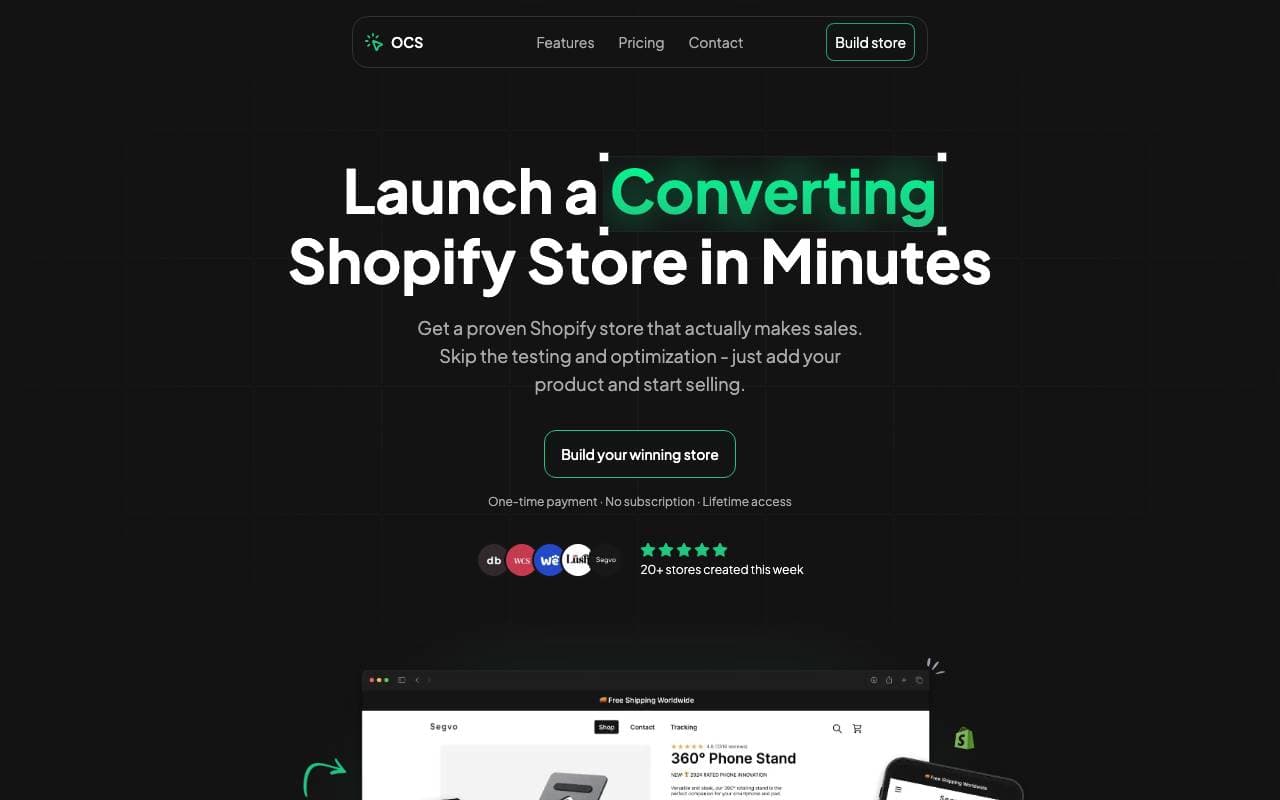

One Click Store
Virtual Workers
Piattaforma alimentata da intelligenza artificiale per lanciare negozi eCommerce in pochi minuti con contenuti e SEO automatizzati.
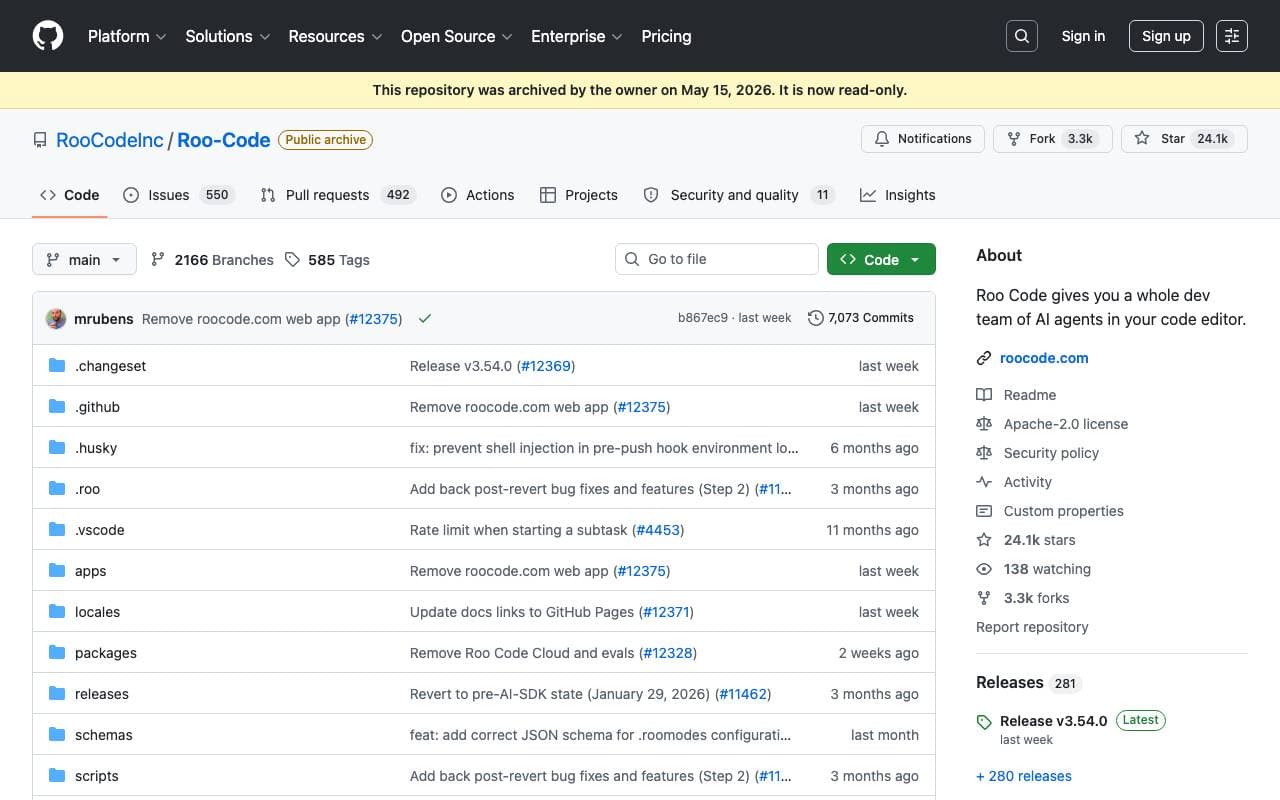

Roo Code
Virtual Workers
Un agente AI autonomo open-source che può codificare, debuggare e evolvere il software con una bassa interazione umana.


Tally AI
Virtual Workers
Agenti AI che automatizzano le attività ripetitive di contabilità, tasse ed audit all'interno dei tuoi sistemi esistenti.


Perplexity Computer
Virtual Workers
Lavoratore digitale sempre attivo che esegue flussi di lavoro completi utilizzando connettori di applicazioni, ricerca, codifica e monitoraggio e azioni programmato.

Jumbo Mana
Virtual Workers
Crea avatar AI interattivi, tra cui gemelli digitali, per un'esperienza utente migliorata.


Convergence Proxy
Virtual Workers
Aiuto virtuale AI adattativo che apprende nuove abilità in tempo reale grazie all'uso nel mondo reale.
Trending now


Claude
AI Agents & Chatbots
Assistente AI conversazionale di Anthropic per scrittura, analisi, coding e compiti documentali


LeanSentry
Software Development
Diagnostica e monitoraggio automatizzati per problemi di prestazioni IIS ed ASP.NET

Doozer Ai
Sales Agent
Coworker digital che automatizzano i flussi operativi per migliorare l'efficienza del team


Consistent Character AI
Images
Genera personaggi AI coerenti tra scene da un unico riferimento della foto.