
Otter AiTranscription AI en temps réel pour réunions, interviews et conférences.

Aperçu
Fonctionnalités clés
- Transcription en direct pour réunions et appels
- Intégrations Zoom, Google Meet et Teams
- Résumés de réunions générés par l'IA
- Identification et attribution des intervenants
- Recherche de mots-clés dans les transcriptions
- Surlignages et commentaires collaboratifs
Tarifs
- Modèle
- Freemium
- Catégorie
- Text Generation
- Note
- 4.6 / 5 (5)
Cas d’usage
Notes de réunion automatisées
Capturez les transcriptions en direct des appels Zoom, Google Meet ou Teams et recevez des résumés générés par l'IA avec des points d'action pour que les participants puissent se concentrer sur la discussion.
Documentation d'entretiens
Enregistrez et transcrivez des entretiens avec identification des intervenants, ce qui facilite la citation précise des sources et la recherche dans les conversations passées.
Prise de notes de cours pour étudiants
Transcrivez les cours en classe en temps réel, mettez en surbrillance les passages clés et recherchez les transcriptions ultérieurement lors de vos révisions ou de la rédaction de vos travaux.
Partage de connaissances d'équipe
Construisez une bibliothèque de transcriptions de réunions que les membres d'équipe peuvent consulter, commenter et référencer sans avoir à rejouer les enregistrements complets.
Pour & contre
Pour
- Transcription en temps réel très précise
- Intégration directe avec les principales plateformes de réunion
- Résumés automatiques et extraction d'actions
- Bibliothèque de transcriptions searchable et partageable
- Niveau gratuit disponible pour les utilisateurs occasionnels
Contre
- Précision réduite avec de lourds accents ou un son bruyant
- Le plan gratuit offre un nombre limité de minutes mensuelles
- Prise en charge principalement de l'anglais
- Identification des intervenants nécessite parfois une correction manuelle
Palmarès des batailles
Sur 1 bataille dans le Panthéon.
Last battle
Avis
Moyenne sur 5 avis.
Connecte-toi pour laisser un avis.
Skeptical, then convinced
I went in skeptical — most tools in this space overpromise. It actually delivers on keyword search across transcripts, and automatic summaries and action item extraction caught me off guard. still, I'd recommend giving it a real trial.
Compared a few options
Evaluated this against two competitors. Where it wins: aI-generated meeting summaries and searchable, shareable transcript library. Where it lags: primarily supports English. On balance the feature set — especially aI-generated meeting summaries — justifies the 4 stars for our use case.
Does the job
Pretty happy overall. Zoom, Google Meet, and Teams integrations just works and searchable, shareable transcript library. Primarily supports English can be annoying, but no dealbreakers — I'd recommend it to a friend without hesitating.
Skeptical, then convinced
I went in skeptical — most tools in this space overpromise. It actually delivers on live transcription for meetings and calls, and accurate real-time transcription caught me off guard. Accuracy drops with heavy accents or noisy audio is why this isn't a perfect score, still, I'd recommend giving it a real trial.
Years in this space
I've evaluated a lot of these over the years. What stands out here is live transcription for meetings and calls — handled better than most — and accurate real-time transcription. Accuracy drops with heavy accents or noisy audio is my one real gripe. Worth the time if this is your use case.
Questions & réponses
Which meeting platforms does Otter AI integrate with?
Otter AI integrates directly with Zoom, Google Meet, and Microsoft Teams, allowing it to join meetings live to capture transcripts, identify speakers, and generate summaries with action items.
How accurate is Otter's transcription and speaker identification?
Otter provides accurate real-time transcription in typical conditions, but accuracy can drop with heavy accents or noisy audio. Speaker identification works automatically but sometimes requires manual correction, and the tool primarily supports English.
Is there a free plan, and what are its limitations?
Yes, Otter offers a free tier suitable for casual users, but it comes with limited monthly transcription minutes. Heavier users or teams will likely need a paid plan for more capacity.
Poser une question
Alternatives à Text Generation
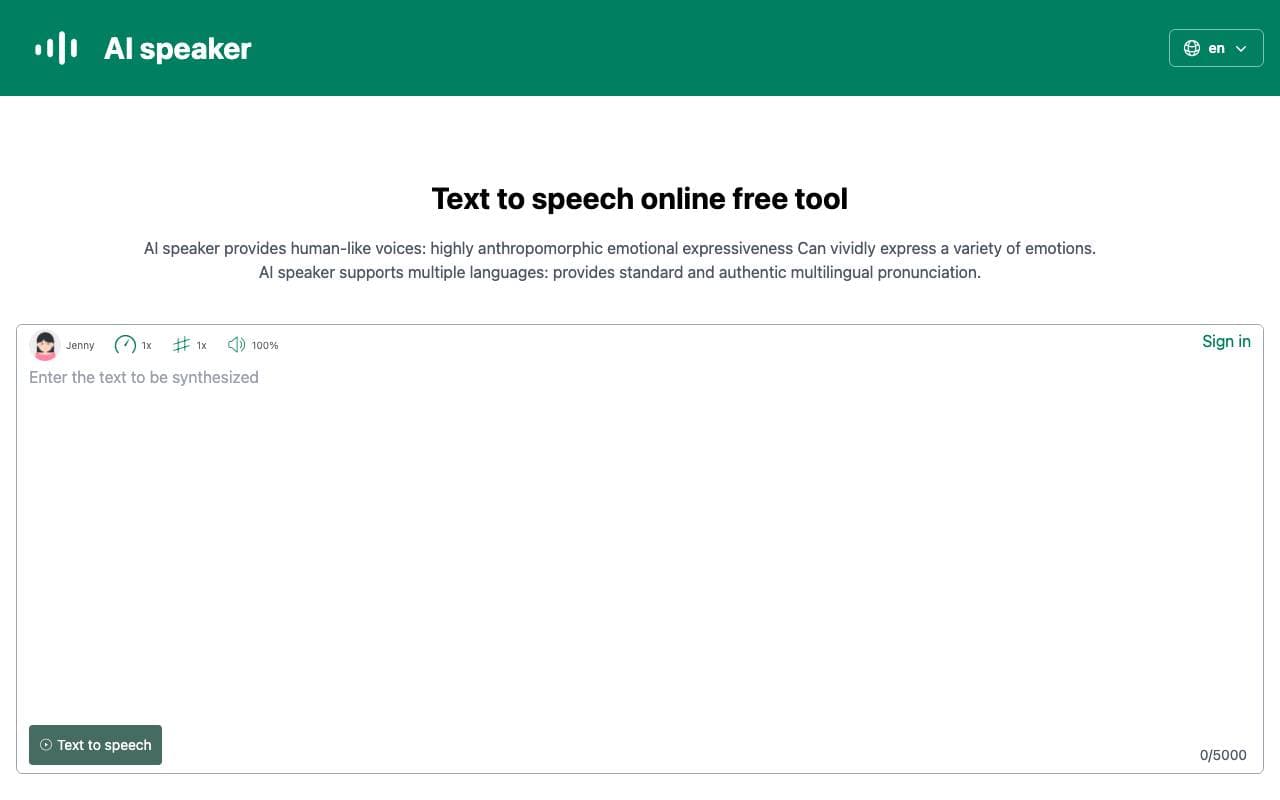

AI speaker
Text Generation
Transcription texte-to-speech gratuite en ligne qui transforme le contenu écrit en audio parlé naturel.
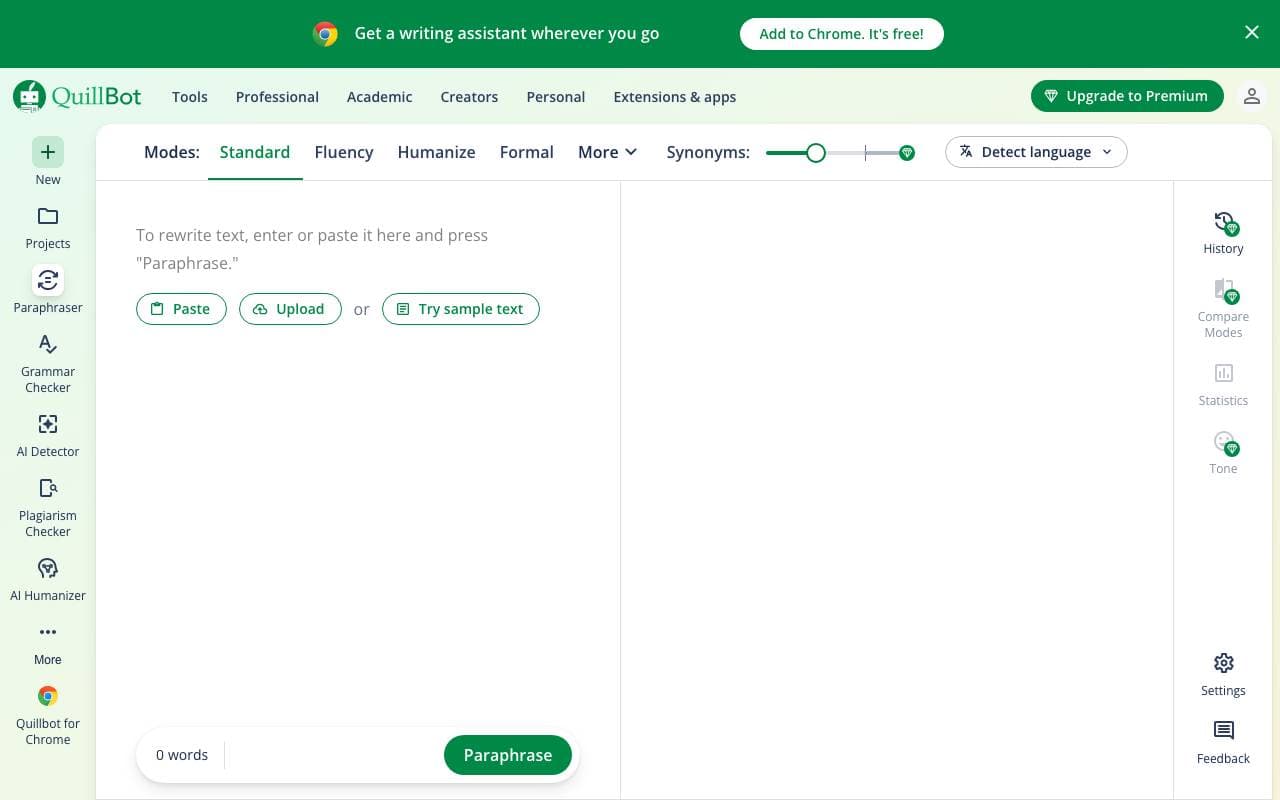

QuillBot
Text Generation
Assistant AI pour l'écriture pour réécrire, vérifier les fautes d'orthographe et résumer
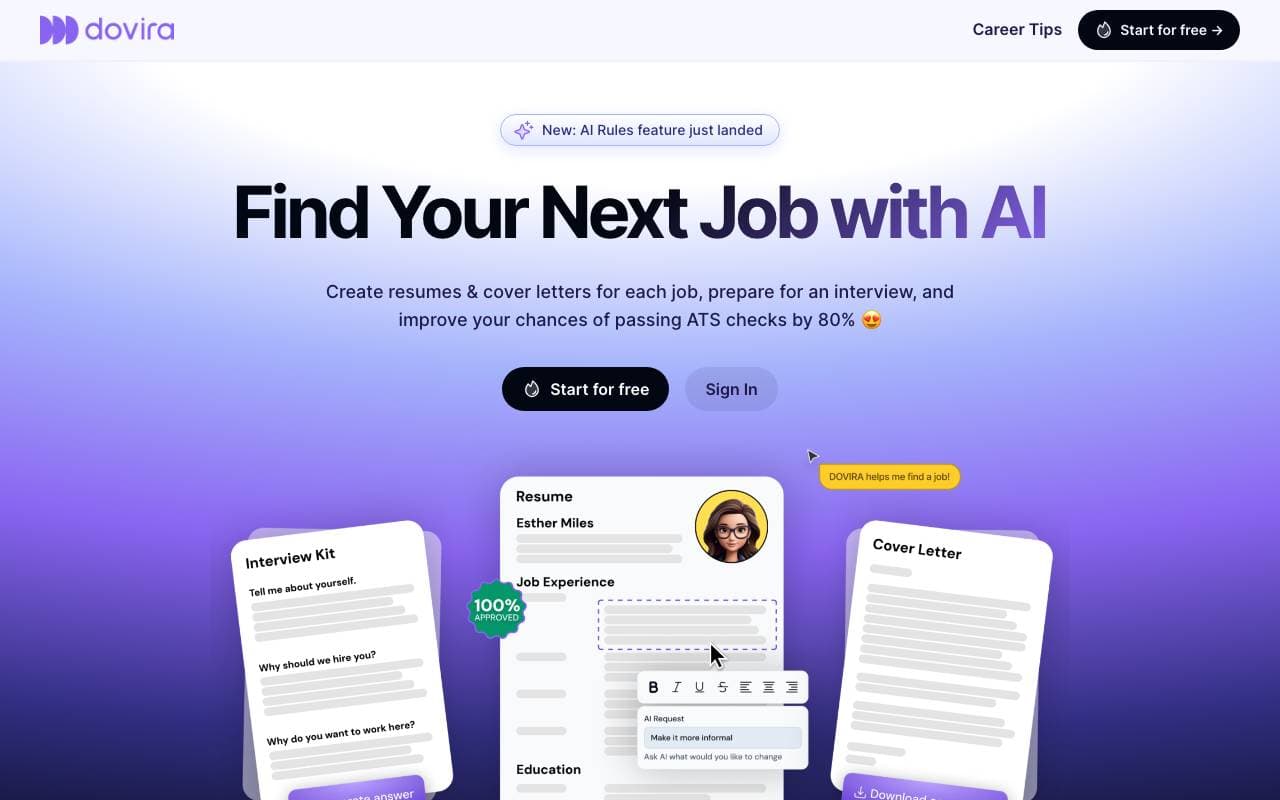
Dovira AI
Text Generation
Constructeur de CV autonome au pouvoir d'IA et suiveur de recherche d'emploi conçu pour simplifier ta chasse d'emploi.
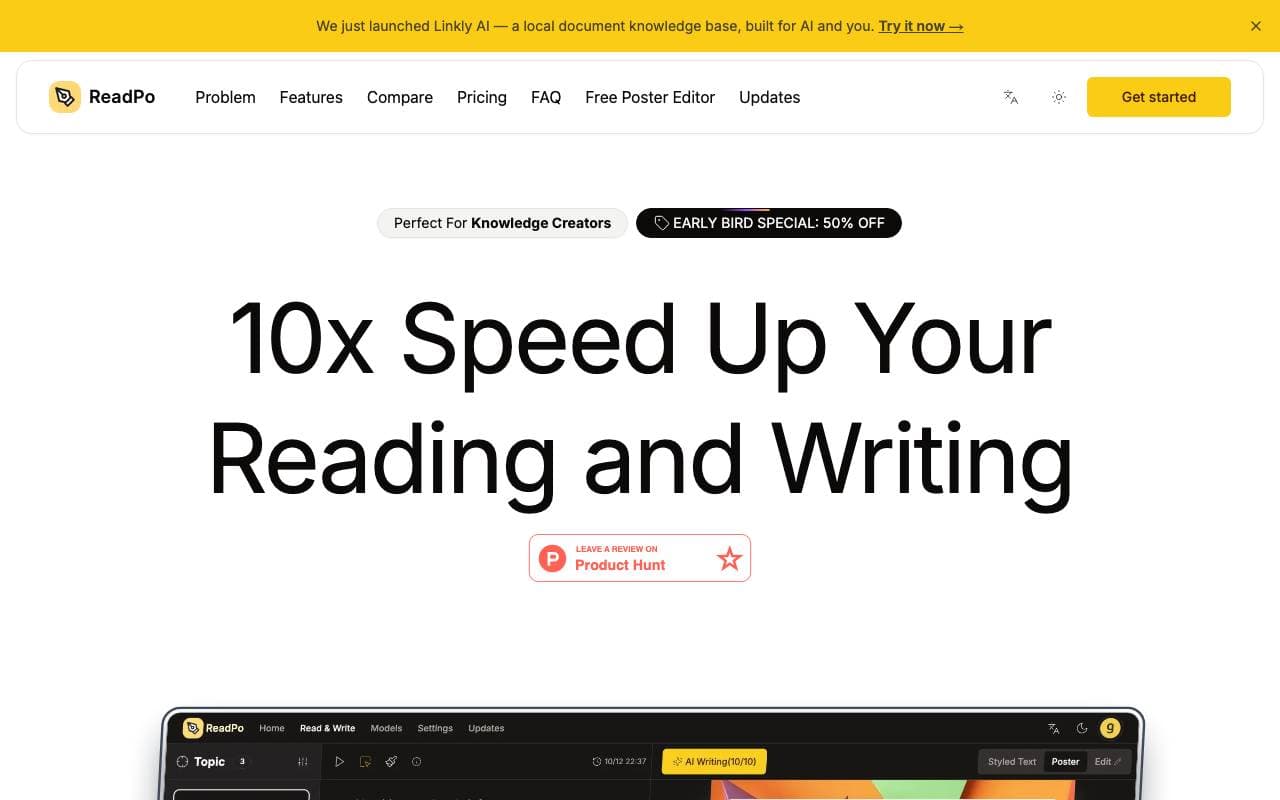

ReadPo
Text Generation
Assistant en intelligence artificielle pour des flux de lecture, de tri et d'écriture accélérés

Veo3.io
Text Generation
Générateur de vidéo AI en un clic pour la création rapide de contenu de qualité professionnelle pour les budgets et les centres de production.
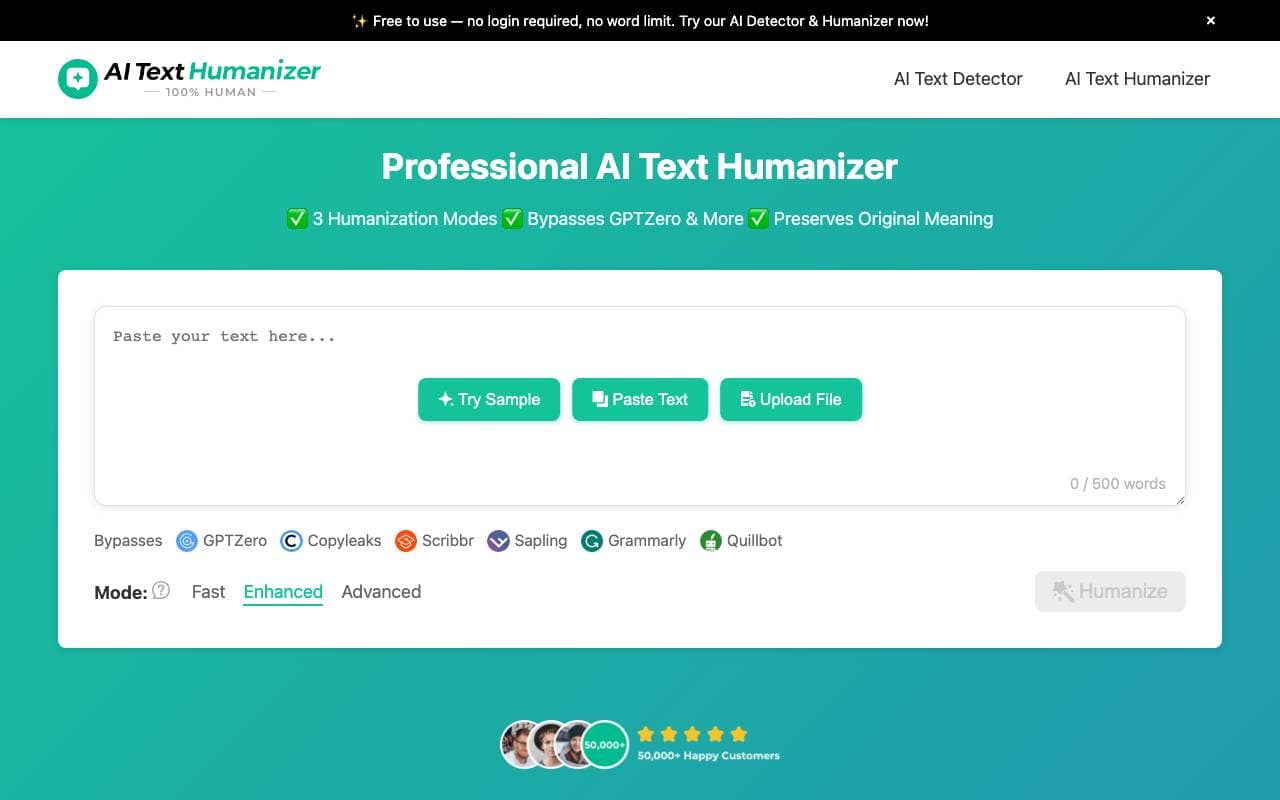

AI Text Humanizer
Text Generation
Outil gratuit qui réécrit le texte généré par IA pour qu'il ressemble davantage à un humain et contourne les détecteurs.
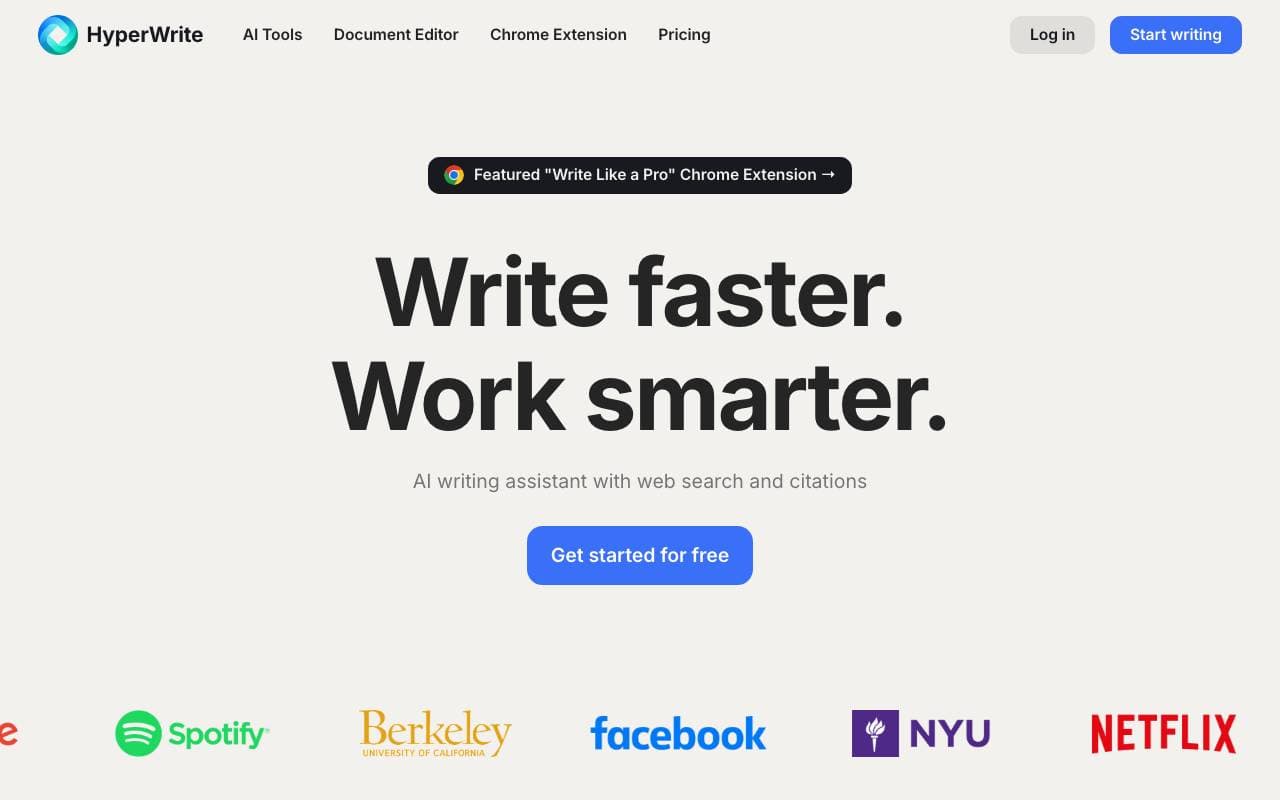
HyperWrite AI
Text Generation
Assistant d'écriture IA pour la rédaction, la modification et l'amélioration de texte sur le web.
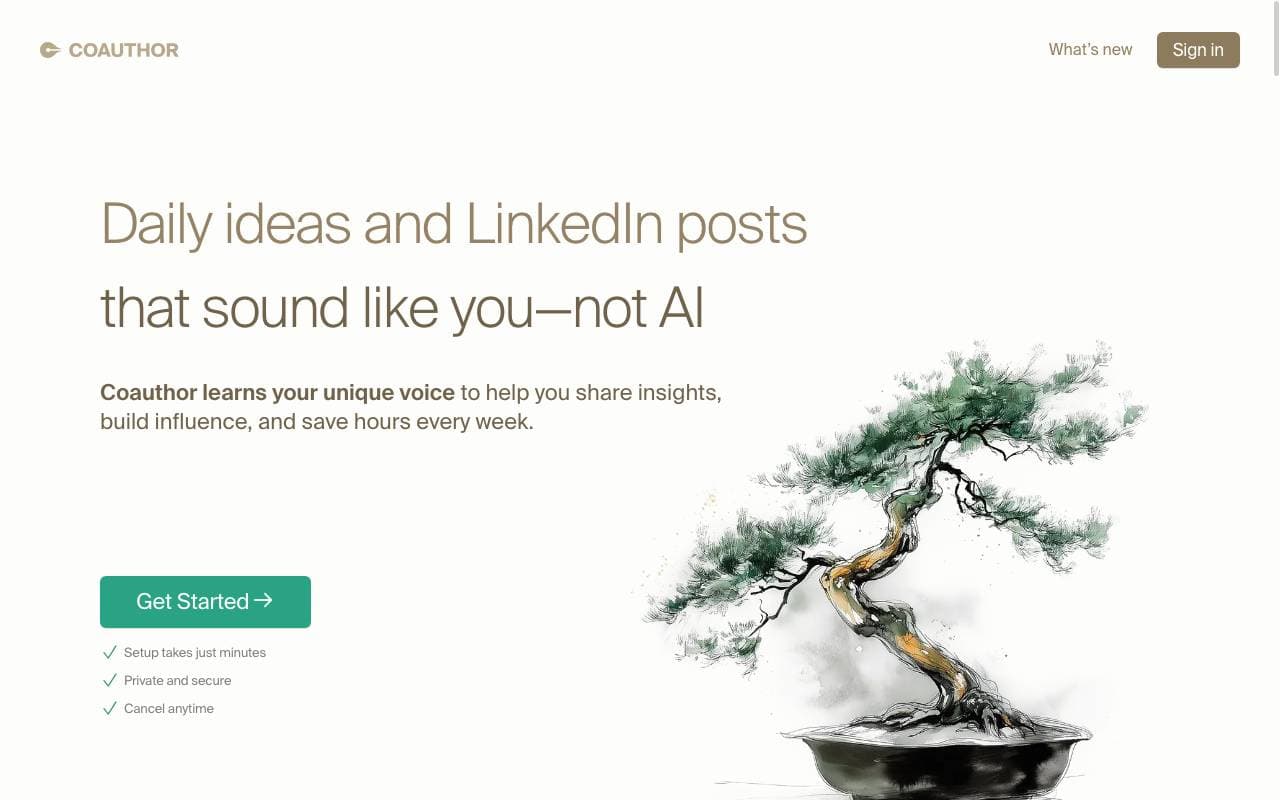

Coauthor
Text Generation
Transforme les idées brutes en contenu poli et sur le ton juste pour les professionnels occupés.
Trending now

Doozer Ai
Sales Agent
Les co-travailleurs numériques qui automatisent les workflows opérationnels pour augmenter l'efficacité de l'équipe.


Claude
AI Agents & Chatbots
Assistant IA conversationnel d'Anthropic pour la rédaction, l'analyse, la programmation et les tâches documentaires


Consistent Character AI
Images
Générez des personnages IA cohérents à travers des scènes à partir d'une seule photo de référence.


Mistral AI
Large Language Models (LLMs)
Modèles de pointe à poids ouverts