AI Image Text EditorÉditez le texte à l'intérieur des images tout en préservant la police, la couleur et le style d'origine à l'aide de l'IA.

Aperçu
Fonctionnalités clés
- Détection automatique du texte dans les images
- Remplacement de texte en préservant le style
- Remplissage de l'arrière-plan sous le texte supprimé
- Prise en charge de plusieurs langues
- Édition par lots pour les variations d'images
- Interface Web avec téléchargement d'images
Tarifs
- Modèle
- Free
- Catégorie
- Images
- Note
- 4.6 / 5 (5)
Cas d’usage
Localiser les créatifs publicitaires pour de nouveaux marchés
Les marketeurs peuvent échanger le texte dans les bannières publicitaires ou les graphiques des médias sociaux dans différentes langues tout en préservant la typographie et la mise en page d'origine, accélérant ainsi les campagnes multi-régionales.
Corriger les fautes de frappe sans fichiers sources
Corriger rapidement les fautes d'orthographe ou les libellés obsolètes dans les images terminées lorsque les fichiers de conception d'origine sont indisponibles, évitant ainsi une reconstruction complète dans une application de conception.
Générer des variations de tests A/B
Les créateurs de contenu et les annonceurs peuvent produire en masse des variantes d'images avec différents titres ou appels à l'action pour tester quelle copie fonctionne le mieux.
Mettre à jour les étiquettes de produits pour le commerce électronique
Les vendeurs peuvent éditer le texte sur les images de produits, tel que les prix, les tags de promotion ou les spécifications, tout en conservant le style d'origine cohérent dans leur catalogue.
Pour & contre
Pour
- Préserve le style et les couleurs de police d'origine
- Plus rapide que la modification manuelle dans Photoshop
- Aucune compétence en design requise
- Utile pour la localisation et les tests A/B
Contre
- La précision varie avec les polices ou les textures complexes
- Peut avoir du mal avec le texte fortement stylisé ou manuscrit
- La qualité de la sortie dépend de la résolution de l'image source
Avis
Moyenne sur 5 avis.
Connecte-toi pour laisser un avis.
Solid for our team
We rolled this out across the team last quarter and no design skills required. Support for multiple languages fits neatly into how we already work, and batch editing for image variations removed a step we used to do by hand. Accuracy varies with complex fonts or textures, which is the main caveat, but it has held up under daily use.
Solid for our team
We rolled this out across the team last quarter and faster than manual editing in Photoshop. Batch editing for image variations fits neatly into how we already work, and web-based interface with image upload removed a step we used to do by hand. but it has held up under daily use.
Compared a few options
Evaluated this against two competitors. Where it wins: automatic text detection in images and preserves original font style and colors. Where it lags: output quality depends on source image resolution. On balance the feature set — especially background inpainting under removed text — justifies the 5 stars for our use case.
Solid for our team
We rolled this out across the team last quarter and faster than manual editing in Photoshop. Automatic text detection in images fits neatly into how we already work, and style-preserving text replacement removed a step we used to do by hand. Output quality depends on source image resolution, which is the main caveat, but it has held up under daily use.
Does the job
Pretty happy overall. Automatic text detection in images just works and faster than manual editing in Photoshop. Accuracy varies with complex fonts or textures can be annoying, but no dealbreakers — I'd recommend it to a friend without hesitating.
Questions & réponses
Pas encore de question — sois le premier à demander.
Poser une question
Alternatives à Images
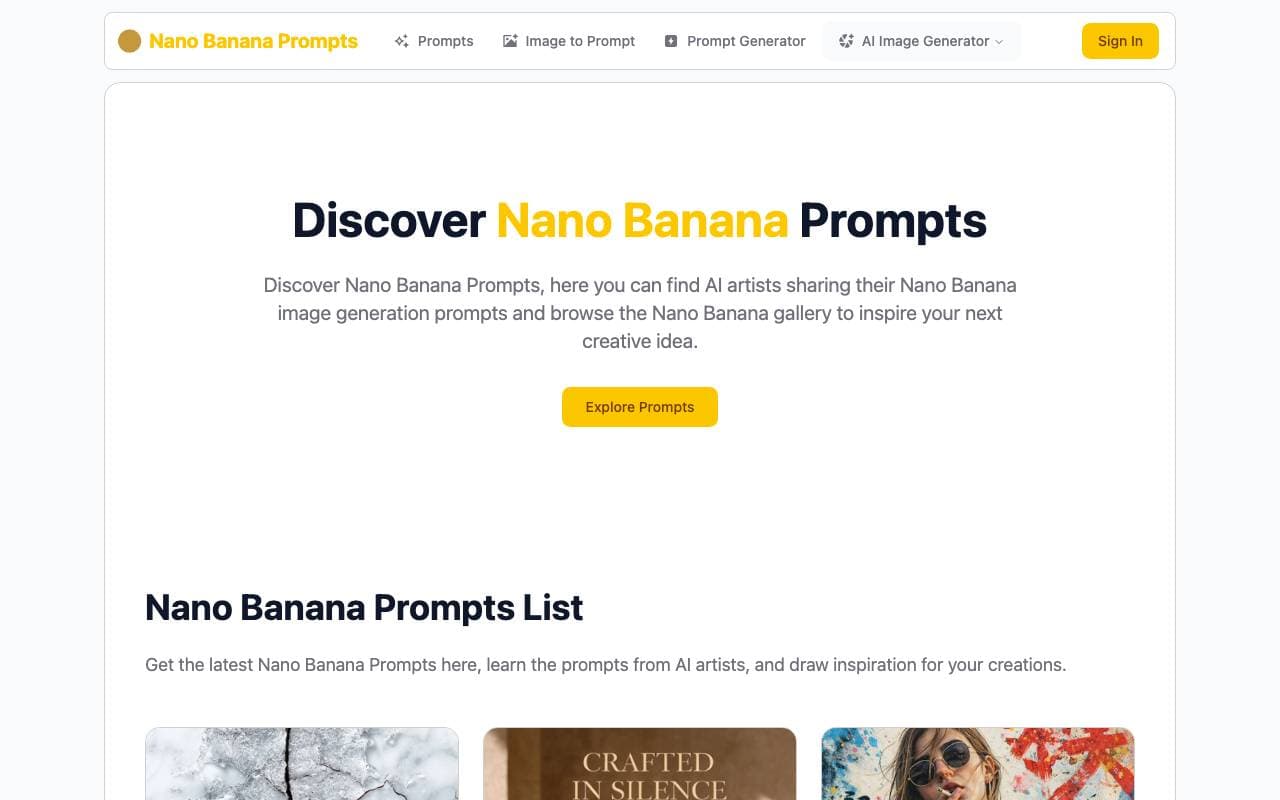

Banana Prompt
Images
Bibliothèque et générateur de prompts pour la création d'images AI Nano Banana
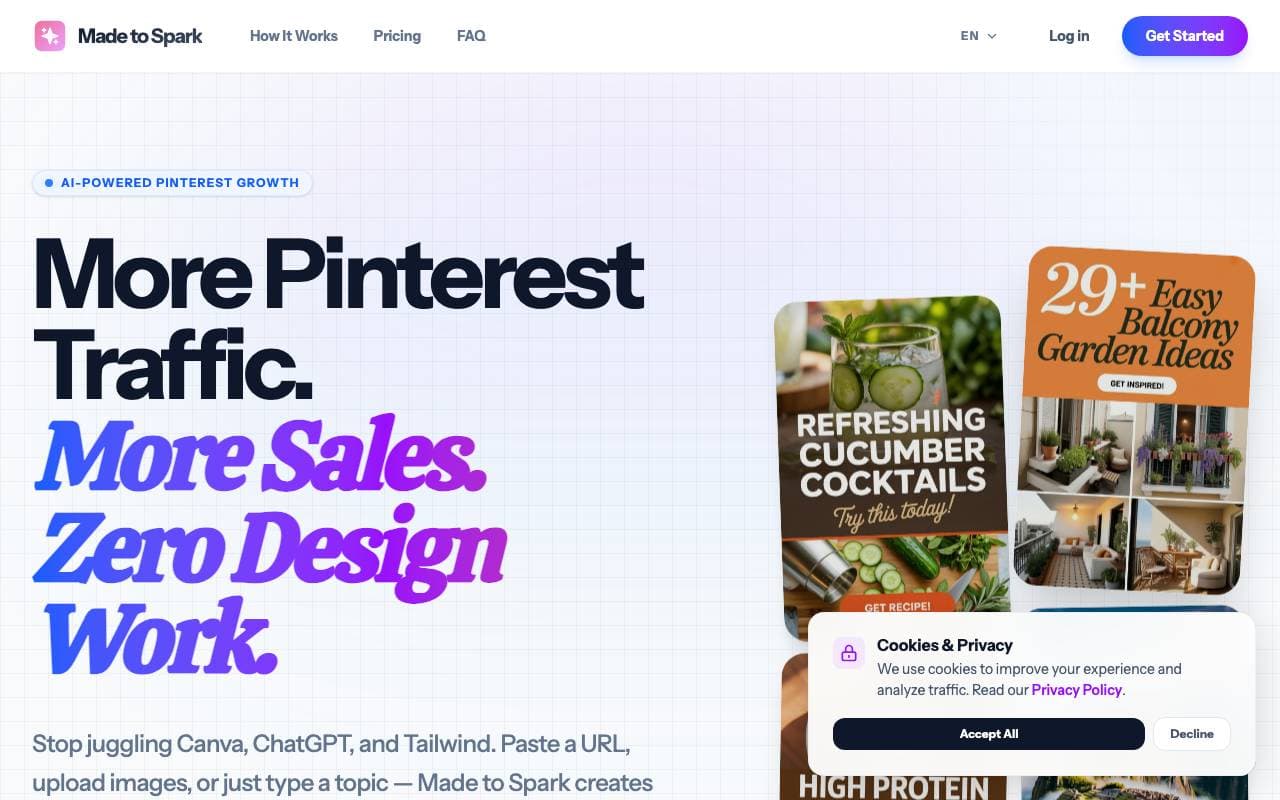

Made to Spark
Images
Générateur de pins Pinterest alimenté par l'IA pour créateurs et marketeurs
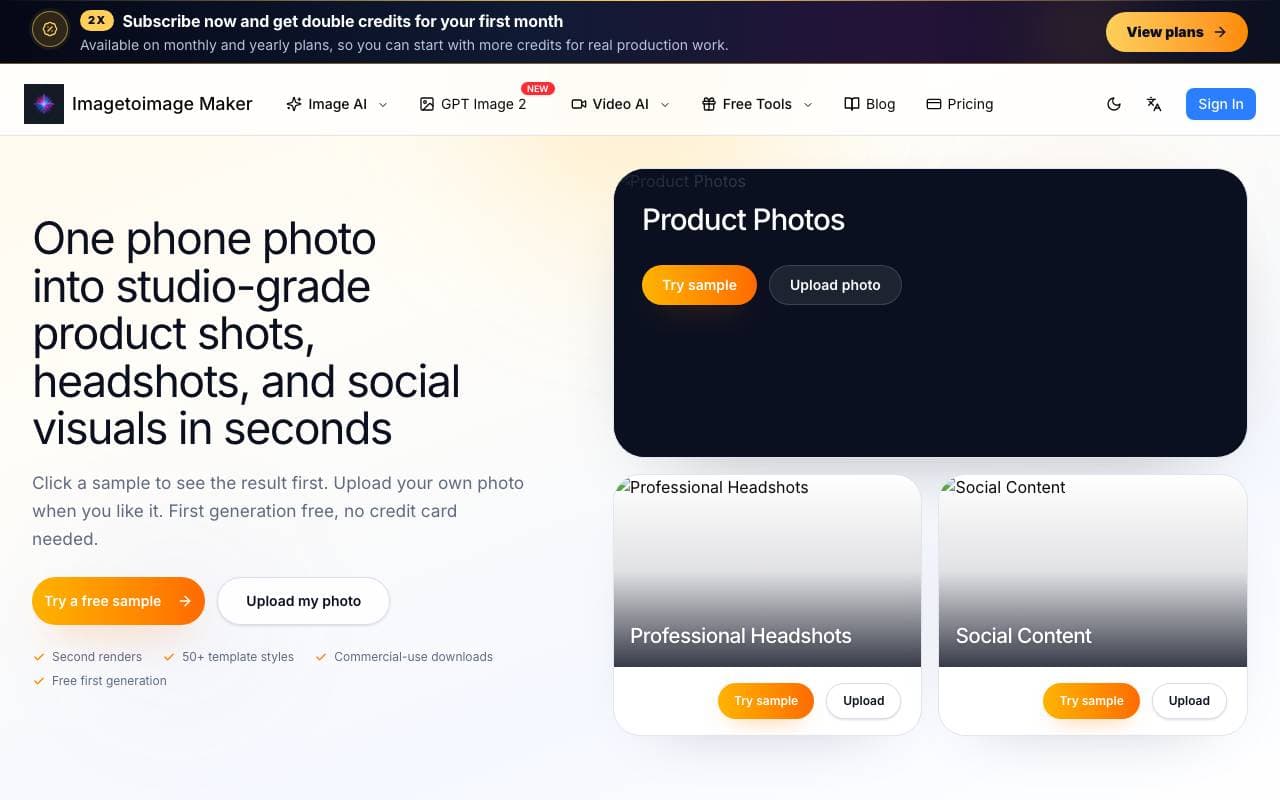

Image to Image Maker
Images
Générateur d'images image-à-image gratuit basé sur l'IA pour créer, éditer et améliorer des visuels à partir de photos existantes.
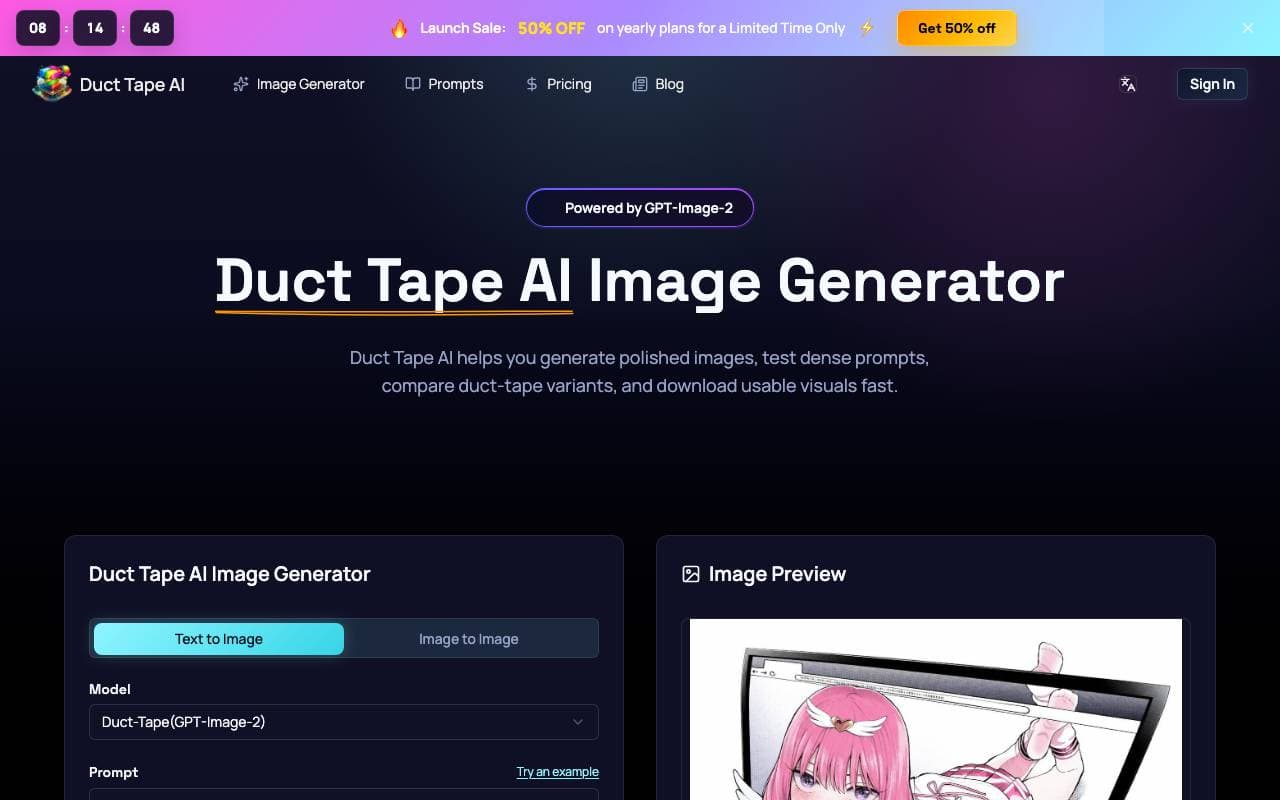

Duct Tape AI
Images
Générateur d'images AI avec édition de requêtes et collaboration d'équipe intégrée

Kirkify AI FaceSwap Generator
Images
Outil d'échange de visage IA qui transforme les photos en superposant la ressemblance de Charlie Kirk sur n'importe quel sujet.
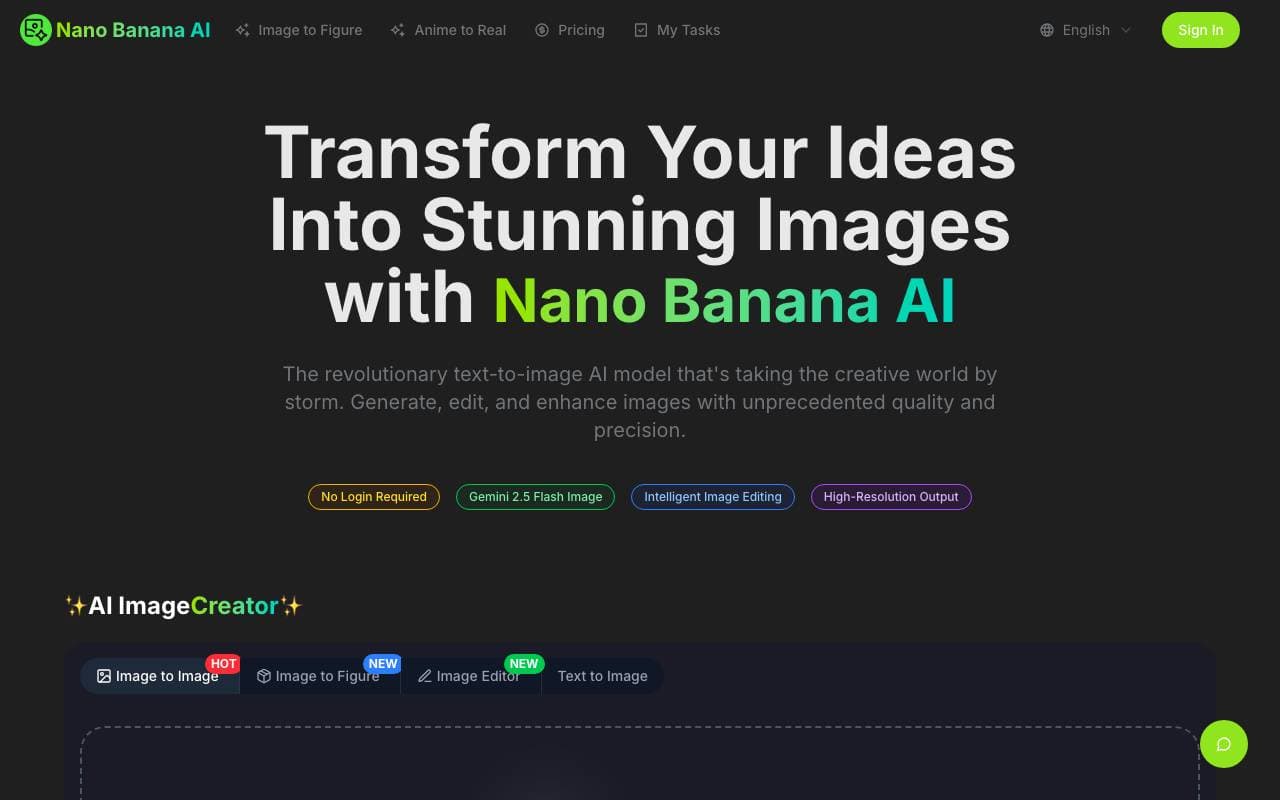

AI Image Editor Agent
Images
Éditeur et générateur d'images AI gratuit alimenté par Gemini 2.5 Flash.
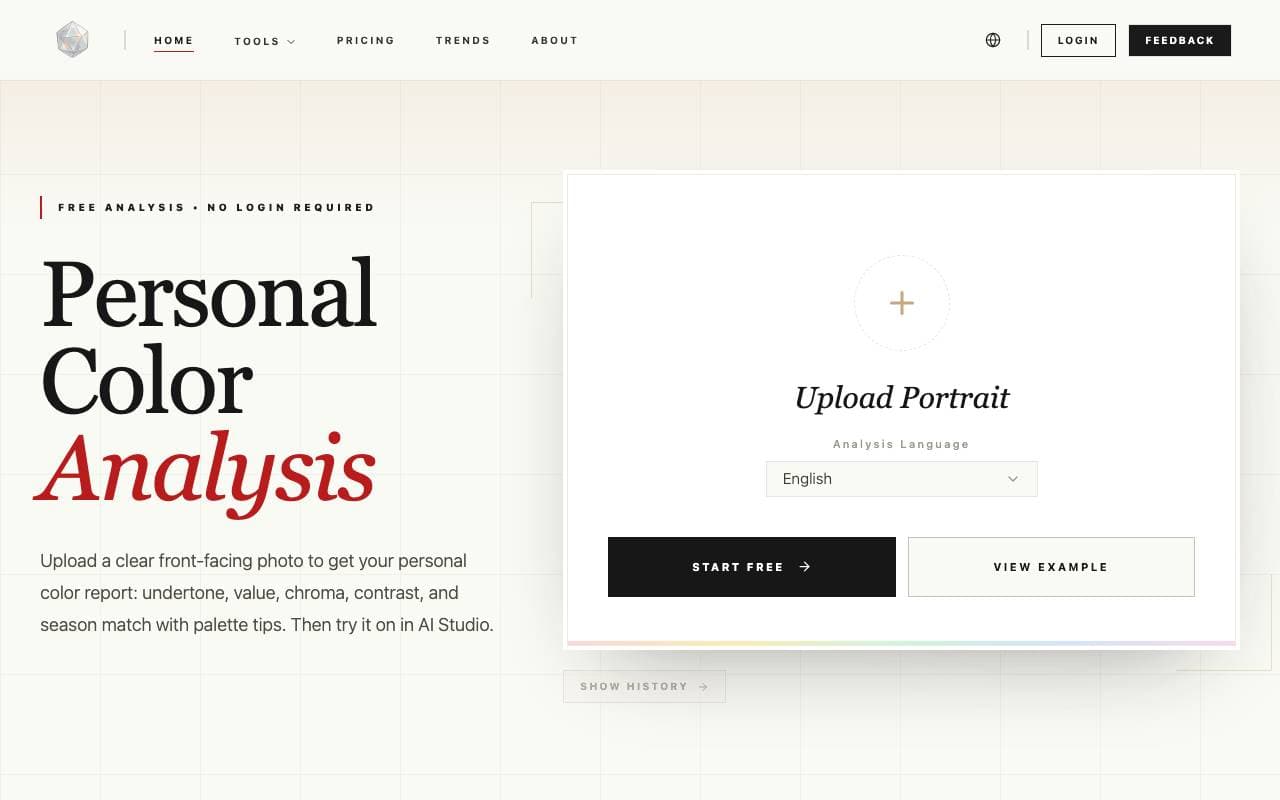

AI Personal Color Analysis
Images
Découvrez votre palette de couleurs saisonnière à partir d'un seul selfie en utilisant l'IA.

OctoComics
Images
Outil de création de bandes dessinées alimenté par l'IA pour transformer vos idées en histoires illustrées.
Trending now

Doozer Ai
Sales Agent
Les co-travailleurs numériques qui automatisent les workflows opérationnels pour augmenter l'efficacité de l'équipe.


Claude
AI Agents & Chatbots
Assistant IA conversationnel d'Anthropic pour la rédaction, l'analyse, la programmation et les tâches documentaires


Consistent Character AI
Images
Générez des personnages IA cohérents à travers des scènes à partir d'une seule photo de référence.


Pin AI
Workflow automation
Récupérateur AI autonome qui automatise le sourcing, l'analyse et l'approche pour accélérer l'embauche.