
Highlight StudioGrabador de pantalla para Mac con edición integrada para vídeos profesionales y pulidos.

Resumen
Funciones clave
- Grabación de pantalla, cámara web y audio
- Editor de vídeo integrado
- Recorte, corte y división de clips
- Anotaciones y efectos visuales
- Exportación en formatos de vídeo comunes
- Optimizado para macOS
Precio
- Modelo
- Freemium
- Categoría
- Video editing
- Valoración
- 4.5 / 5 (6)
Casos de uso
Crear tutoriales de software
Graba la pantalla, la cámara web y la narración, luego recorta y añade anotaciones a los clips en una sola aplicación para producir vídeos tutoriales paso a paso sin cambiar de herramienta.
Grabar demostraciones de productos
Captura recorridos de producto pulidos con mejoras visuales y anotaciones, listos para exportar para marketing o ventas.
Crear contenido de formación interna
Produce vídeos de incorporación y formación para equipos grabando flujos de trabajo en macOS y editándolos directamente antes de compartirlos internamente.
Publicar guías rápidas de software
Acelera la producción de contenido grabando y editando guías de software en un solo flujo de trabajo, reduciendo el esfuerzo de posproducción.
Pros y contras
Ventajas
- Flujo de trabajo de grabación y edición todo en uno
- Rendimiento y diseño nativo para Mac
- Adecuado para tutoriales y demostraciones
- Reduce la necesidad de software de edición independiente
Contras
- Solo para macOS, sin soporte para Windows o Linux
- Menos potente que los editores NLE dedicados
- Puede tener una curva de aprendizaje para ediciones avanzadas
Historial de batallas
En 1 batalla del Panteón.
Last battle
Reseñas
Promedio de 6 valoraciones.
Inicia sesión para dejar una reseña.
Solid for our team
We rolled this out across the team last quarter and suitable for tutorials and demos. Built-in video editor fits neatly into how we already work, and built-in video editor removed a step we used to do by hand. but it has held up under daily use.
Does the job
Pretty happy overall. Built-in video editor just works and reduces need for separate editing software. MacOS only, no Windows or Linux support can be annoying, but no dealbreakers — I'd recommend it to a friend without hesitating.
Compared a few options
Evaluated this against two competitors. Where it wins: trim, cut, and split clips and native Mac performance and design. Where it lags: less powerful than dedicated NLE editors. On balance the feature set — especially optimized for macOS — justifies the 4 stars for our use case.
Compared a few options
Evaluated this against two competitors. Where it wins: trim, cut, and split clips and native Mac performance and design. Where it lags: may have a learning curve for advanced edits. On balance the feature set — especially export in common video formats — justifies the 4 stars for our use case.
Does the job
Pretty happy overall. Built-in video editor just works and suitable for tutorials and demos. Less powerful than dedicated NLE editors can be annoying, but no dealbreakers — I'd recommend it to a friend without hesitating.
Does the job
Pretty happy overall. Screen, webcam, and audio recording just works and suitable for tutorials and demos. MacOS only, no Windows or Linux support can be annoying, but no dealbreakers — I'd recommend it to a friend without hesitating.
Preguntas y respuestas
Aún no hay preguntas — sé el primero en preguntar.
Hacer una pregunta
Alternativas a Video editing
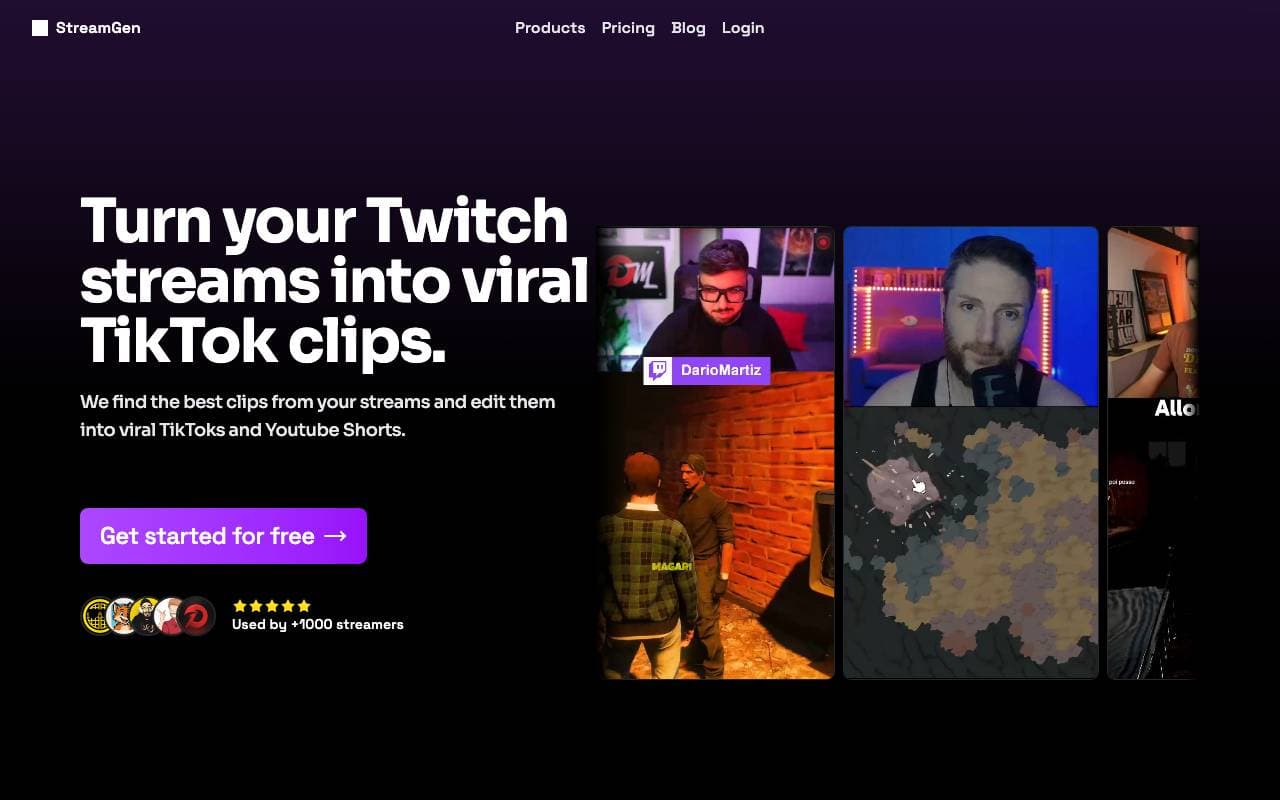

StreamGen
Video editing
Edición de clips de Twitch impulsada por inteligencia artificial que detecta automáticamente los momentos virales y los convierte en cortos compartibles.

Satura AI
Video editing
Vuelve los videos de larga duración en clips cortos y compartibles diseñados para el crecimiento social.

Saima
Video editing
Saima es un controlador de velocidad en tiempo real de video basado en IA que transforma la experiencia de ver videos con ajuste dinámico de velocidad, eliminación de silencios, claridad de audio y colaboración.
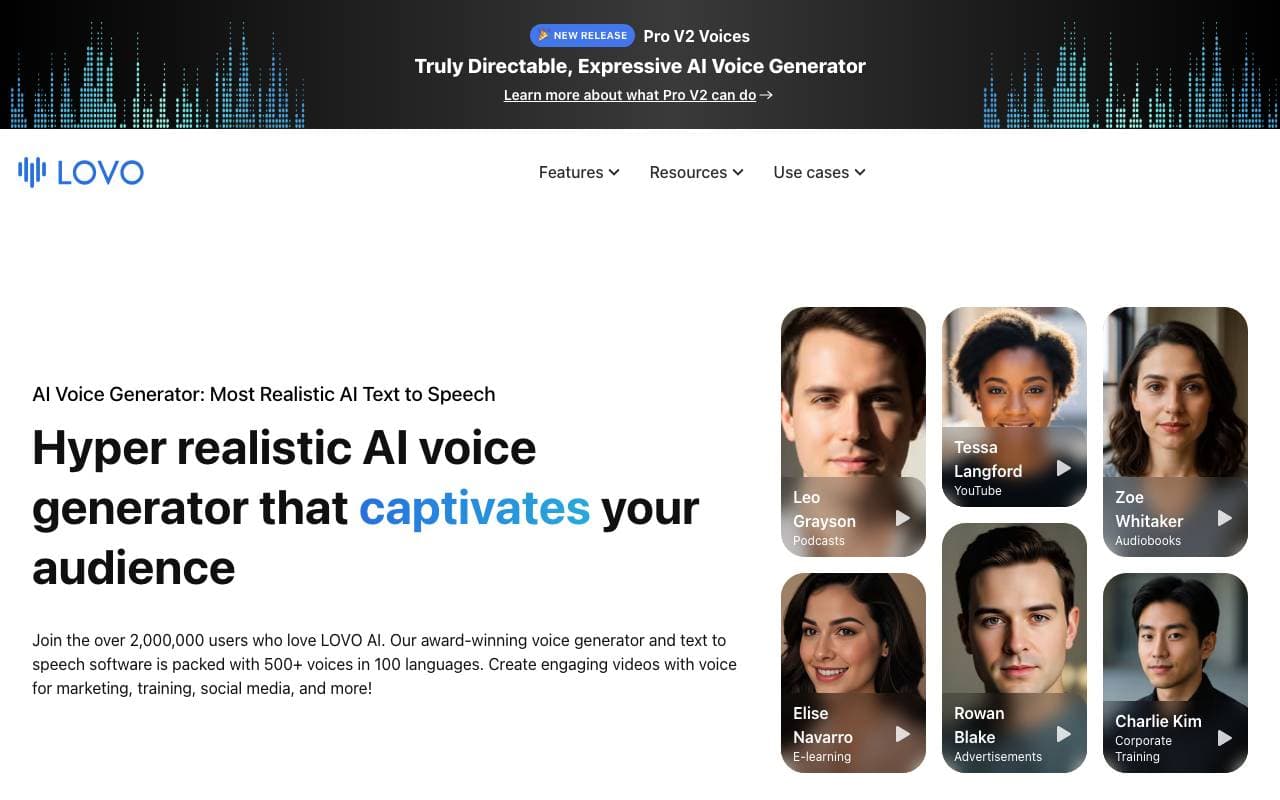

Lovo Ai
Video editing
Realistic AI text-to-speech and video creation in 100+ languages.
Trending now


Claude
AI Agents & Chatbots
Asistente conversacional de IA de Anthropic para escritura, análisis, codificación y tareas documentales

Doozer Ai
Sales Agent
Co-trabajadores digitales que automatizan flujos de trabajo operativos para impulsar la eficiencia del equipo


Consistent Character AI
Images
Genera personajes de IA consistentes en escenas múltiples a partir de una sola foto de referencia.
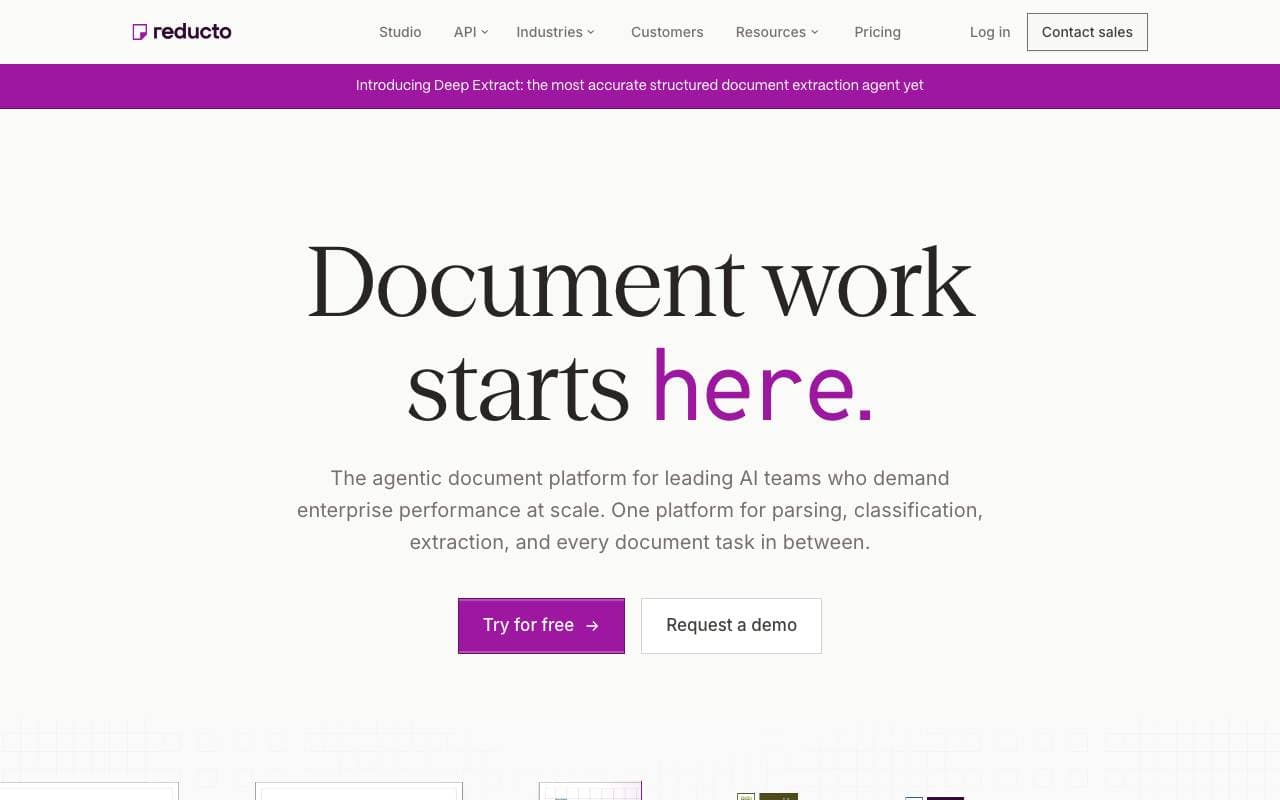

Reducto AI
AI Agent Development Platforms
API de inteligencia de documentos que analiza, divide, reconoce textos impresos y extrae datos estructurados desde PDF complejos, presentaciones y hojas de cálculo.