Best Video editing (2026)

If you sign up through a link on this page, we may earn a commission — it never affects our rankings.
A curated guide to the best AI video editing tools, covering platforms that automate cuts, transcription, captions, color, and effects for creators, marketers, and post-production teams.
Video editing by the numbers
Pricing mix
Best Video editing (2026)
- 1
 StreamGenAI-powered Twitch clip editor that auto-detects viral moments and turns them into shareable shorts.5.0 (4)
 - 2
 Satura AITurn long-form videos into short, shareable clips designed for social growth.4.8 (5)
 - 3
 SaimaSaima is an AI-based video speed controller that transforms video watching with adaptive playback speed, silence removal, audio clarity, and collaborative no...4.8 (4)
 - 4
 Lovo AiRealistic AI text-to-speech and video creation in 100+ languages.4.6 (5)
 - 5
 Highlight StudioMac screen recorder with built-in editing for polished, professional videos.4.5 (6)
StreamGen
AI-powered Twitch clip editor that auto-detects viral moments and turns them into shareable shorts.
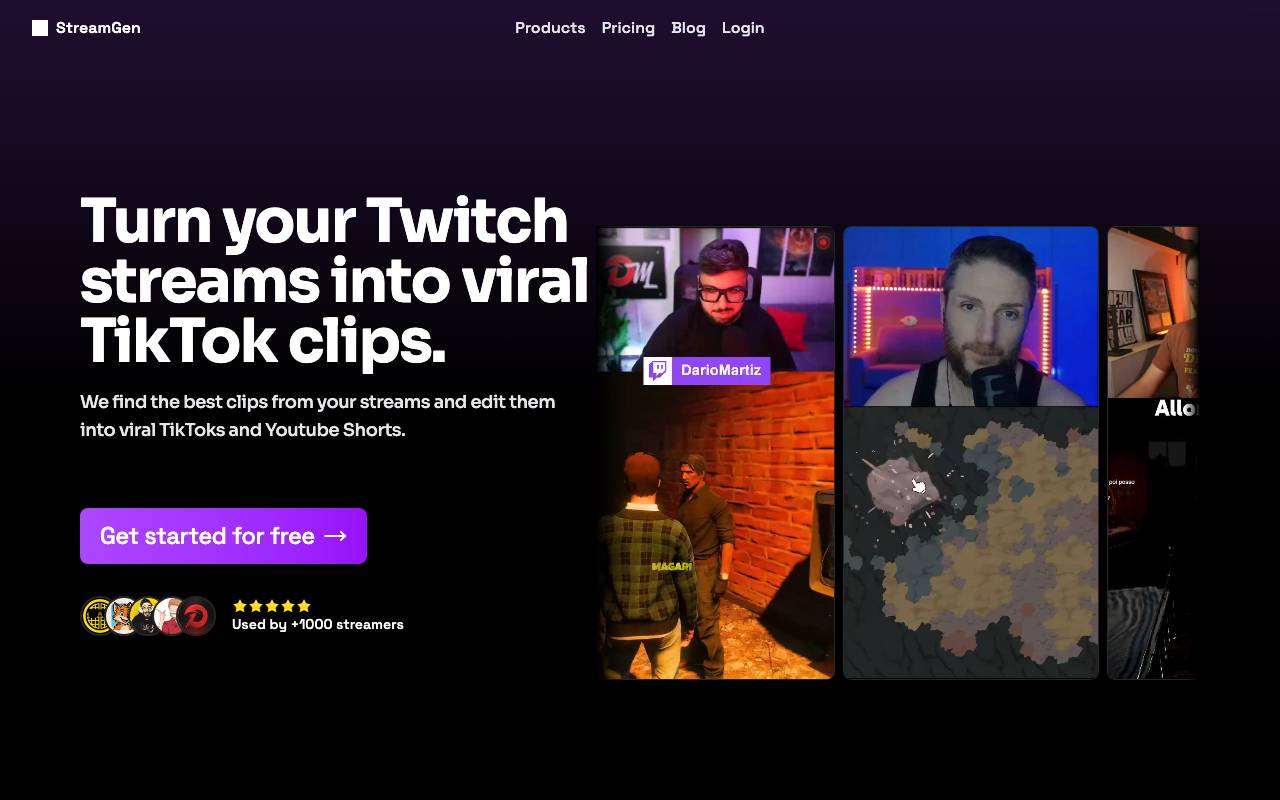
StreamGen is an AI tool built for Twitch streamers and content teams who want to repurpose long broadcasts without spending hours scrubbing through VODs. It analyzes stream footage to identify high-energy moments—chat spikes, big reactions, gameplay highlights—and packages them into ready-to-post clips. The editor handles the busywork of short-form content creation, including reframing for vertical formats, generating captions, and producing clips optimized for platforms like TikTok, YouTube Shorts, and Instagram Reels. This lets creators focus on streaming while maintaining a steady pipeline of social content. StreamGen is aimed at solo streamers, editors, and agencies looking to grow audiences across multiple platforms by extracting more value from existing live content.
- Automatic viral moment detection
- Vertical reframing for Shorts and Reels
- Auto-generated captions and subtitles
- Chat and audio reaction analysis
- Multi-platform export options
- Batch clip generation from VODs
Satura AI
Turn long-form videos into short, shareable clips designed for social growth.

Built By Creators, For Creators, Satura is the AI-assisted creation workspace for YouTube creators. This platform allows users to edit videos, add subtitles, find clips, create thumbnails, and understand what to improve without jumping between multiple tools, ultimately helping them to get more views on YouTube.
- Automatic highlight detection
- Vertical reformatting for shorts and reels
- AI-generated captions and subtitles
- Batch processing of long videos
- Social-ready export options
Saima
Saima is an AI-based video speed controller that transforms video watching with adaptive playback speed, silence removal, audio clarity, and collaborative no...
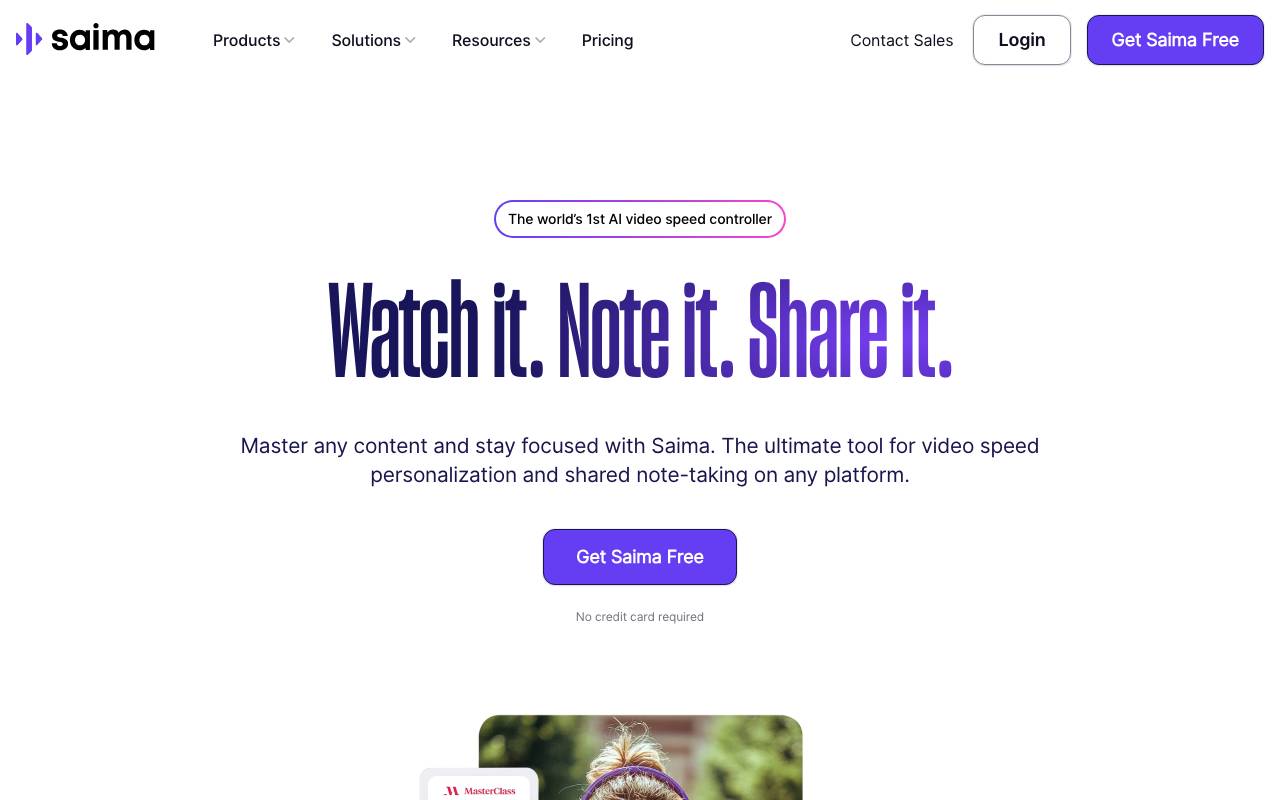
AI-based video speed control tool for personal, educational and enterprise use cases.
- adjustable speed for better understanding
- silence removal for focused learning
- separate notes and collaboration for teamwork
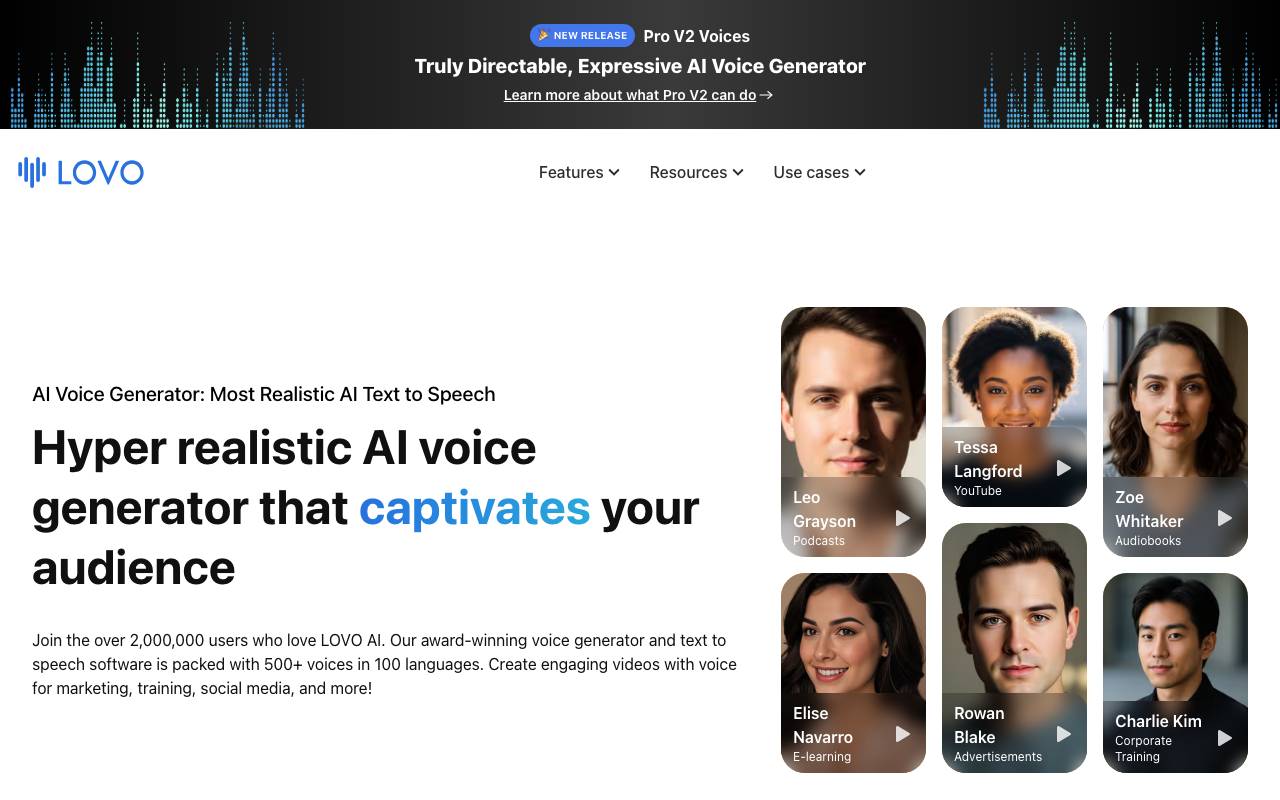
Lovo AI is a content creation platform centered on lifelike AI voiceovers, with a library of synthetic voices spanning many languages, accents, and emotional styles. Users can type or paste a script, choose a voice, and generate studio-quality audio suitable for videos, ads, e-learning, podcasts, and games. Beyond voice generation, Lovo bundles video editing, subtitle creation, AI art, and a script writer into a single workspace called Genny. Teams can sync voiceovers to visuals, fine-tune pronunciation and pacing, and export finished projects without switching tools. Commercial licensing and voice cloning options make it suitable for both individual creators and businesses producing content at scale.
- AI text-to-speech with 500+ voices
- Voice cloning from audio samples
- Built-in video and subtitle editor
- Pronunciation and emphasis controls
- AI script writing and image generation
- Team collaboration and asset library
Highlight Studio
Mac screen recorder with built-in editing for polished, professional videos.
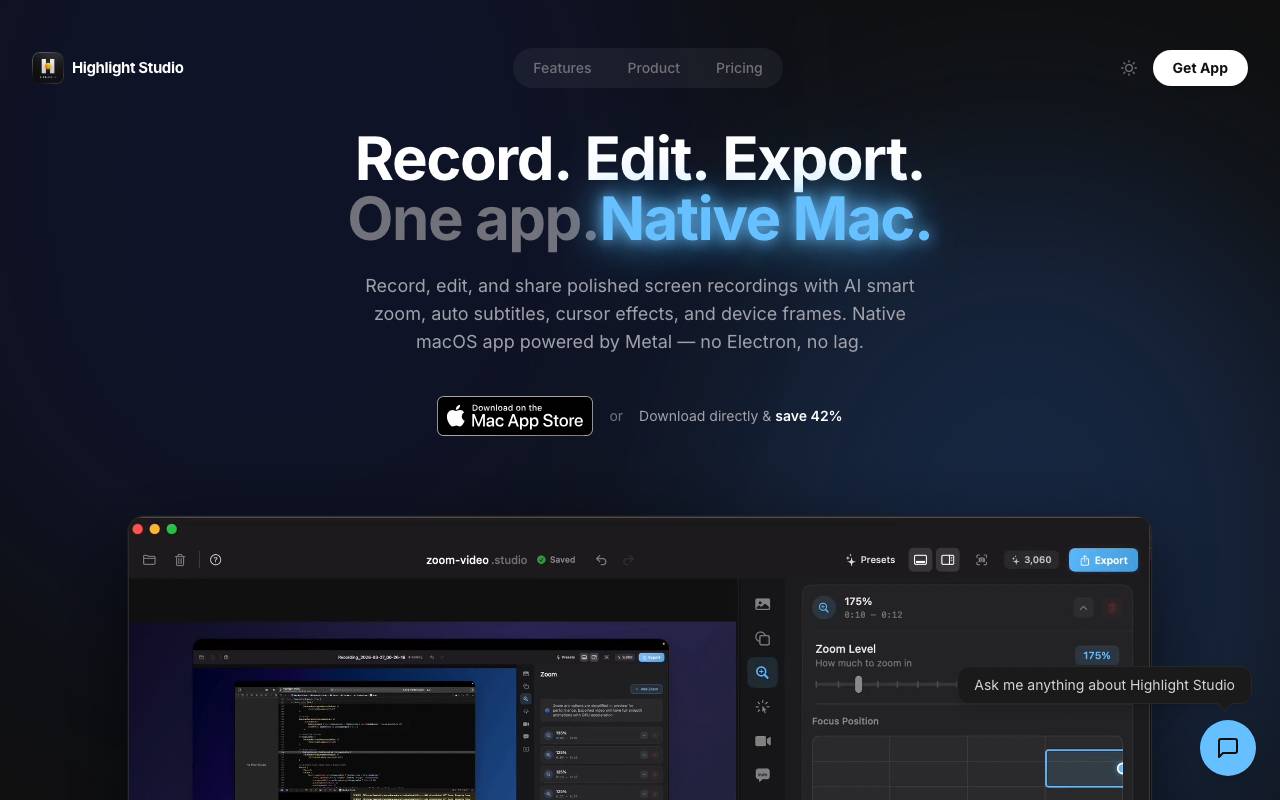
Highlight Studio is a screen recording app for macOS that combines capture and editing in a single workflow. Users can record their screen, webcam, and audio, then refine the footage without switching to a separate video editor. The built-in editing tools support trimming, cuts, annotations, and visual enhancements, making it suitable for tutorials, product demos, software walkthroughs, and internal training content. By keeping recording and post-production in one app, it reduces friction for creators who need to publish quickly.
- Screen, webcam, and audio recording
- Built-in video editor
- Trim, cut, and split clips
- Annotations and visual effects
- Export in common video formats
- Optimized for macOS
Browse all 5 Video editing tools
The complete, searchable directory — ranked by real user reviews.