Best Code Assistants (2026)

If you sign up through a link on this page, we may earn a commission — it never affects our rankings.
A curated guide to the best AI code assistants for developers, covering tools that help with code completion, generation, refactoring, debugging, and code review across popular IDEs and languages.
Code Assistants by the numbers
Pricing mix
Best Code Assistants (2026)
- 1
 Enia CodeProactive AI coding partner that surfaces issues and suggests fixes before you ask.5.0 (6)
 - 2
 Hex MagicAI analytics copilot that writes queries, builds charts, and debugs notebooks inside Hex.5.0 (5)
 - 3
 MicroGPTAn AI-powered coding assistant enhancing developer productivity with real-time code suggestions.5.0 (4)
 - 4
 bumpgenAn AI agent that automates the upgrading of npm packages and resolves associated breaking changes in TypeScript projects.4.8 (6)
 - 5
 ReleasePadAI-generated release notes for fast-moving product teams4.8 (5)
 - 6
 Form DataTurn plain-text prompts into working, spam-protected forms in seconds.4.8 (5)
 - 7
 ZestAI assistant designed to boost developer productivity in everyday coding workflows4.8 (5)
 - 8
 QodoAI-powered code integrity platform for generation, testing, and review4.8 (5)
 - 9
 Low Code PlatformsCompare and filter leading low-code builders by AI, CRM, automation, and workflow capabilities.4.8 (5)
 - 10
 MentatAn open-source AI coding assistant that integrates with your command line to assist with various coding tasks across multiple files.4.8 (5)
Enia Code
Proactive AI coding partner that surfaces issues and suggests fixes before you ask.

Enia Code is an AI-powered coding assistant designed to work alongside developers as a proactive collaborator rather than a reactive chatbot. Instead of waiting for prompts, it continuously analyzes your codebase to flag potential bugs, inefficiencies, and structural problems, then proposes concrete fixes you can review and apply. The tool aims to shorten feedback loops during development by catching issues early, offering context-aware suggestions, and helping teams maintain code quality without breaking flow. It fits into everyday workflows for individual developers and engineering teams who want an extra set of eyes on their code.
- Automated code analysis and issue detection
- Fix suggestions with contextual reasoning
- Continuous background scanning of code changes
- Integration with developer coding environments
- Support for common programming languages
- Collaborative review of AI recommendations
Hex Magic
AI analytics copilot that writes queries, builds charts, and debugs notebooks inside Hex.
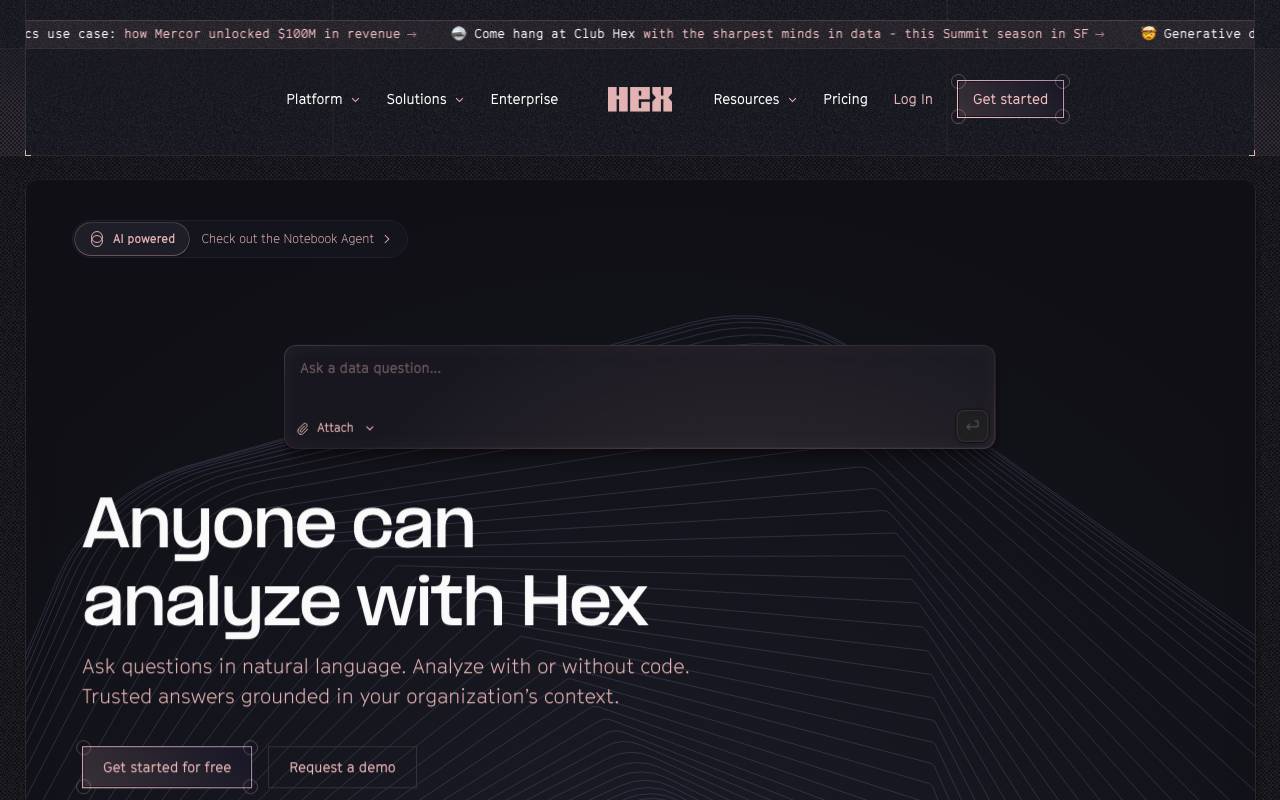
Hex Magic is an AI analytics copilot integrated within the Hex platform. It assists users in analyzing data, writing queries, building charts, and debugging notebooks. The tool allows users to ask questions in natural language and receive complete analyses with grounded answers based on the organization's context. Hex Magic is designed to work with or without code, making advanced analytics accessible to users with varying levels of technical proficiency. The AI copilot is powered by leading large language models (LLMs) and can understand data and user intent, speeding up analyses and providing a form of 'magical assist' directly within the user's workflow. It can abstract away tedious parts of data work, allowing users to start with any question and get to a first draft in minutes. Hex Magic supports various features such as conversational self-serve analytics, agentic workflows for data exploration, and the creation of data apps that can be shared and interacted with by end-users. The tool also includes governance and security measures, ensuring that metadata is stored securely and that AI session data usage is governed by the organization's terms of service. The Hex Agent can write and edit code, understand dependencies within data flows, and debug work. It can integrate with tools like Slack, Claude, and Cursor, bringing full context to data questions and providing accurate, reliable answers. Overall, Hex Magic aims to empower data teams and non-technical users alike to perform in-depth analyses and make data-driven decisions efficiently.
- Natural language to SQL and Python
- Automated chart generation
- AI-assisted bug fixing
- Schema-aware suggestions
- In-notebook chat interface
- Workflow automation for analytics tasks
MicroGPT
An AI-powered coding assistant enhancing developer productivity with real-time code suggestions.

MicroGPT is an AI-powered coding assistant designed to improve developer productivity. It enhances user experience by providing real-time code suggestions
- AI-driven code suggestions
- Real-time coding assistance
bumpgen
An AI agent that automates the upgrading of npm packages and resolves associated breaking changes in TypeScript projects.
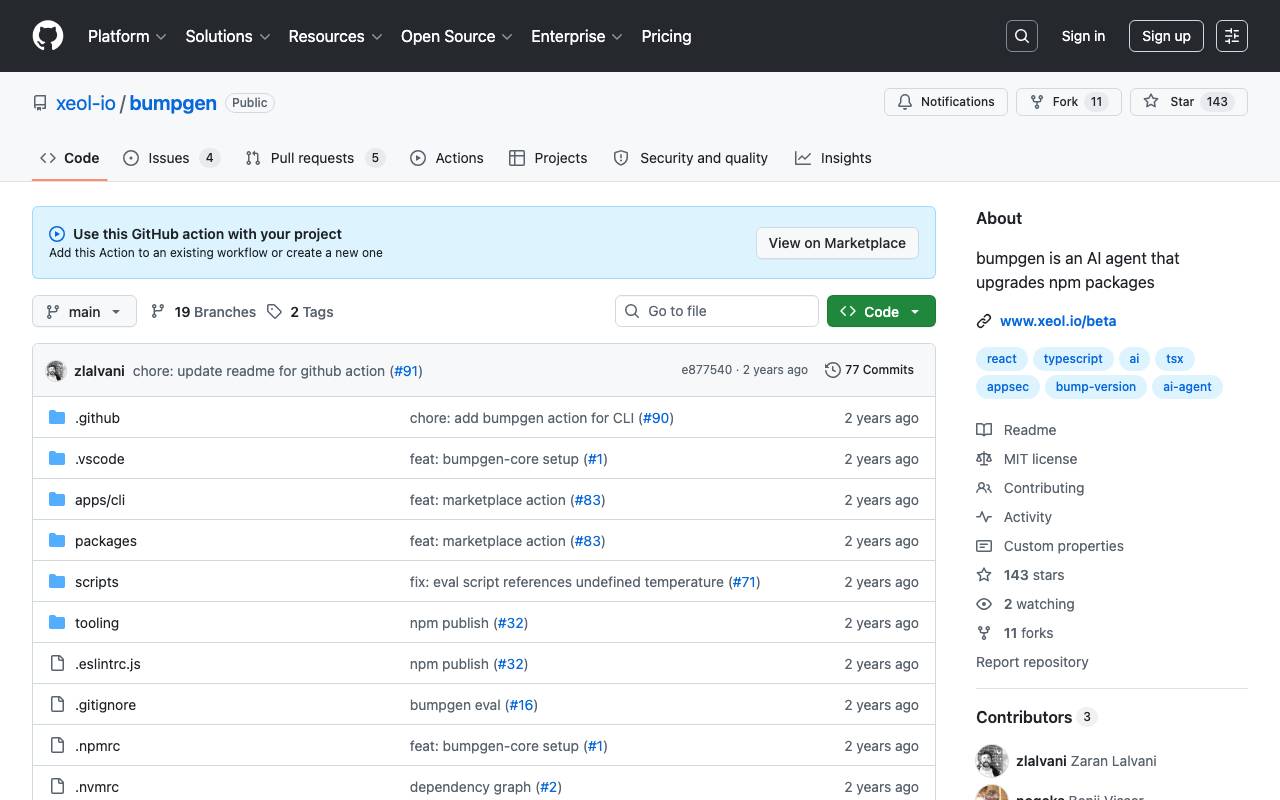
bumpgen is an AI-powered tool designed to simplify the process of upgrading npm packages in TypeScript projects. It automates package upgrade and resolves associated breaking changes. This tool appears to be geared towards developers working with TypeScript, aiming to save time and effort in the package update process while minimizing the risk of errors and compatibility issues.
- Package vulnerability scanning
- Upgrade plan generation
- Breaking change resolution
- Dependency tree analysis
- TypeScript support
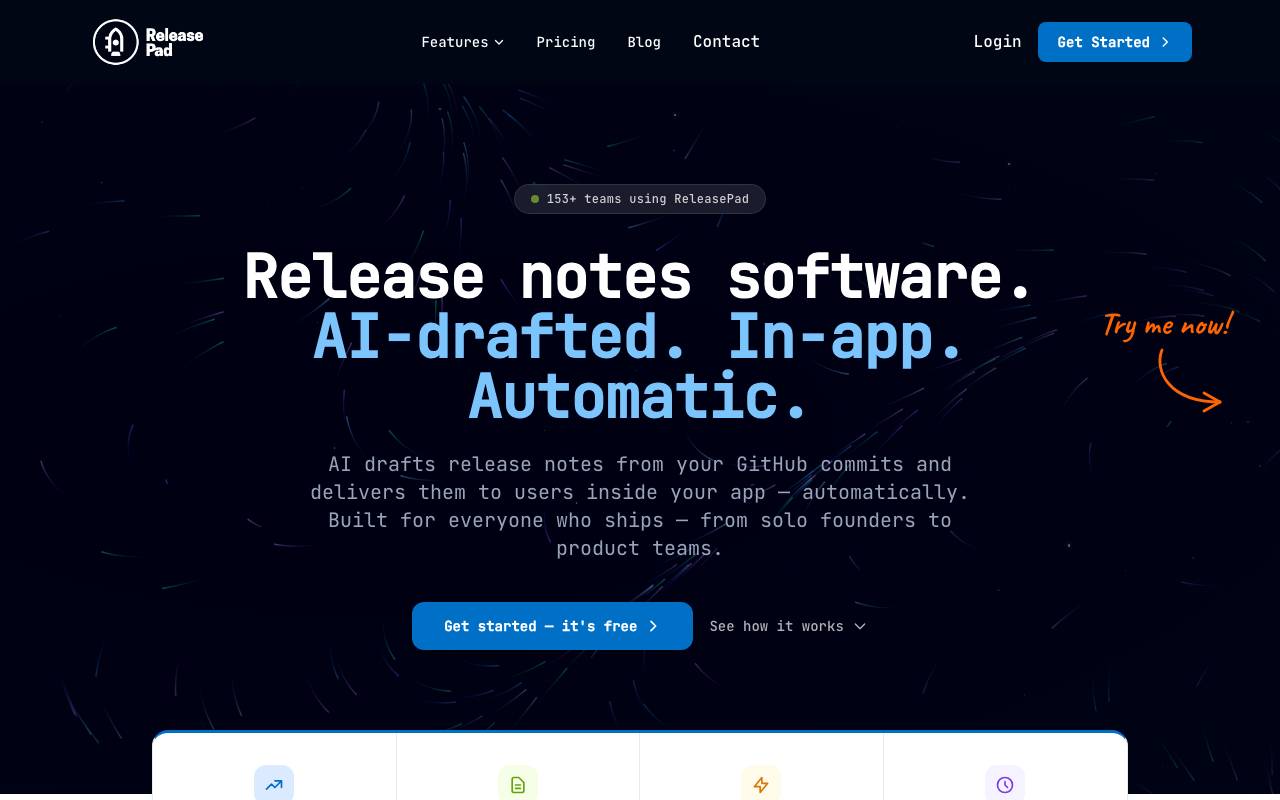
ReleasePad turns commits, pull requests, and issue trackers into polished release notes without the manual write-up. It analyzes code changes and ticket metadata to draft clear, audience-appropriate summaries that teams can review, edit, and publish in minutes. Built for engineering and product teams that ship faster than they communicate, ReleasePad helps maintain a consistent changelog cadence across customers, internal stakeholders, and documentation channels. It bridges the gap between developer activity and the polished updates end users actually read.
- AI-drafted release notes from commits and PRs
- Integrations with Git platforms and issue trackers
- Customizable tone and audience templates
- Editable drafts before publishing
- Changelog history and version tracking
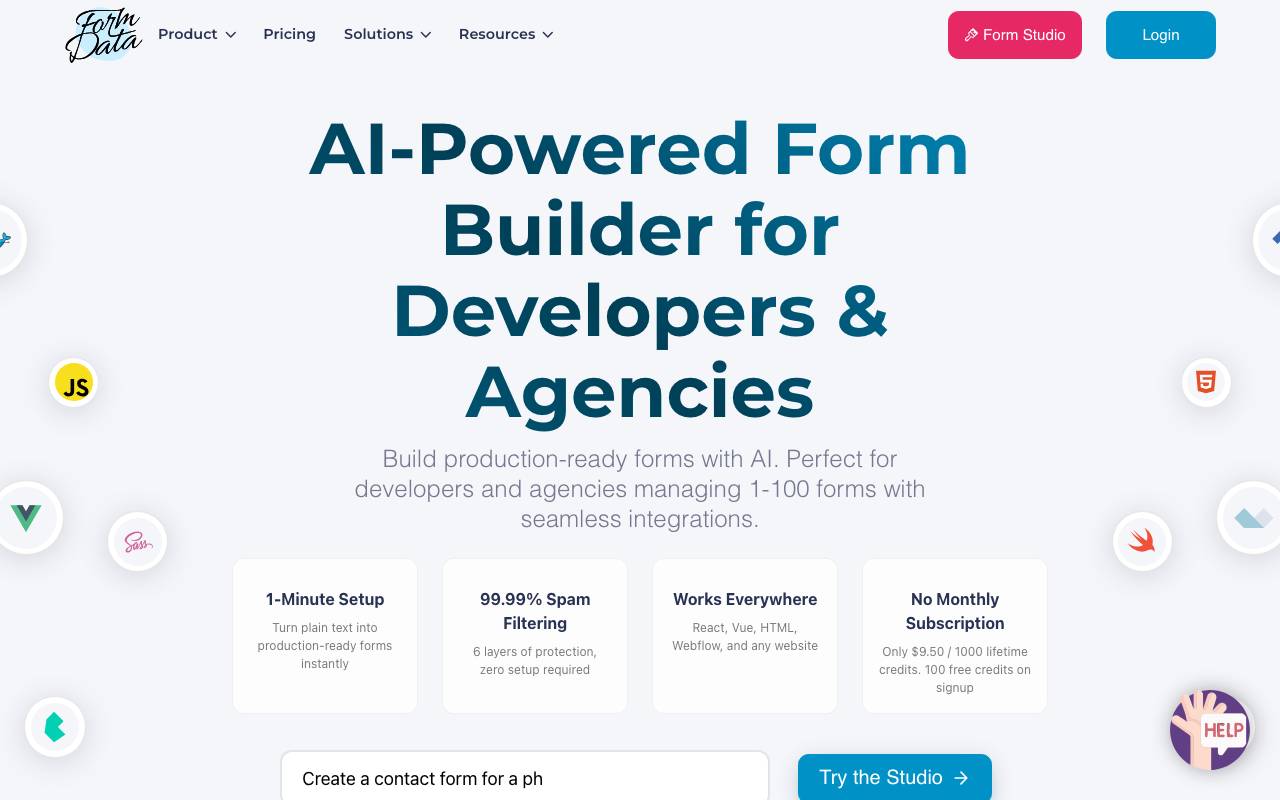
Form Data is an AI-powered form builder that converts natural language descriptions into fully functional online forms. Instead of dragging fields around a canvas, users describe the form they need and the tool generates the appropriate structure, field types, and validation rules automatically. Forms come with built-in spam protection and can be embedded or shared via direct links. Submissions are collected in a central dashboard where teams can review responses, export data, and integrate results into existing workflows. It's designed for marketers, founders, and small teams who need to launch surveys, lead capture forms, or feedback widgets quickly without touching code or learning a complex form-building interface.
- Text-to-form AI generation
- Automatic field type detection
- Spam and bot filtering
- Submission dashboard and exports
- Shareable links and embeds
- Custom validation rules
Zest
AI assistant designed to boost developer productivity in everyday coding workflows
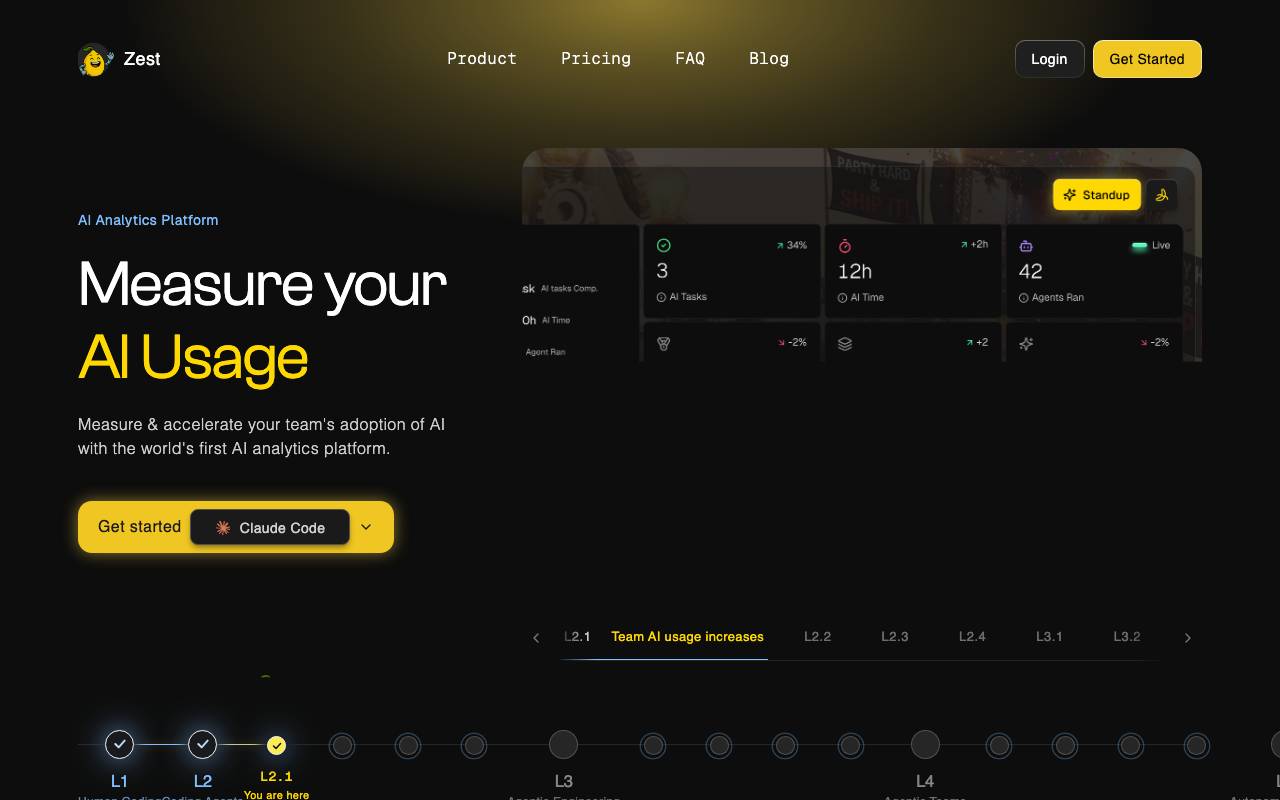
Zest is an AI-powered coding companion built to help developers move faster through routine and complex programming tasks. It integrates into typical development workflows to assist with writing, reviewing, and refining code. The tool aims to reduce friction in common engineering activities by offering contextual suggestions, automating repetitive work, and surfacing relevant information when needed. Developers can use Zest to accelerate iteration cycles without sacrificing code quality. Whether tackling new features, debugging issues, or maintaining existing codebases, Zest positions itself as a productivity layer that complements rather than replaces an engineer's expertise.
- AI-assisted code generation
- Contextual coding suggestions
- Workflow automation for routine tasks
- Support for everyday development activities
- Productivity-focused developer tooling
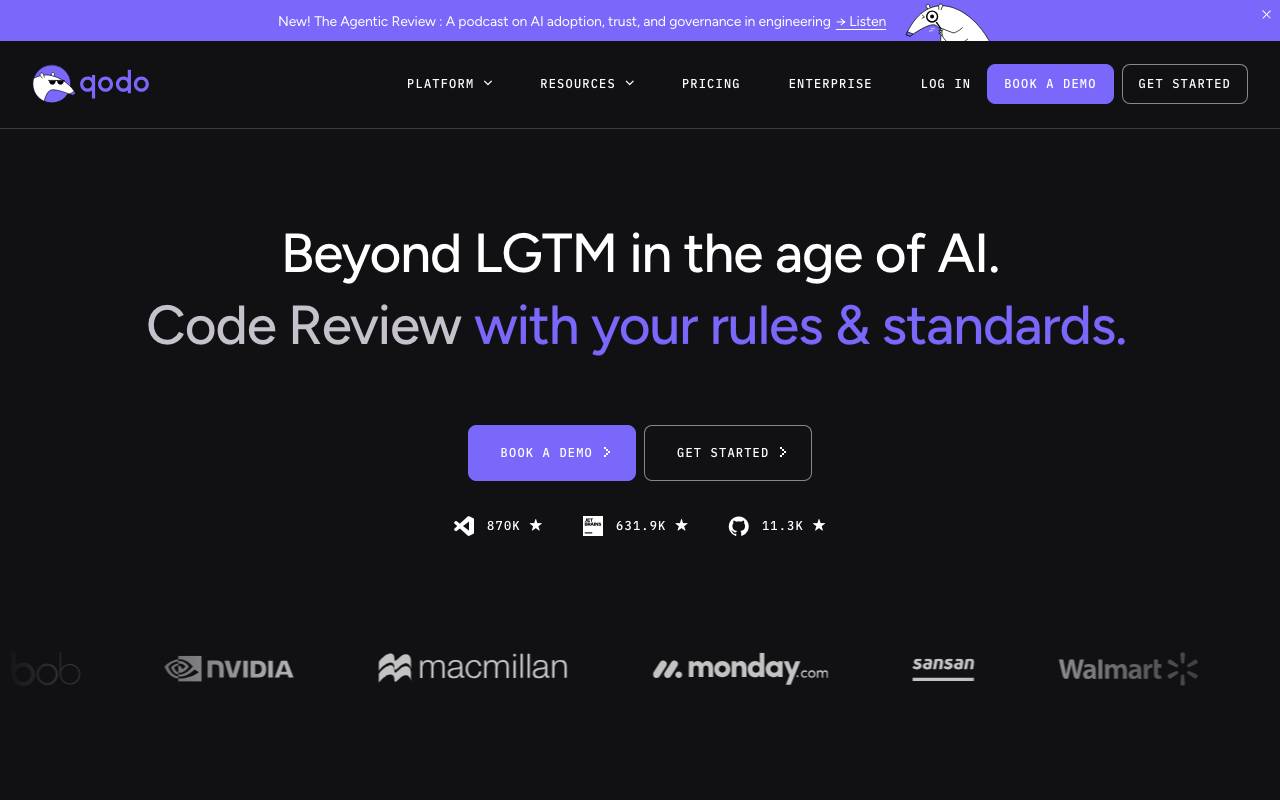
Qodo is an AI-driven development platform focused on improving code quality across the software lifecycle. It combines automated code generation, intelligent test creation, and AI-assisted code review to help engineering teams ship more reliable software with less manual overhead. The platform integrates into common developer workflows and IDEs, analyzing context across repositories to suggest meaningful changes, generate edge-case tests, and flag potential issues during pull requests. By emphasizing code integrity rather than just code completion, Qodo aims to reduce bugs, catch regressions earlier, and support consistent standards across codebases. It is intended for individual developers, growing teams, and enterprises that want AI assistance tightly coupled with quality assurance and review practices.
- AI code generation with repository context
- Automated unit and edge-case test creation
- AI-assisted pull request reviews
- IDE plugins and Git platform integrations
- Code quality and integrity analysis
- Team-oriented collaboration and standards support
Low Code Platforms
Compare and filter leading low-code builders by AI, CRM, automation, and workflow capabilities.
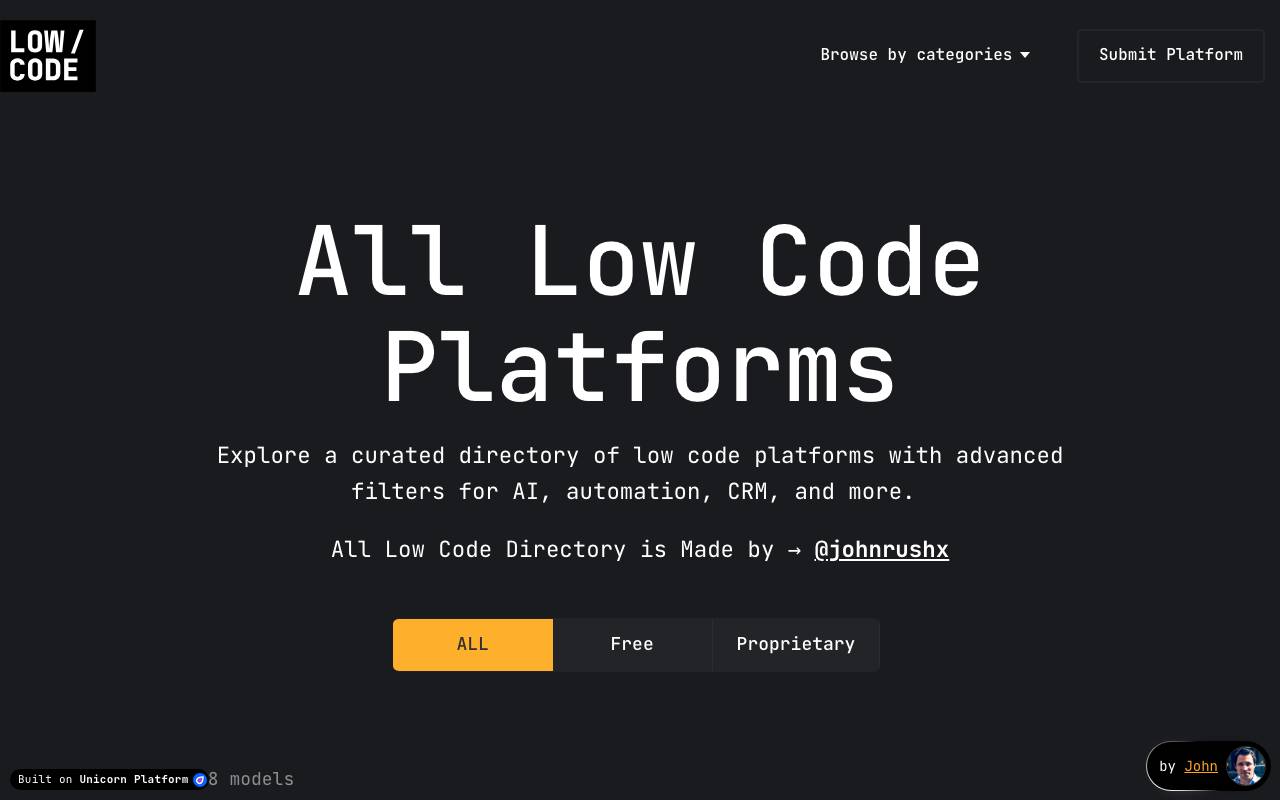
Low code platforms are software development tools that enable users to create software applications with minimal coding. They provide a visual interface, drag-and-drop tools, and pre-built templates to simplify the development process. However, the provided list appears to be a collection of various software tools and platforms, but not specifically low-code platforms. There is no detailed information about what constitutes a low-code platform or how to compare and filter leading low-code builders based on AI, CRM, automation, and workflow capabilities. As a result, it is not possible to provide a detailed description of leading low-code platforms at this time.
- Curated directory of low-code and no-code builders
- Filtering by AI capabilities
- CRM and integration filters
- Automation and workflow comparisons
- Use-case driven search
- Quick-reference platform profiles
Mentat
An open-source AI coding assistant that integrates with your command line to assist with various coding tasks across multiple files.
Mentat is an open-source AI coding assistant designed to integrate with the command line, assisting with a variety of coding tasks. It is capable of handling tasks across multiple files, making it a versatile tool for developers. Mentat is aimed at developers who need help with coding tasks and are comfortable working in a command-line environment. The tool likely uses AI to analyze code, provide suggestions, and automate certain tasks, but specific features and capabilities are not detailed. Its command-line integration suggests that it can be easily incorporated into existing workflows, potentially increasing developer productivity. However, without more specific information on its features, strengths, and limitations compared to other AI coding assistants, its exact value proposition remains somewhat ambiguous.
- Code generation and completion
- Debugging and error explanation
- Explanation of complex coding concepts
- Task automation and workflow optimization
Browse all 39 Code Assistants tools
The complete, searchable directory — ranked by real user reviews.