
Reducto AIDocument intelligence API that parses, splits, OCRs, and extracts structured data from complex PDFs, slides, and spreadsheets.

Overview
Key features
- Layout-aware parsing
- Automatic Page Rotation
- Intelligent Chunking
- Figure summarization
- Graph extraction
- OCR
Pricing
- Model
- Freemium
- Category
- AI Agent Development Platforms
- Rating
- 4.4 / 5 (5)
Use cases
Parse Complex PDFs into Structured Data
Extract tables, text, and layout information from intricate PDF documents and convert them into clean, structured outputs ready for downstream processing.
OCR Scanned Documents and Slides
Run OCR on scanned files, presentations, and image-based documents to make their content machine-readable and searchable.
Split and Chunk Documents for RAG Pipelines
Automatically segment large documents into meaningful chunks to feed retrieval-augmented generation systems and LLM workflows.
Extract Tabular Data from Spreadsheets
Pull structured rows, columns, and values from complex spreadsheets to power analytics, reporting, or data ingestion pipelines.
Pros & Cons
Pros
- High accuracy in parsing and extracting structured data
- Support for complex documents, including scanned PDFs and digital forms
- Automatic Page Rotation and Intelligent Chunking features
- Real-time review and correction of outputs with Agentic model
- Suitable for various use cases, from startups to large enterprises
Cons
- Lack of information on pricing and specific integrations
- Dependence on accurate training data for optimal performance
- Limited information on scalability and security features
- Potential need for manual pre-processing for certain edge cases
Reviews
Average from 5 ratings.
Sign in to leave a review.
Does the job
Pretty happy overall. The onboarding just works and support is responsive. The mobile experience lags can be annoying, but no dealbreakers — I'd recommend it to a friend without hesitating.
Use it every day
Honestly didn't expect to like it this much. The dashboard is exactly what I needed, and it saves real time. but I reach for it almost every day now and it just clicks.
Compared a few options
Evaluated this against two competitors. Where it wins: the core workflow and the value for money is strong. Where it lags: the mobile experience lags. On balance the feature set — especially the integrations — justifies the 4 stars for our use case.
Does the job
Pretty happy overall. The automation just works and the value for money is strong. Pricing gets steep at scale can be annoying, but no dealbreakers — I'd recommend it to a friend without hesitating.
Skeptical, then convinced
I went in skeptical — most tools in this space overpromise. It actually delivers on the onboarding, and it is genuinely easy to set up caught me off guard. still, I'd recommend giving it a real trial.
Q&A
What types of documents can Reducto AI process?
Reducto AI is designed to handle complex documents including PDFs, slides (presentations), and spreadsheets. It parses, splits, OCRs, and extracts structured data from these formats via its API.
What are common use cases for Reducto AI?
Typical use cases include automating data extraction from complex PDFs, converting slide decks and spreadsheets into structured data, running OCR on scanned documents, and splitting large files into usable segments for downstream processing or analysis.
Is Reducto AI a no-code tool or does it require development work?
Reducto AI is delivered as an API, so it requires developer integration to use. It's intended for teams building document processing into their own applications or workflows rather than as a standalone no-code product.
Ask a question
AI Agent Development Platforms alternatives

Ceramic.ai
AI Agent Development Platforms
An AI infrastructure platform optimizing large-scale model training with enhanced efficiency and scalability.

Google Antigravity
AI Agent Development Platforms
Agent-first AI coding environment and IDE from Google where autonomous agents plan, write, test, and debug software across editor, terminal, and browser.

Oracle AI Agent Studio
AI Agent Development Platforms
An enterprise platform for building, validating, deploying, and managing AI agents inside Oracle Fusion Applications.


Pamir AI
AI Agent Development Platforms
Provides edge AI solutions with hardware and software for offline-capable AI agents.

10Web
AI Agent Development Platforms
AI-powered platform for building, hosting, and scaling WordPress websites effortlessly.
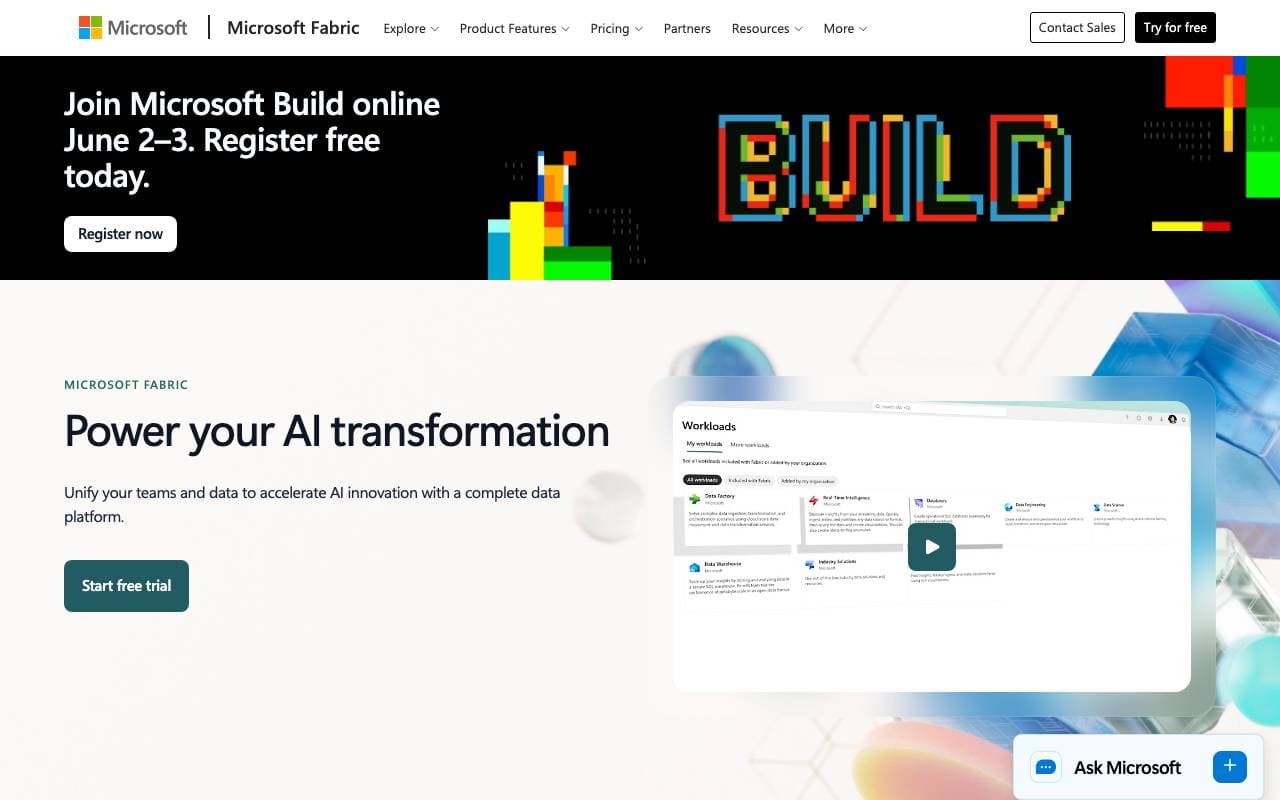

MS Fabric
AI Agent Development Platforms
A unified analytics platform integrating data engineering, warehousing, and AI for real-time insights and automation.

Natoma MCP Platform
AI Agent Development Platforms
Hosted MCP servers for connecting AI agents to enterprise tools and data.


Convai
AI Agent Development Platforms
SDK and platform for real-time conversational NPCs in games and virtual worlds with voice, vision, and action APIs for Unity/Unreal.
Trending now


Claude
AI Agents & Chatbots
Conversational AI assistant from Anthropic for writing, analysis, coding, and document tasks

Doozer Ai
Sales Agent
Digital co-workers that automate operational workflows to boost team efficiency.


Consistent Character AI
Images
Generate consistent AI characters across scenes from a single reference photo.


Pin AI
Workflow automation
Agentic AI recruiter that automates sourcing, screening, and outreach to accelerate hiring.