
LogicalA proactive desktop AI copilot that understands on-screen context, drafts work, and suggests next actions across apps.

Overview
Key features
- Automated workflows across multiple applications
- Contextual understanding of on-screen elements
- Task suggestion and prioritization
- Drafting and reporting capabilities
- Data analysis and visualization
- Integration with popular desktop software
Pricing
- Model
- Contact for pricing
- Category
- Productivity Agents
- Rating
- 4.8 / 5 (5)
Use cases
Draft Replies in Context
Automatically draft emails or messages based on the content currently visible on screen, reducing context switching and speeding up communication.
Suggest Next Actions Across Apps
Receive proactive recommendations for the next step in a workflow as you move between different applications on your desktop.
On-Screen Work Assistance
Get real-time help with documents, spreadsheets, or research by letting the copilot interpret what's on screen and offer relevant drafts or insights.
Cross-App Task Coordination
Streamline multi-app tasks by having an AI assistant that understands context across tools and helps coordinate actions without manual copy-paste.
Pros & Cons
Pros
- Enhances productivity by automating repetitive tasks and suggesting next actions
- Improves efficiency by reducing manual effort and minimizing workflow friction
- Increases accuracy through contextual understanding and data analysis
- Supports multiple desktop applications and file formats
Cons
- May require training and time to learn its capabilities and limitations
- Dependence on specific application integrations and their quality
- Potential for increased reliance on technology, impacting user skills and adaptability
Battle record
Across 1 battle in the Pantheon.
Last battle
Reviews
Average from 5 ratings.
Sign in to leave a review.
Use it every day
Honestly didn't expect to like it this much. The automation is exactly what I needed, and it is genuinely easy to set up. but I reach for it almost every day now and it just clicks.
Does the job
Pretty happy overall. The dashboard just works and the value for money is strong. but no dealbreakers — I'd recommend it to a friend without hesitating.
Compared a few options
Evaluated this against two competitors. Where it wins: the core workflow and it saves real time. On balance the feature set — especially the integrations — justifies the 5 stars for our use case.
Solid for our team
We rolled this out across the team last quarter and it saves real time. The core workflow fits neatly into how we already work, and the onboarding removed a step we used to do by hand. but it has held up under daily use.
Skeptical, then convinced
I went in skeptical — most tools in this space overpromise. It actually delivers on the dashboard, and the value for money is strong caught me off guard. The mobile experience lags is why this isn't a perfect score, still, I'd recommend giving it a real trial.
Q&A
What does Logical actually do on my desktop?
Logical is a proactive desktop AI copilot that reads on-screen context to draft work for you and suggest next actions across the apps you use, helping you move tasks forward without manually prompting it each time.
Does Logical work across different applications or just one?
Yes, Logical is designed to operate across apps. It uses on-screen context awareness to understand what you're working on in various applications and offer relevant drafts and next-step suggestions.
Who is Logical best suited for?
Logical is geared toward knowledge workers and professionals who juggle multiple desktop apps and want an always-on copilot that proactively drafts content and recommends next actions rather than waiting for manual prompts.
Ask a question
Productivity Agents alternatives
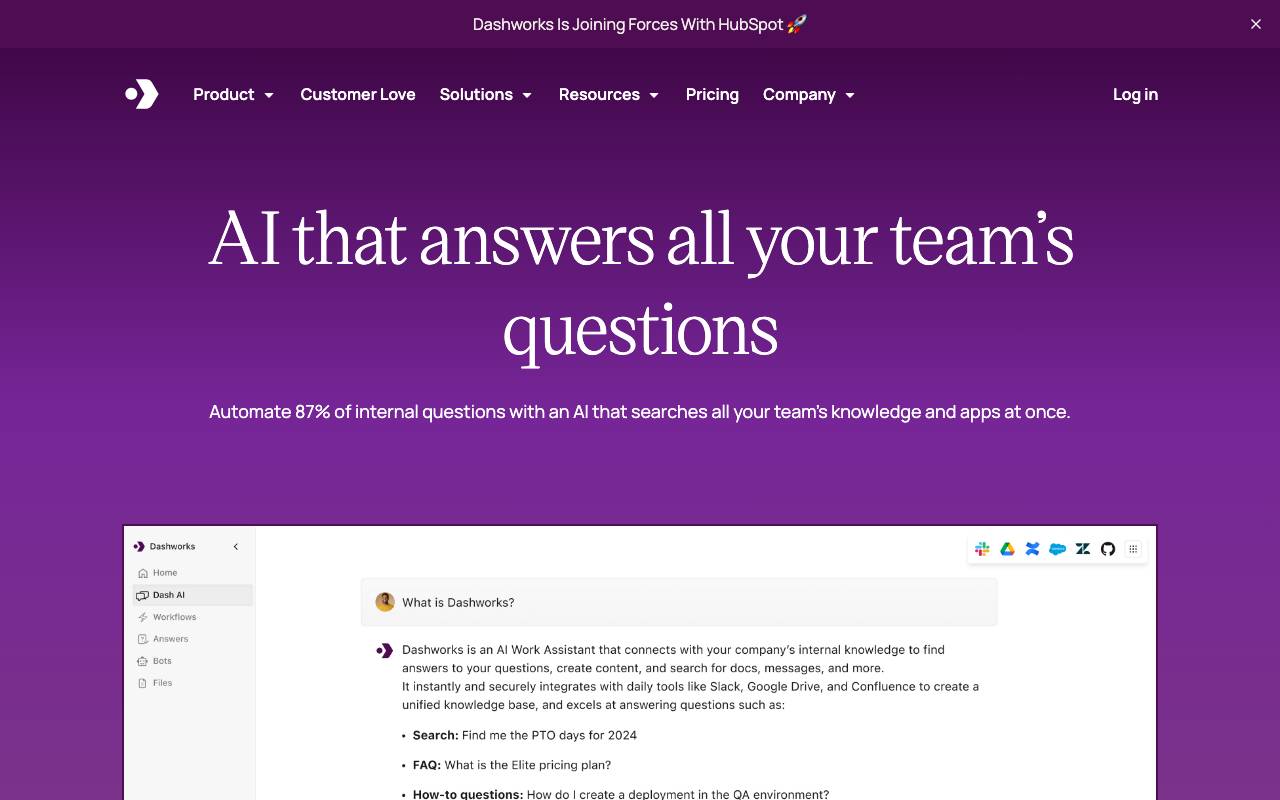

Dashworks AI
Productivity Agents
An AI assistant that unifies workplace knowledge, enabling instant, accurate answers across all your company's tools and apps.
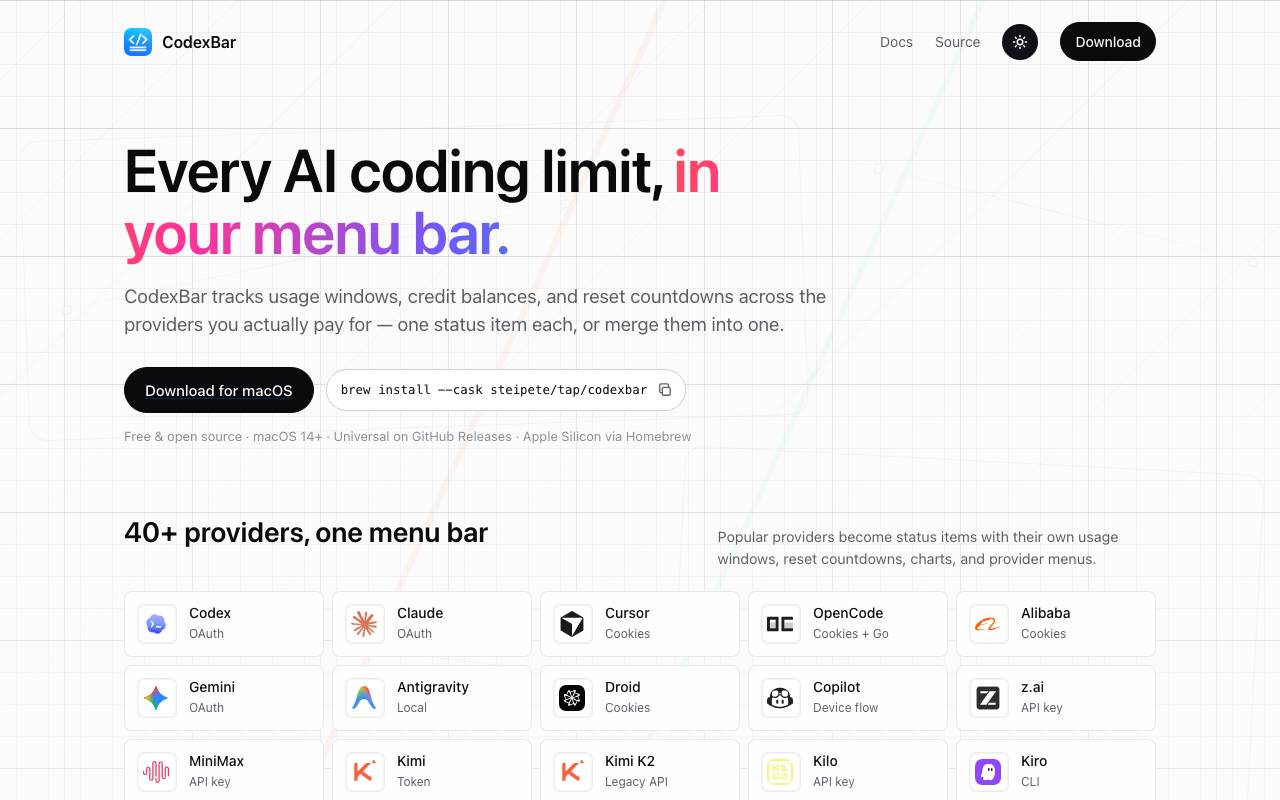
Codex Bar
Productivity Agents
A macOS menu bar app that tracks AI coding tool limits, resets, and credits for developers and power users.
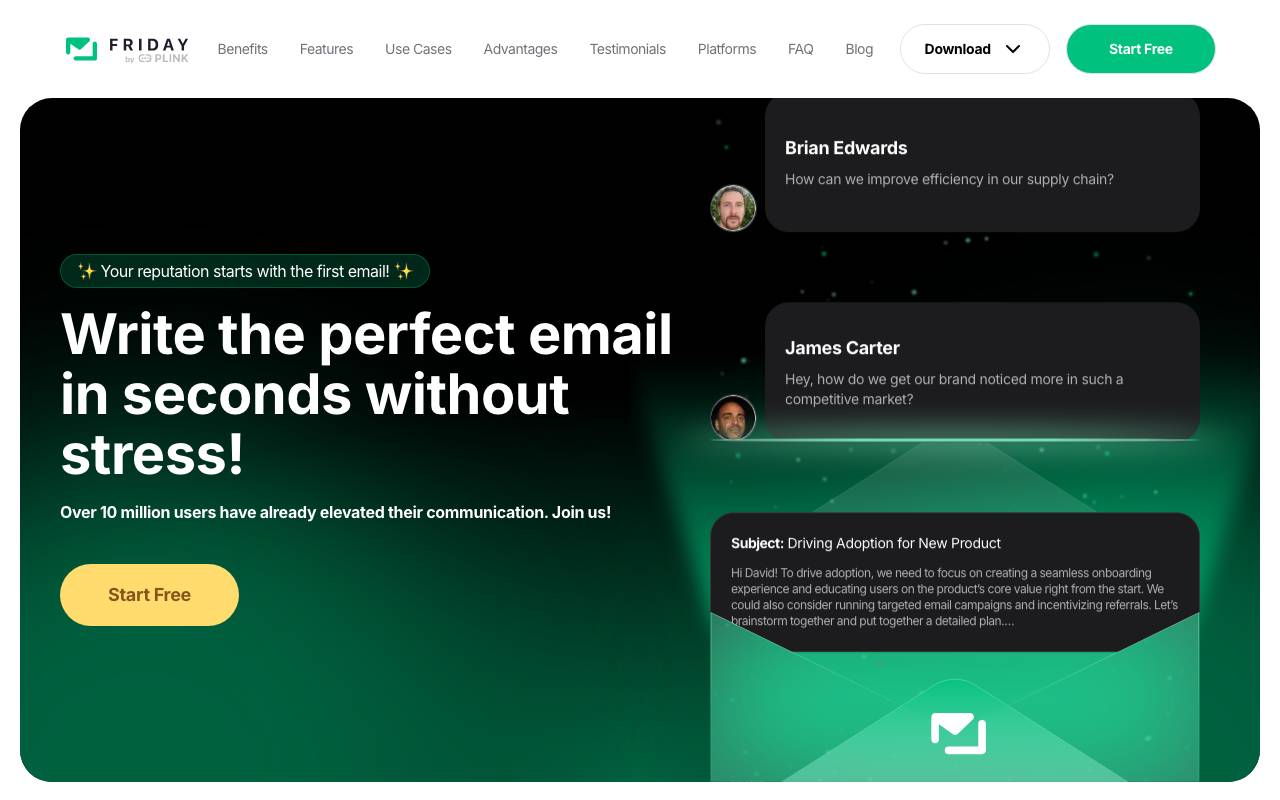

Friday AI
Productivity Agents
An AI-powered writing assistant designed to enhance email composition by providing personalized suggestions and streamlining communication.
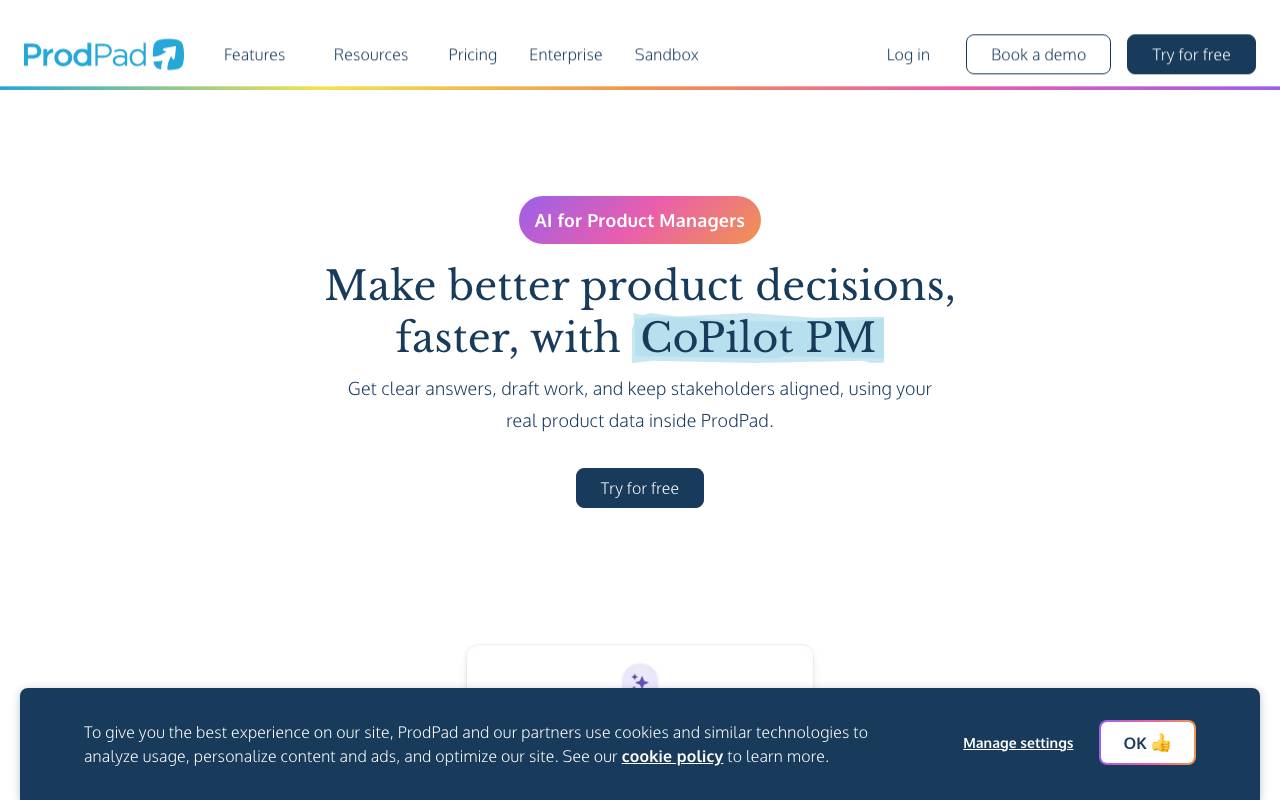

ProdPad CoPilot for Product Managers
Productivity Agents
AI assistant built into ProdPad to speed up everyday product management tasks.


Such Much AI
Productivity Agents
AI platform for drafting sales proposals and procurement contracts in minutes.

TealKit
Productivity Agents
A mobile AI assistant for Android that uses tools, automations, and multiple model providers to complete real-world tasks.
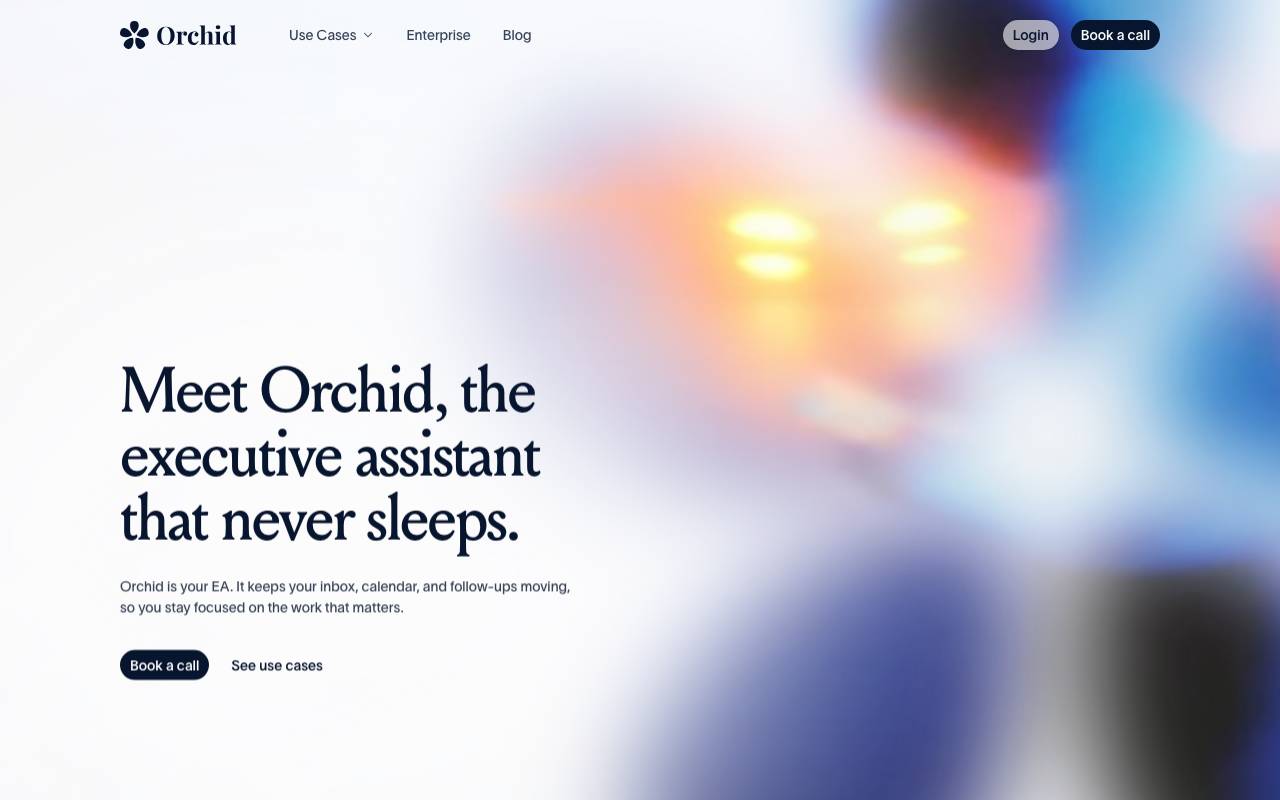

Orchid
Productivity Agents
A proactive work delegation agent that reads incoming tasks, drafts next actions, and waits for user approval.


Perplexity Labs
Productivity Agents
A productivity engine that builds full projects—reports, dashboards, code, mini‑apps—through AI‑powered autonomous workflows.