
LinapbotChrome extension that drafts and pre-fills LinkedIn job applications for review before submission.

Overview
Key features
- Guided review workflow for each draft application
- Custom search filters and exclusion phrases
- Deduplication of similar job postings
- Automatic pre‑fill of profile data into application forms
- Logging of skipped items with reasons
Pricing
- Model
- Freemium
- Category
- Automation
- Rating
- 4.2 / 5 (6)
Use cases
Scale job applications on LinkedIn
Active job seekers can auto-reply to matching vacancies using custom templates, sending dozens of tailored applications in the background instead of clicking through each listing manually.
Recruiter candidate sourcing outreach
Recruiters can run filtered outreach campaigns on LinkedIn job postings to connect with relevant candidates at scale, using customizable message templates.
Freelancer gig hunting
Freelancers can set keyword filters to automatically respond to relevant LinkedIn vacancies, keeping a steady pipeline of opportunities without daily manual effort.
Track outreach activity
Users running multiple application campaigns can monitor sent responses through built-in activity tracking to measure volume and refine templates over time.
Pros & Cons
Pros
- Reduces manual copy‑paste by auto‑filling application fields.
- Allows early visibility of new LinkedIn postings.
- Keeps the applicant in control with a mandatory review step.
- Free tier available with no credit‑card requirement.
Cons
- Only works in the Chrome browser.
- User must confirm each draft; not a fully automated apply‑once solution.
- Free plan limited to ten workflow actions per month.
Reviews
Average from 6 ratings.
Sign in to leave a review.
Use it every day
Honestly didn't expect to like it this much. Browser extension setup is exactly what I needed, and automates repetitive LinkedIn outreach. I do wish automation may conflict with LinkedIn's usage policies, but I reach for it almost every day now and it just clicks.
Skeptical, then convinced
I went in skeptical — most tools in this space overpromise. It actually delivers on background campaign execution, and customizable response templates caught me off guard. Generic messages can reduce response quality is why this isn't a perfect score, still, I'd recommend giving it a real trial.
Use it every day
Honestly didn't expect to like it this much. Browser extension setup is exactly what I needed, and customizable response templates. I do wish automation may conflict with LinkedIn's usage policies, but I reach for it almost every day now and it just clicks.
Use it every day
Honestly didn't expect to like it this much. Vacancy filtering by keywords or criteria is exactly what I needed, and automates repetitive LinkedIn outreach. I do wish automation may conflict with LinkedIn's usage policies, but I reach for it almost every day now and it just clicks.
Does the job
Pretty happy overall. Automated replies to LinkedIn job postings just works and customizable response templates. Limited to LinkedIn as a platform can be annoying, but no dealbreakers — I'd recommend it to a friend without hesitating.
Does the job
Pretty happy overall. Vacancy filtering by keywords or criteria just works and saves significant time during job searches. Automation may conflict with LinkedIn's usage policies can be annoying, but no dealbreakers — I'd recommend it to a friend without hesitating.
Q&A
No questions yet — be the first to ask.
Ask a question
Automation alternatives
Rulai
Automation
Enterprise platform for building and deploying intelligent virtual assistants across customer and employee channels.
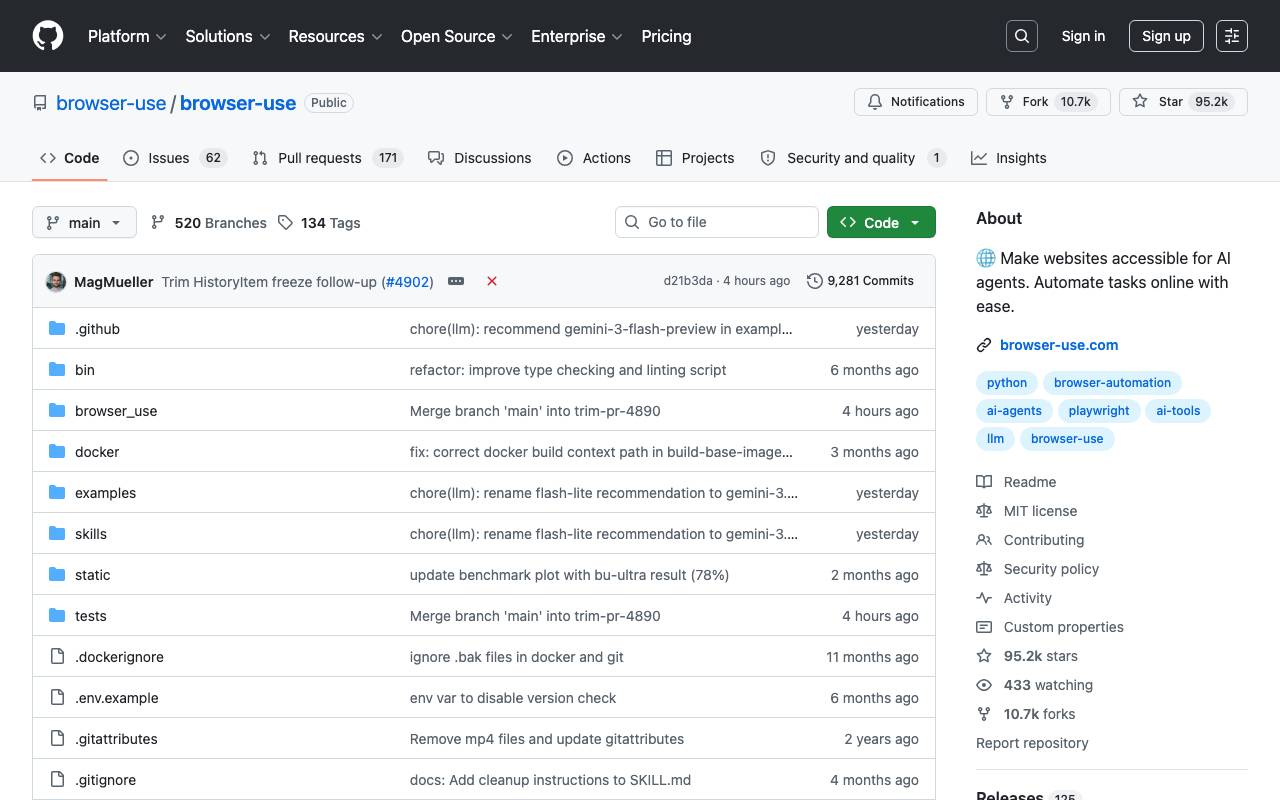

Browser-Use
Automation
Open-source Python library that lets AI agents control web browsers for automation

Upulz
Automation
Smart uptime and performance monitoring with real-time checks and instant alerts.

Verex
Automation
AI‑assisted testing platform for automated quality checks.