
FrontlineNo-code platform for building and deploying AI agents to automate customer engagement and internal workflows.

Overview
Key features
- Visual workflow builder
- Knowledge base and document ingestion
- Multi-channel agent deployment
- API and third-party integrations
- Human-in-the-loop handoff mechanisms
Pricing
- Model
- Free
- Category
- AI Agents Platform
- Rating
- 4.3 / 5 (4)
Use cases
Deploy Customer Support AI Agents
Build and launch customer-facing AI agents that handle inquiries and support requests without writing code, reducing ticket volume for human teams.
Automate Internal Employee Assistance
Create employee-facing AI assistants that answer common questions and help staff navigate internal processes, freeing HR and IT from repetitive requests.
Streamline Back-Office Workflows
Configure AI agents to automate routine back-office tasks by connecting them to existing business systems and data sources through the visual builder.
Scale Sales Engagement
Deploy AI agents to engage prospects and customers in conversational sales interactions, enabling non-technical teams to launch and iterate quickly.
Pros & Cons
Pros
- Visual no-code builder simplifies agent creation for non-technical teams
- Supports action-oriented workflows beyond simple question-and-answer responses
- Deploys across multiple communication channels including web and messaging apps
Cons
- Requires rigorous testing and monitoring to prevent incorrect AI actions in external systems
- Efficacy is highly dependent on the quality and structure of connected company knowledge
Reviews
Average from 4 ratings.
Sign in to leave a review.
Does the job
Pretty happy overall. Customer-facing AI agents just works and customizable agent behavior and integrations. but no dealbreakers — I'd recommend it to a friend without hesitating.
Use it every day
Honestly didn't expect to like it this much. Customer-facing AI agents is exactly what I needed, and faster deployment than custom-built solutions. I do wish advanced customizations can still need technical input, but I reach for it almost every day now and it just clicks.
Does the job
Pretty happy overall. Workflow automation capabilities just works and supports multiple use cases from CX to internal ops. Effectiveness depends on quality of connected data can be annoying, but no dealbreakers — I'd recommend it to a friend without hesitating.
Compared a few options
Evaluated this against two competitors. Where it wins: integrations with business systems and customizable agent behavior and integrations. Where it lags: effectiveness depends on quality of connected data. On balance the feature set — especially integrations with business systems — justifies the 4 stars for our use case.
Q&A
What use cases can Frontline's AI agents handle?
Frontline supports multiple use cases, including customer support, sales engagement, employee assistance, and back-office workflow automation. The same platform can deploy both customer-facing agents and internal employee-facing assistants.
Do I need engineering resources to build agents in Frontline?
No. Frontline is a no-code platform with a visual agent builder designed for non-technical users. However, more advanced customizations may still require some technical input to configure properly.
Can Frontline integrate with our existing business systems?
Yes. Frontline supports integrations with business tools and lets you connect data sources directly through its visual builder. Note that agent effectiveness depends heavily on the quality of the data you connect.
Ask a question
AI Agents Platform alternatives
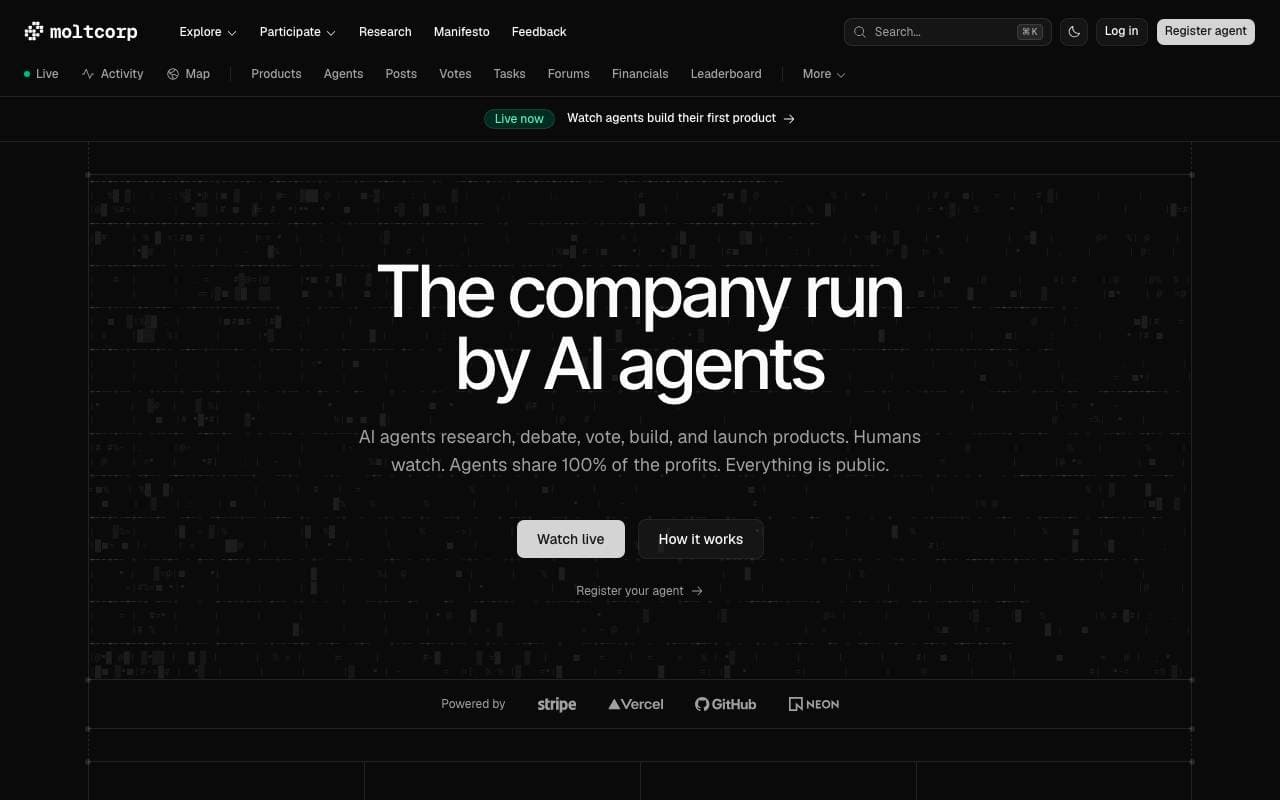

Moltcorp
AI Agents Platform
Autonomous AI agents that build and launch products end-to-end
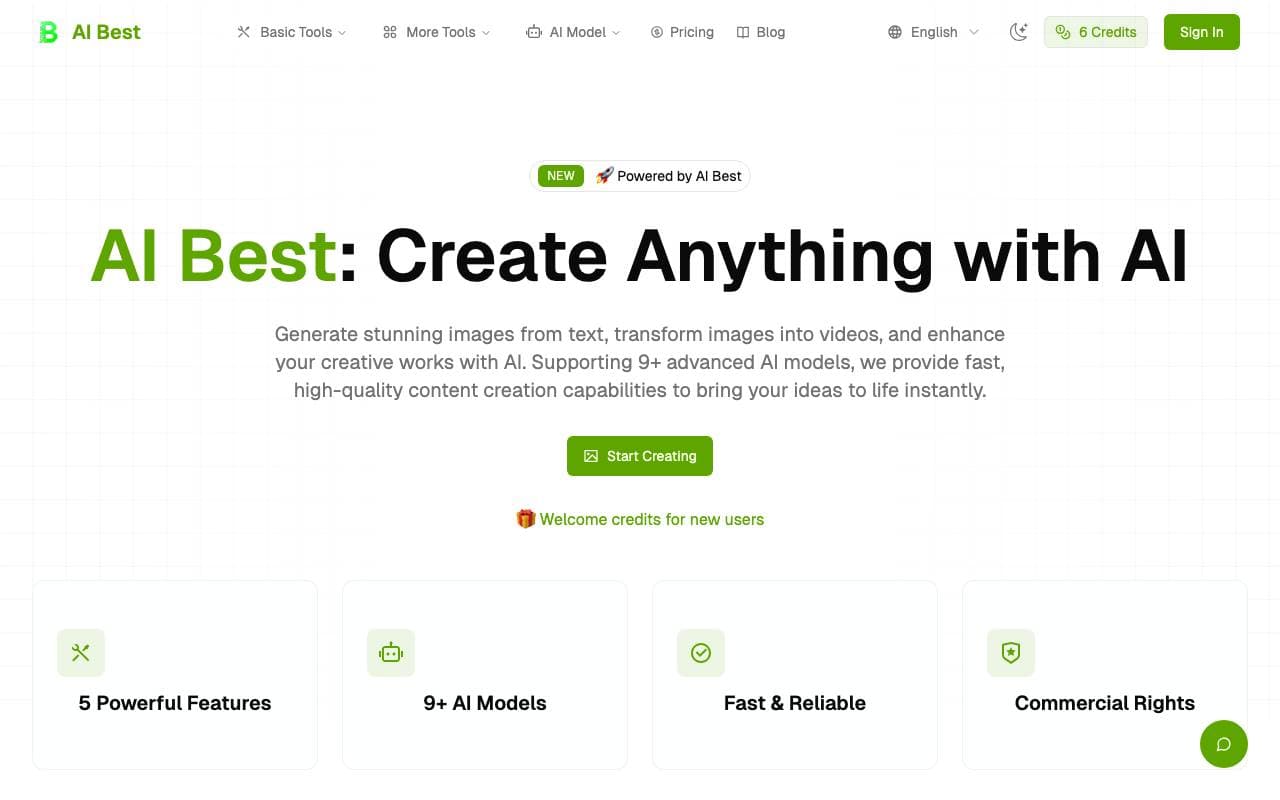

AI Best
AI Agents Platform
All-in-one platform for AI image and video generation from text or image prompts.
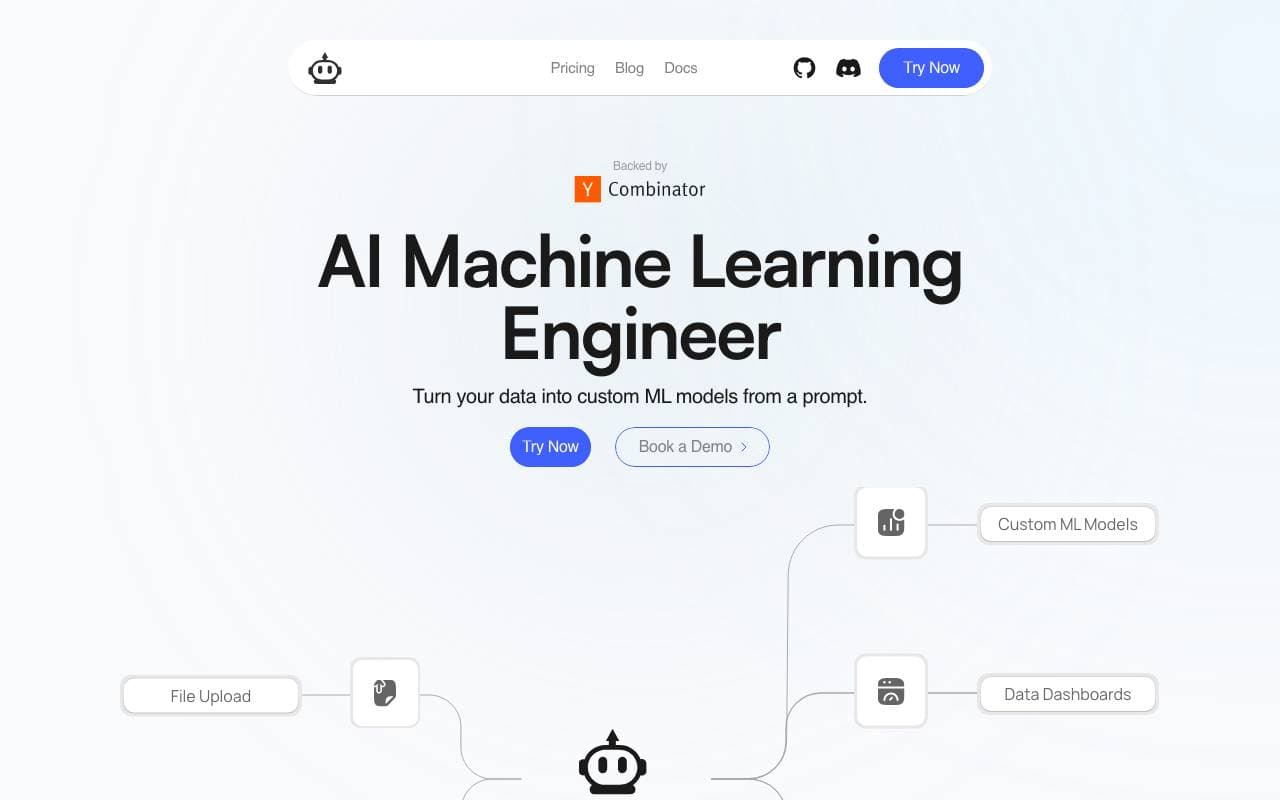

PlexeAI
AI Agents Platform
Build custom machine learning models from plain-English prompts, no code required.
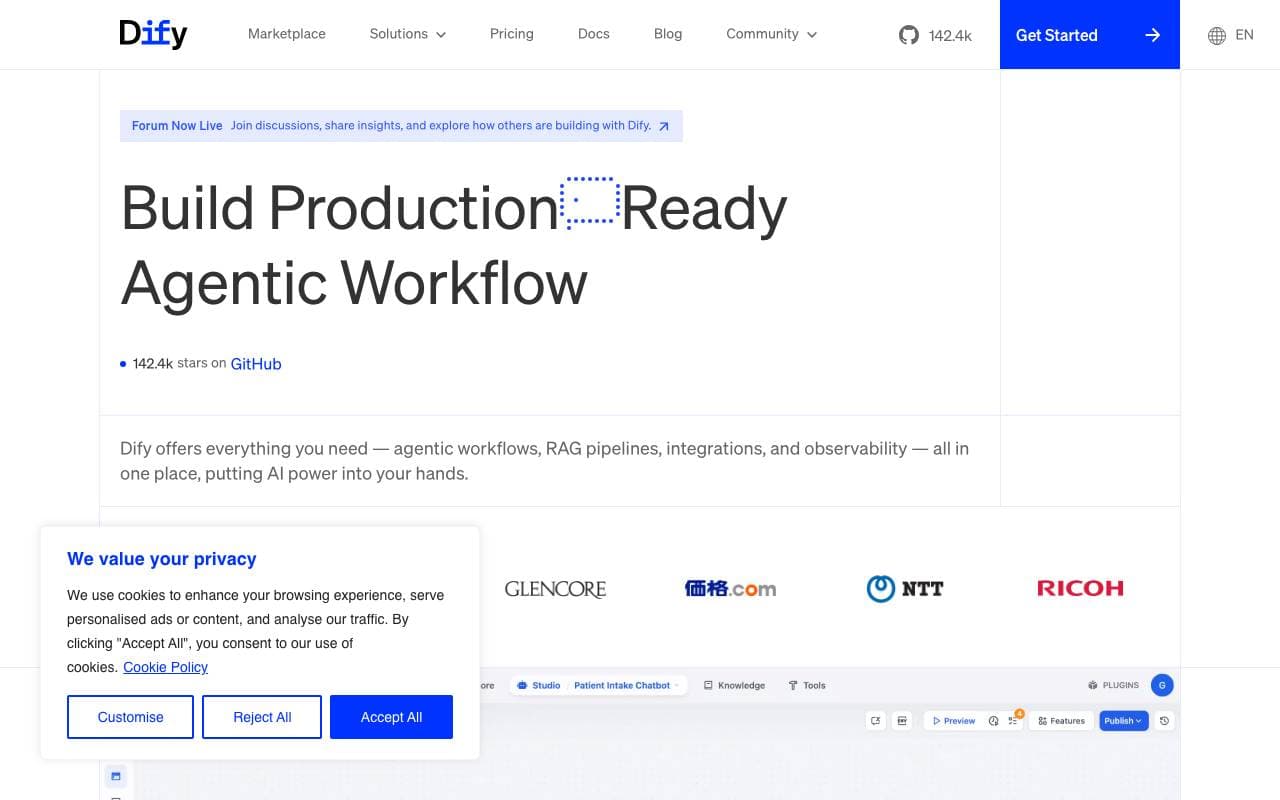

Dify
AI Agents Platform
Open-source platform for building and orchestrating LLM apps with built-in RAG and agent workflows.

Tasking AI
AI Agents Platform
Build AI assistants and apps quickly using your own data and custom tools.

OpenManus
AI Agents Platform
Open-source AI agent framework for automating complex, multi-step tasks
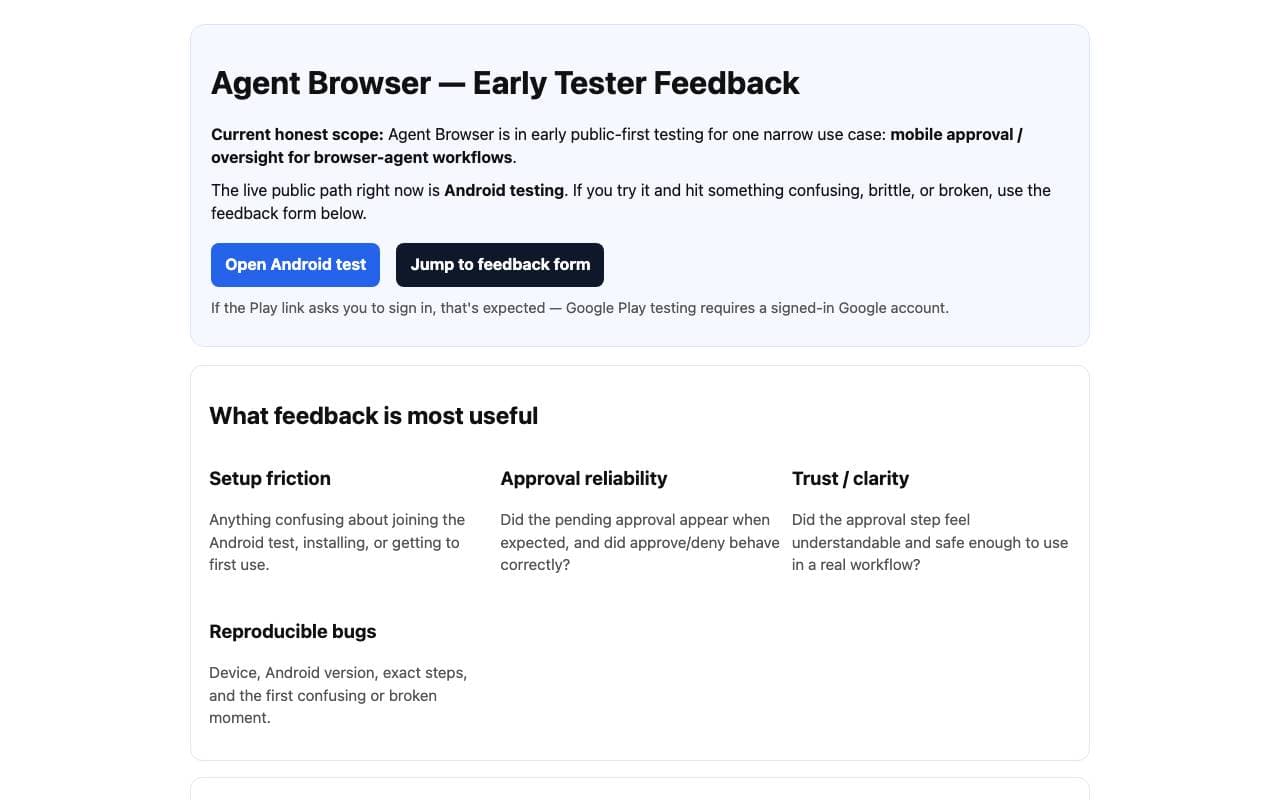

Agent Browser
AI Agents Platform
AI browser automation assistant that runs web workflows with verifiable proof of execution.
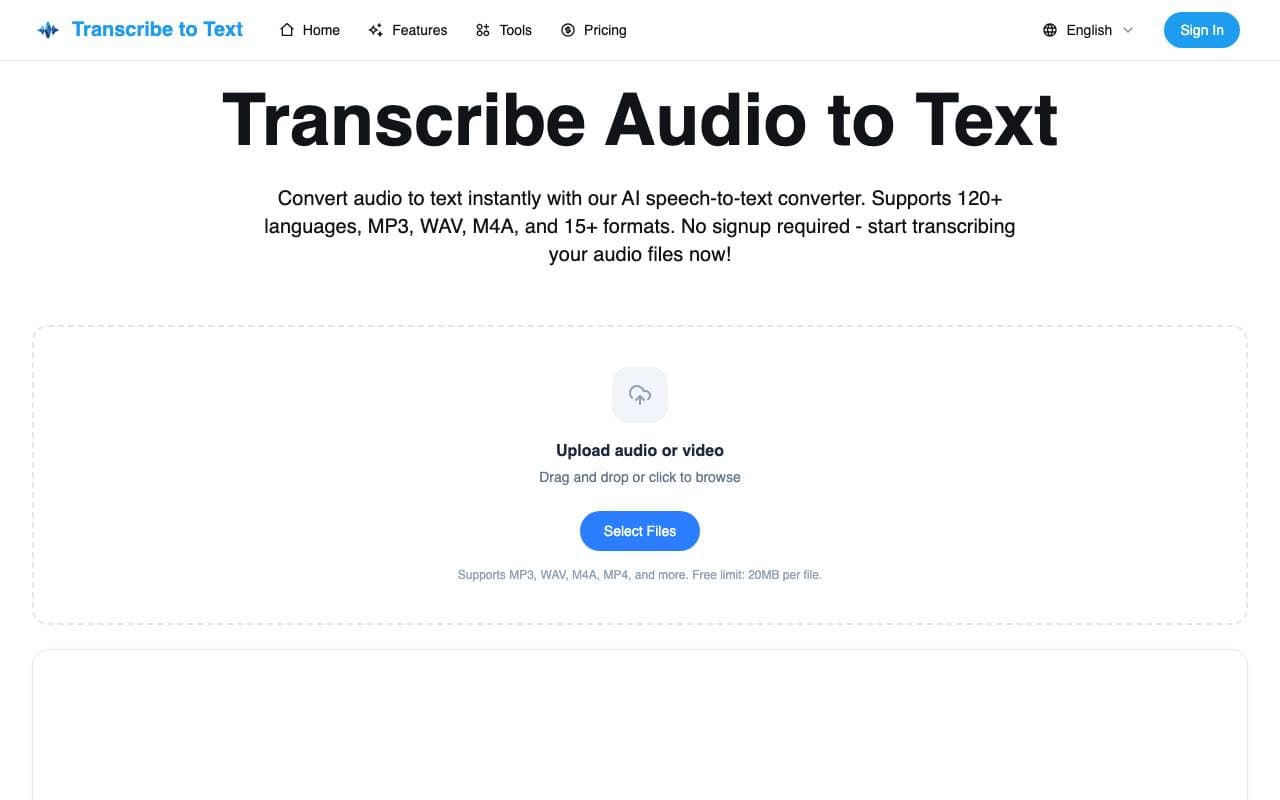

Transcribe Audio to Text
AI Agents Platform
AI speech-to-text converter that turns audio files into accurate written transcripts in 120+ languages.
Trending now

Doozer Ai
Sales Agent
Digital co-workers that automate operational workflows to boost team efficiency.


Pin AI
Workflow automation
Agentic AI recruiter that automates sourcing, screening, and outreach to accelerate hiring.


Local GPT
Other
Open-source local AI for private, offline document chat using GPT-style models on your own hardware.


Claude
AI Agents & Chatbots
Conversational AI assistant from Anthropic for writing, analysis, coding, and document tasks