
Elastic Email MCP ServerTurn your favourite AI tool into a personal email agent with Elastic Email.

Overview
Key features
- MCP Server acts as a secure, standardized bridge between AI tools and Elastic Email accounts
- Supports natural language commands for email operations
- Enables campaign creation, management, and sending
- Manages contact lists, segments, and templates
- Supports uploading and fetching contacts
- Provides data retrieval about contacts, lists, segments, or templates
Pricing
- Model
- Free
- Category
- Marketing & Advertising
- Rating
- 4.6 / 5 (5)
Use cases
AI-Powered Email Sending
Connect your preferred AI assistant to Elastic Email so it can compose and send emails on your behalf through natural language commands.
Personal Email Agent
Use AI tools as a personal email agent to manage outbound communications via Elastic Email's infrastructure.
Automated Email Workflows
Integrate Elastic Email into AI-driven workflows to trigger and dispatch emails as part of larger automated processes.
Pros & Cons
Pros
- Enables easy management of email operations using natural language commands
- Supports a wide range of AI tools that feature an Agent mode
- Turns complex API actions into simple natural language prompts
- Allows developers to use it for advanced API interactions and marketers to manage campaigns without writing code
Cons
- Limited compatibility with some AI tools that do not support the Model Context Protocol
- Requires dedicated access credentials and API key generation
- Complex setup for non-technical users
Battle record
Across 1 battle in the Pantheon.
Last battle
Reviews
Average from 5 ratings.
Sign in to leave a review.
Solid for our team
We rolled this out across the team last quarter and support is responsive. The API fits neatly into how we already work, and the API removed a step we used to do by hand. but it has held up under daily use.
Use it every day
Honestly didn't expect to like it this much. The automation is exactly what I needed, and it is genuinely easy to set up. but I reach for it almost every day now and it just clicks.
Use it every day
Honestly didn't expect to like it this much. The onboarding is exactly what I needed, and it is genuinely easy to set up. I do wish the docs could be deeper, but I reach for it almost every day now and it just clicks.
Solid for our team
We rolled this out across the team last quarter and support is responsive. The onboarding fits neatly into how we already work, and the integrations removed a step we used to do by hand. but it has held up under daily use.
Skeptical, then convinced
I went in skeptical — most tools in this space overpromise. It actually delivers on the API, and support is responsive caught me off guard. A few rough edges remain is why this isn't a perfect score, still, I'd recommend giving it a real trial.
Q&A
No questions yet — be the first to ask.
Ask a question
Marketing & Advertising alternatives
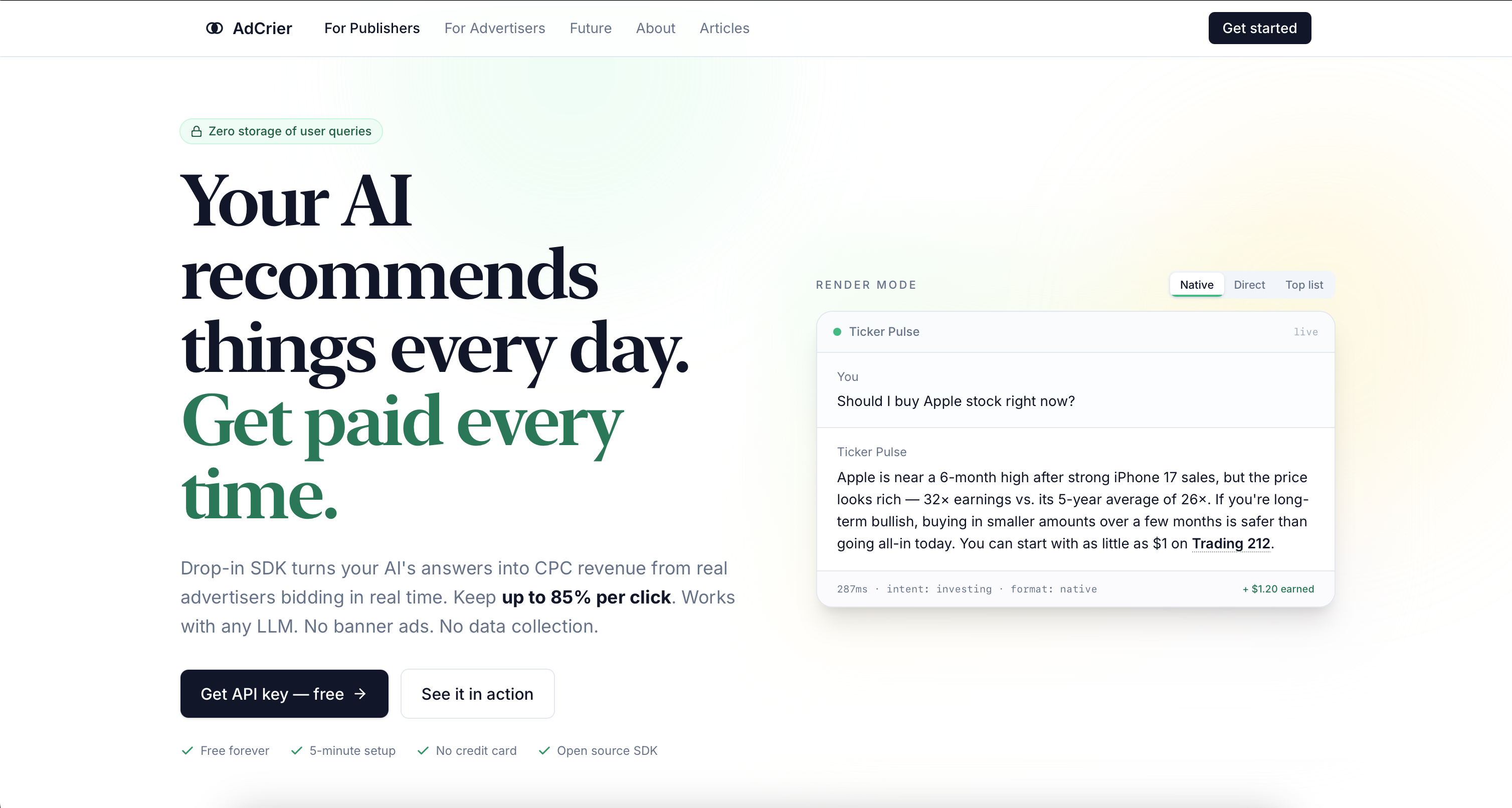

AdCrier
Marketing & Advertising
Sponsored answers, paid per click.
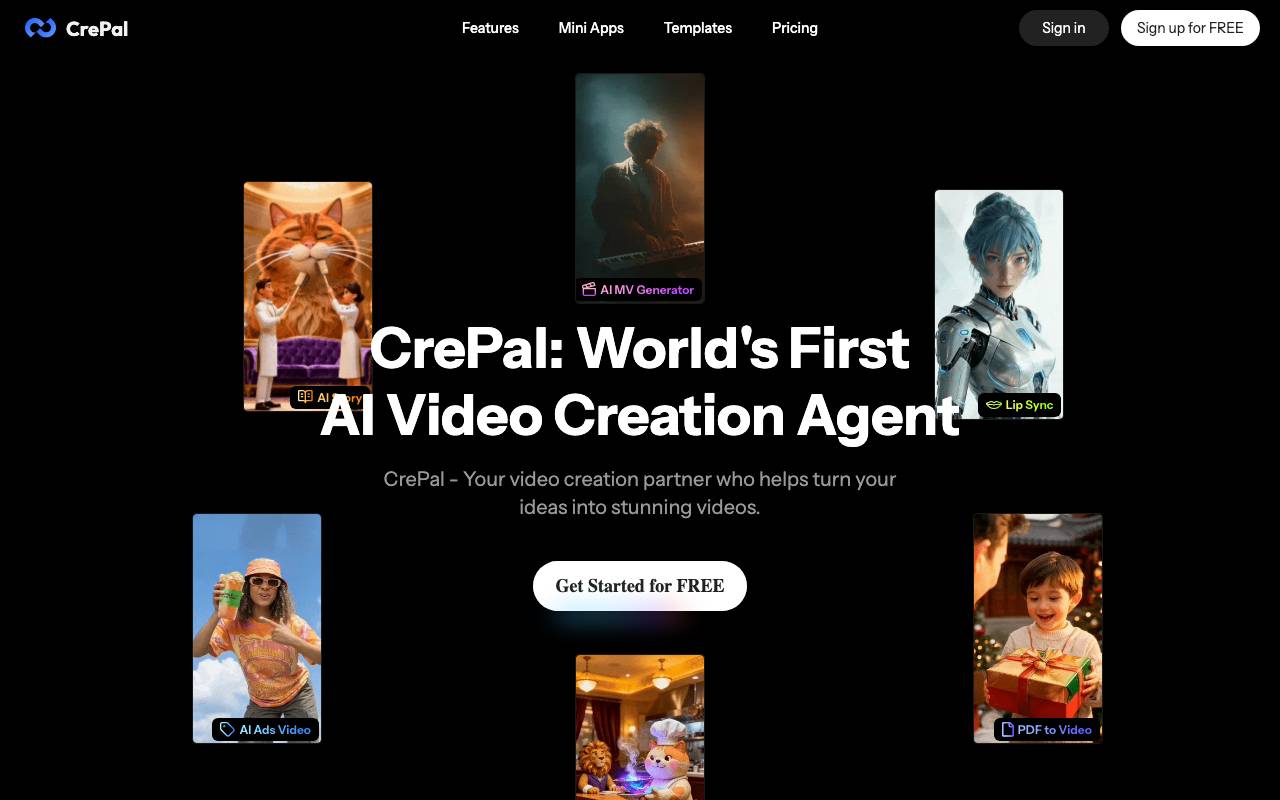

CrePal
Marketing & Advertising
AI-powered video creation platform for turning ideas into finished videos quickly.


Viral AI Video Maker
Marketing & Advertising
Turn ideas into short, shareable videos with AI-assisted creation.

mesha AI
Marketing & Advertising
AI growth team that finds customers, builds ad campaigns, and optimizes profit margins.


whaaat.ai
Marketing & Advertising
AI agents that create marketing content and run campaigns at speed
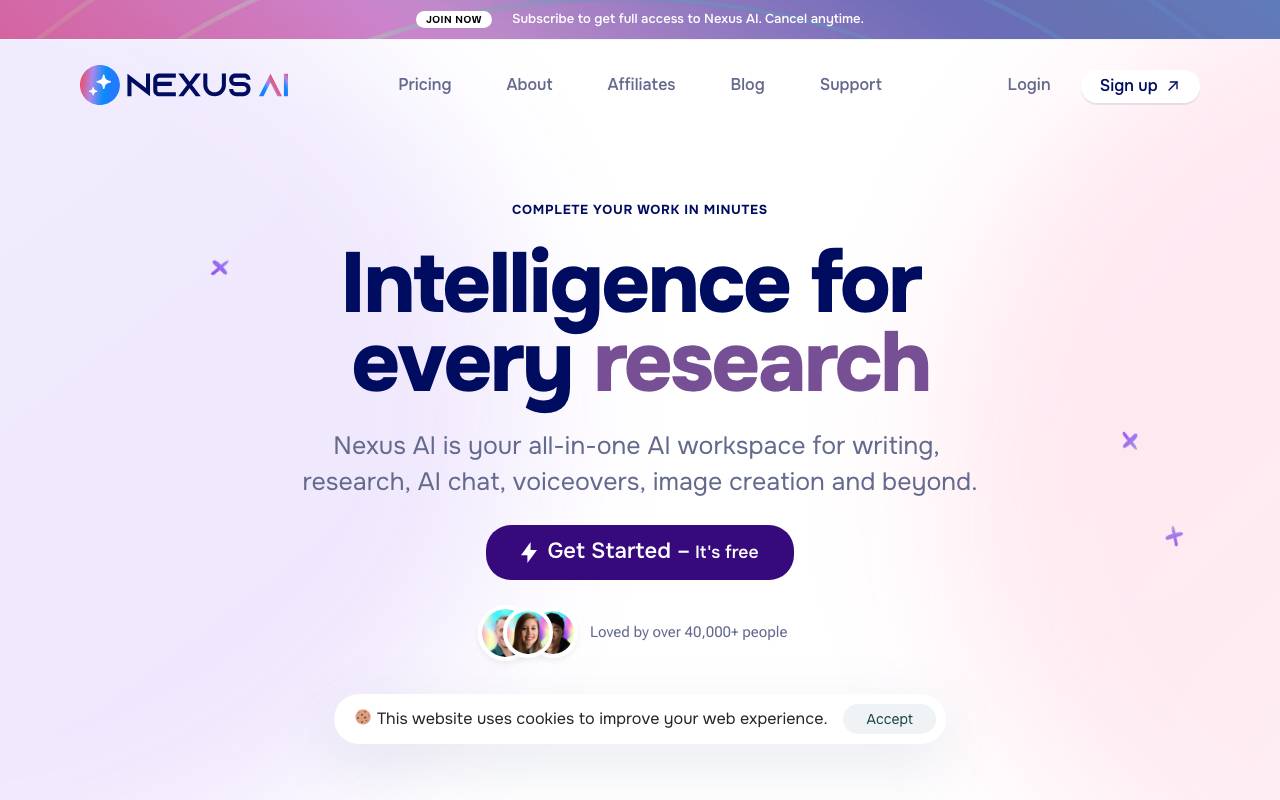
Nexus AI
Marketing & Advertising
All-in-one AI workspace for writing, image generation, and research.

Echovane
Marketing & Advertising
AI voice interviews for fast, in-depth consumer feedback and concept testing.

WriteGlow
Marketing & Advertising
Humanizes AI-generated text to read naturally and bypass AI detectors.