
Desktop Commander MCPMCP server giving AI agents safe terminal, process, and file editing access on your desktop.

Overview
Key features
- Terminal command execution
- Process management and monitoring
- Diff-based file editing
- Codebase and document search
- Excel and PDF read/write support
- Audit logging of AI actions
Pricing
- Model
- Free
- Category
- Programming Assistants
- Rating
- 4.7 / 5 (6)
Use cases
Automate local developer workflows
Let an AI assistant run terminal commands, manage processes, and apply diff-based edits across your codebase directly from chat, without copy-pasting between tools.
AI-driven spreadsheet and PDF analysis
Have an AI read, modify, and generate Excel files and PDFs on disk, enabling analysts to delegate document processing to an assistant operating on real local data.
Search and refactor large codebases
Use codebase and document search plus surgical diff edits to refactor or update many files efficiently while keeping token usage low.
Auditable AI operations on sensitive data
Run AI actions locally with full audit logging so teams can review every command and file change, supporting privacy-conscious or compliance-driven workflows.
Pros & Cons
Pros
- Diff-based edits save tokens and avoid full rewrites
- Works with Excel and PDF files, not just code
- Audit logs improve transparency and trust
- Runs locally for better privacy
Cons
- Requires comfort with MCP setup
- Granting terminal access carries inherent risk
- Limited to MCP-compatible AI clients
Reviews
Average from 6 ratings.
Sign in to leave a review.
Compared a few options
Evaluated this against two competitors. Where it wins: codebase and document search and works with Excel and PDF files, not just code. Where it lags: limited to MCP-compatible AI clients. On balance the feature set — especially process management and monitoring — justifies the 5 stars for our use case.
Compared a few options
Evaluated this against two competitors. Where it wins: audit logging of AI actions and audit logs improve transparency and trust. Where it lags: granting terminal access carries inherent risk. On balance the feature set — especially audit logging of AI actions — justifies the 5 stars for our use case.
Does the job
Pretty happy overall. Terminal command execution just works and diff-based edits save tokens and avoid full rewrites. but no dealbreakers — I'd recommend it to a friend without hesitating.
Solid for our team
We rolled this out across the team last quarter and runs locally for better privacy. Process management and monitoring fits neatly into how we already work, and excel and PDF read/write support removed a step we used to do by hand. Granting terminal access carries inherent risk, which is the main caveat, but it has held up under daily use.
Use it every day
Honestly didn't expect to like it this much. Diff-based file editing is exactly what I needed, and works with Excel and PDF files, not just code. I do wish requires comfort with MCP setup, but I reach for it almost every day now and it just clicks.
Use it every day
Honestly didn't expect to like it this much. Codebase and document search is exactly what I needed, and audit logs improve transparency and trust. I do wish requires comfort with MCP setup, but I reach for it almost every day now and it just clicks.
Q&A
What file types and tasks can it handle beyond running shell commands?
In addition to terminal execution and process management, it performs diff-based file edits, searches across codebases and documents, and reads and writes Excel spreadsheets and PDFs, making it useful for both developers and analysts.
How does it address the security risks of giving an AI terminal access?
It runs locally rather than in the cloud, uses targeted diff-based edits instead of full rewrites to limit unintended changes, and keeps an audit log of every action the AI takes for transparency. Granting shell access still carries inherent risk.
Which AI clients can I use Desktop Commander MCP with?
It works with MCP-compatible clients like Claude Desktop. Because it relies on the Model Context Protocol, any assistant or app that speaks MCP can connect, but non-MCP clients are not supported.
Ask a question
Programming Assistants alternatives

Kimi‑Dev
Programming Assistants
Open‑source coding LLM optimized for automated debugging and issue resolution tasks.

Codiga
Programming Assistants
Static code analysis and automated code reviews with IDE/CI integrations, security rulesets, custom rules, and one-click autofix.

Moddy
Programming Assistants
Multi-repo AI agent for analyzing and modernizing large-scale codebases.

GPT Engineer
Programming Assistants
An open-source AI tool that generates codebases from user-provided project descriptions through interactive dialogues.
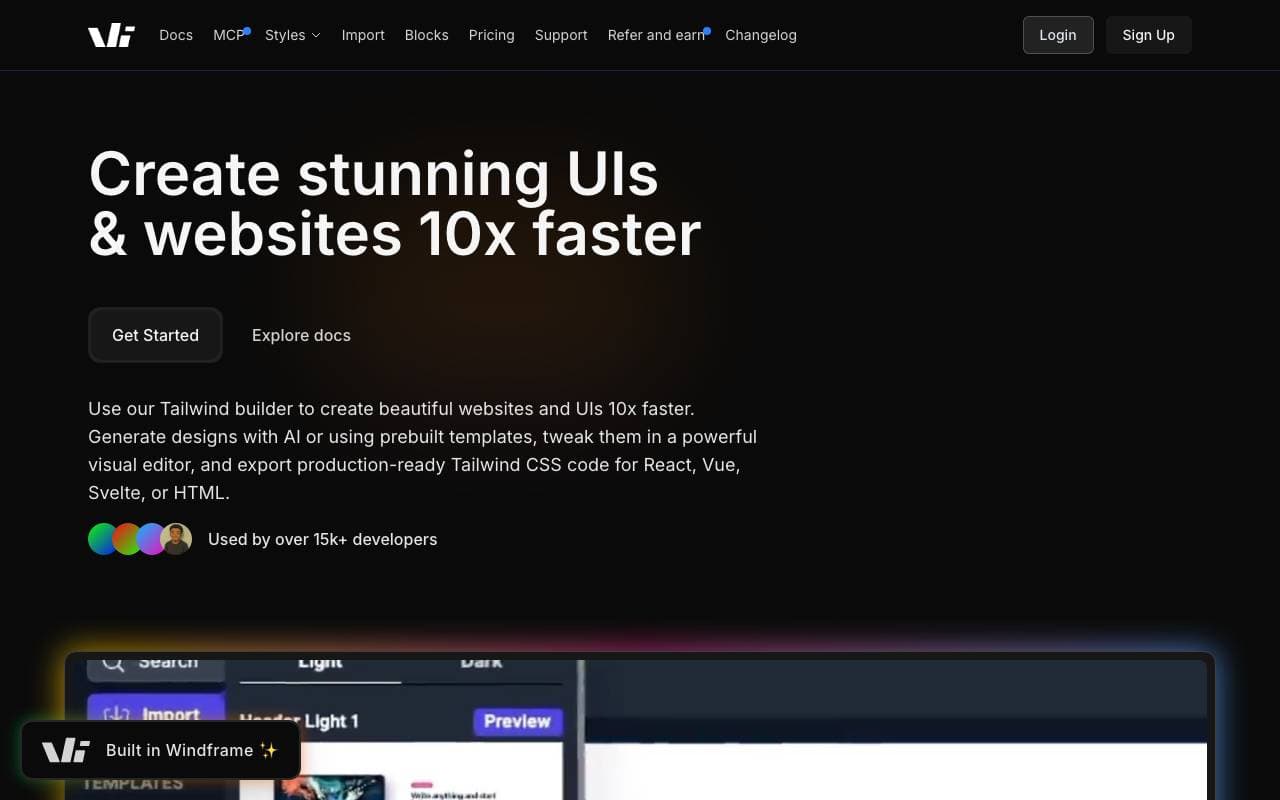

Windframe
Programming Assistants
AI-powered Tailwind CSS builder for rapid UI design, prototyping, and code export to HTML, React, or Vue.

gstack
Programming Assistants
Open-source workflow layer that adds planning, review, QA, and shipping skills to Claude Code and Codex.
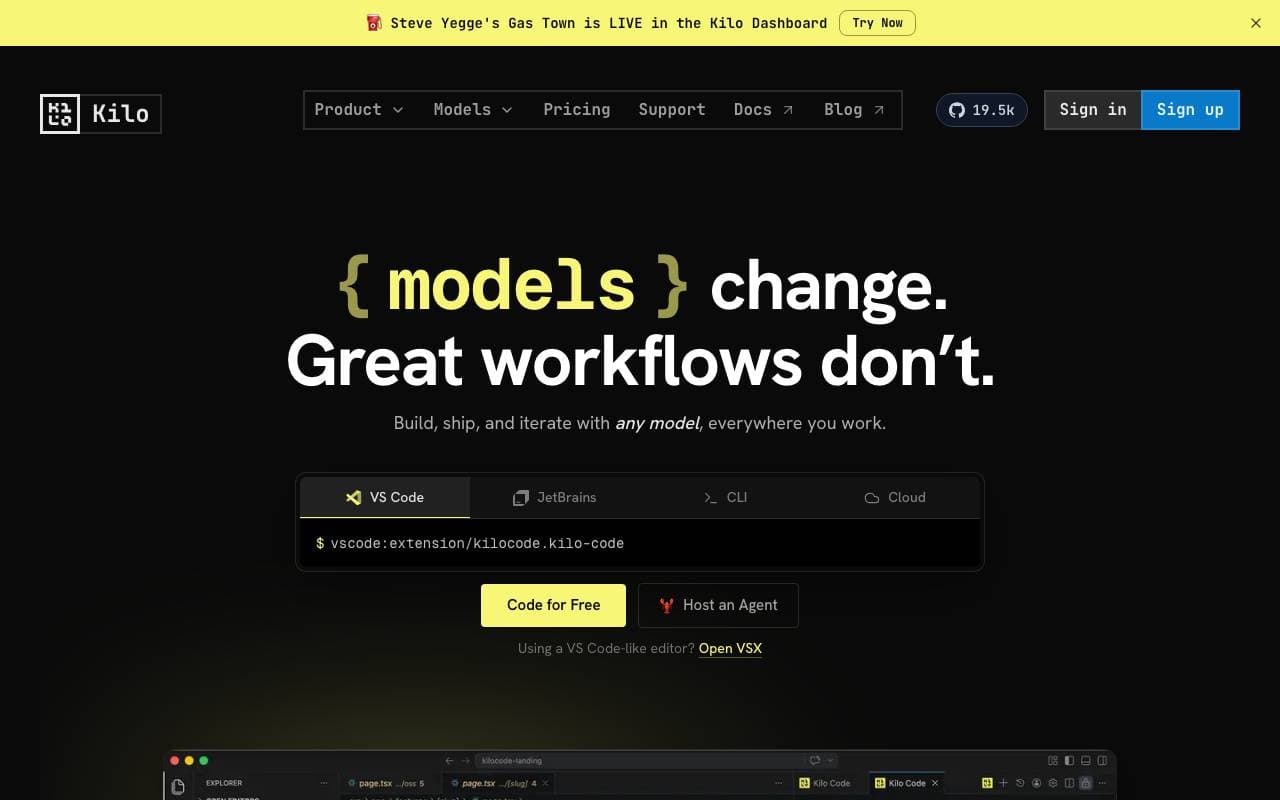

Kilo Code
Programming Assistants
Open-source AI coding assistant for VS Code and JetBrains that plans, writes, and debugs code with multi-model support.
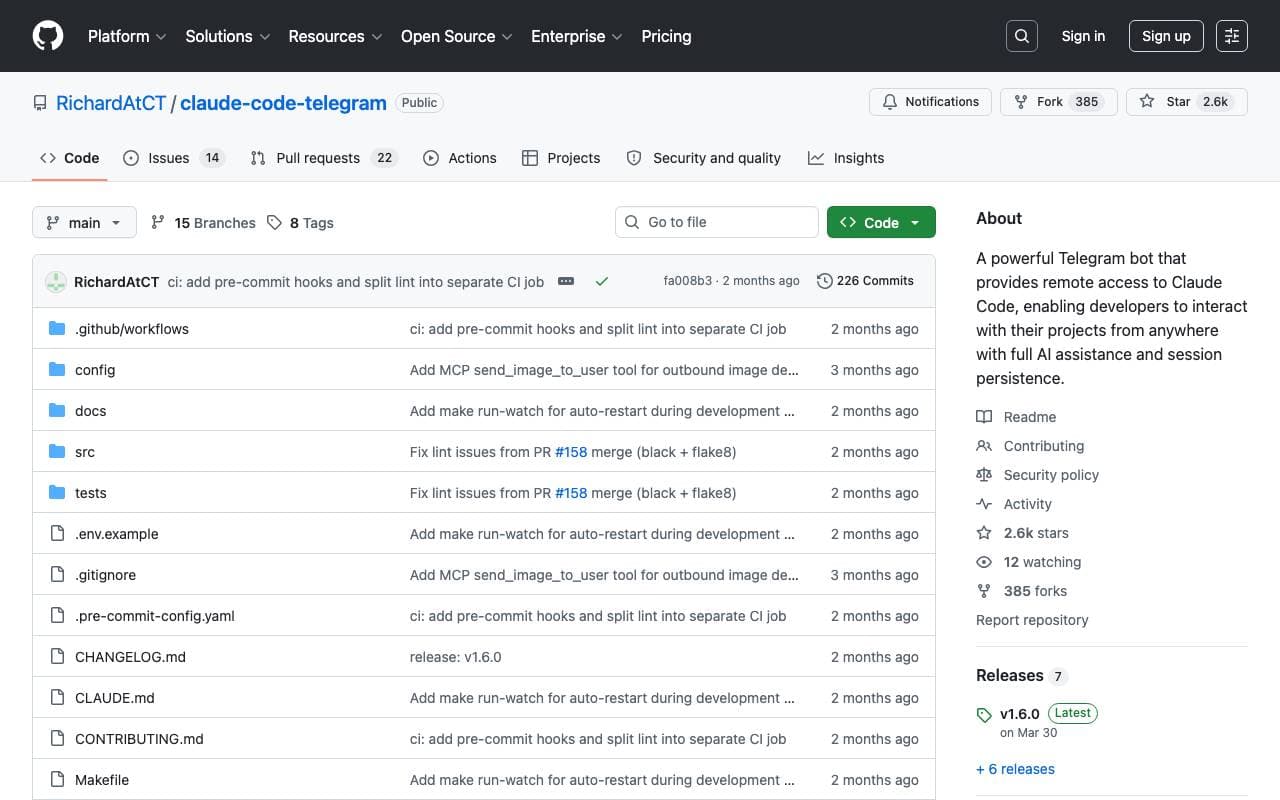

Claude Code Telegram Bot
Programming Assistants
Open-source Telegram bot that gives remote, chat-based access to Claude Code with per-project session persistence and safe directory sandboxing.
Trending now


Claude
AI Agents & Chatbots
Conversational AI assistant from Anthropic for writing, analysis, coding, and document tasks

Doozer Ai
Sales Agent
Digital co-workers that automate operational workflows to boost team efficiency.


Local GPT
Other
Open-source local AI for private, offline document chat using GPT-style models on your own hardware.


Pin AI
Workflow automation
Agentic AI recruiter that automates sourcing, screening, and outreach to accelerate hiring.