Codex BarA macOS menu bar app that tracks AI coding tool limits, resets, and credits for developers and power users.

Overview
Key features
- Tracks usage windows and credit balances
- Reset countdowns for planning
- Configurable local cost scans
- Provider status polling with incident badges
- WidgetKit widgets and bundled CLI for scripts and CI
Pricing
- Model
- Free
- Category
- Productivity Agents
- Rating
- 5.0 / 5 (5)
Use cases
Monitor AI Coding Tool Limits
Keep an eye on usage limits for AI coding assistants directly from the macOS menu bar without interrupting your workflow.
Track Reset Timers
See when your AI tool quotas reset so you can plan coding sessions and avoid hitting rate limits at critical moments.
Manage Credits Across Tools
Check remaining credits for AI coding services at a glance, helping developers budget usage across multiple platforms.
Power User Workflow Optimization
Help power users stay aware of their AI tool consumption to maximize productivity and avoid unexpected service interruptions.
Pros & Cons
Pros
- Centralized tracking of AI coding tool limits and credits
- Supports multiple providers with OAuth, API keys, and browser cookies
- Offers usage windows, credit balances, and reset countdowns
- Configurable local cost scans for better budgeting
Cons
- Requires macOS 14 or later
- Needs Full Disk Access for Safari cookies and Keychain access for OAuth flows
Battle record
Across 1 battle in the Pantheon.
Last battle
Reviews
Average from 5 ratings.
Sign in to leave a review.
Compared a few options
Evaluated this against two competitors. Where it wins: the core workflow and support is responsive. On balance the feature set — especially the integrations — justifies the 5 stars for our use case.
Use it every day
Honestly didn't expect to like it this much. The API is exactly what I needed, and it saves real time. I do wish pricing gets steep at scale, but I reach for it almost every day now and it just clicks.
Compared a few options
Evaluated this against two competitors. Where it wins: the integrations and the value for money is strong. Where it lags: pricing gets steep at scale. On balance the feature set — especially the automation — justifies the 5 stars for our use case.
Does the job
Pretty happy overall. The onboarding just works and it is genuinely easy to set up. but no dealbreakers — I'd recommend it to a friend without hesitating.
Skeptical, then convinced
I went in skeptical — most tools in this space overpromise. It actually delivers on the dashboard, and it is genuinely easy to set up caught me off guard. still, I'd recommend giving it a real trial.
Q&A
What can I monitor with Codex Bar?
Codex Bar lets you keep tabs on AI coding tool usage limits, reset timings, and remaining credits, helping you avoid hitting caps unexpectedly while working with AI-powered development tools.
What does Codex Bar do and who is it for?
Codex Bar is a macOS menu bar app that tracks AI coding tool limits, resets, and credits. It's designed for developers and power users who want quick visibility into their AI tool usage directly from the macOS menu bar.
Is Codex Bar available on Windows or Linux?
No. Codex Bar is a macOS menu bar app, so it's only available on macOS. Windows and Linux users would need to look for an alternative.
Ask a question
Productivity Agents alternatives
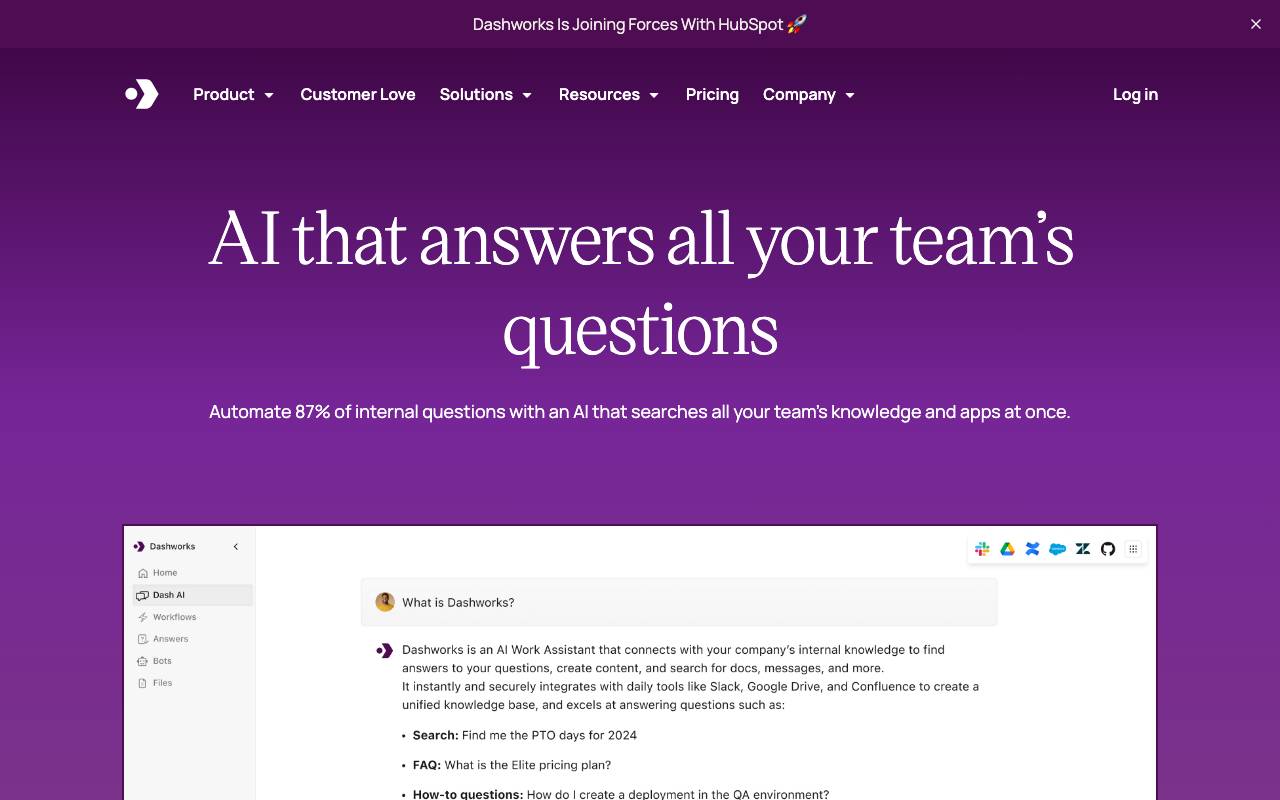

Dashworks AI
Productivity Agents
An AI assistant that unifies workplace knowledge, enabling instant, accurate answers across all your company's tools and apps.


Friday AI
Productivity Agents
An AI-powered writing assistant designed to enhance email composition by providing personalized suggestions and streamlining communication.
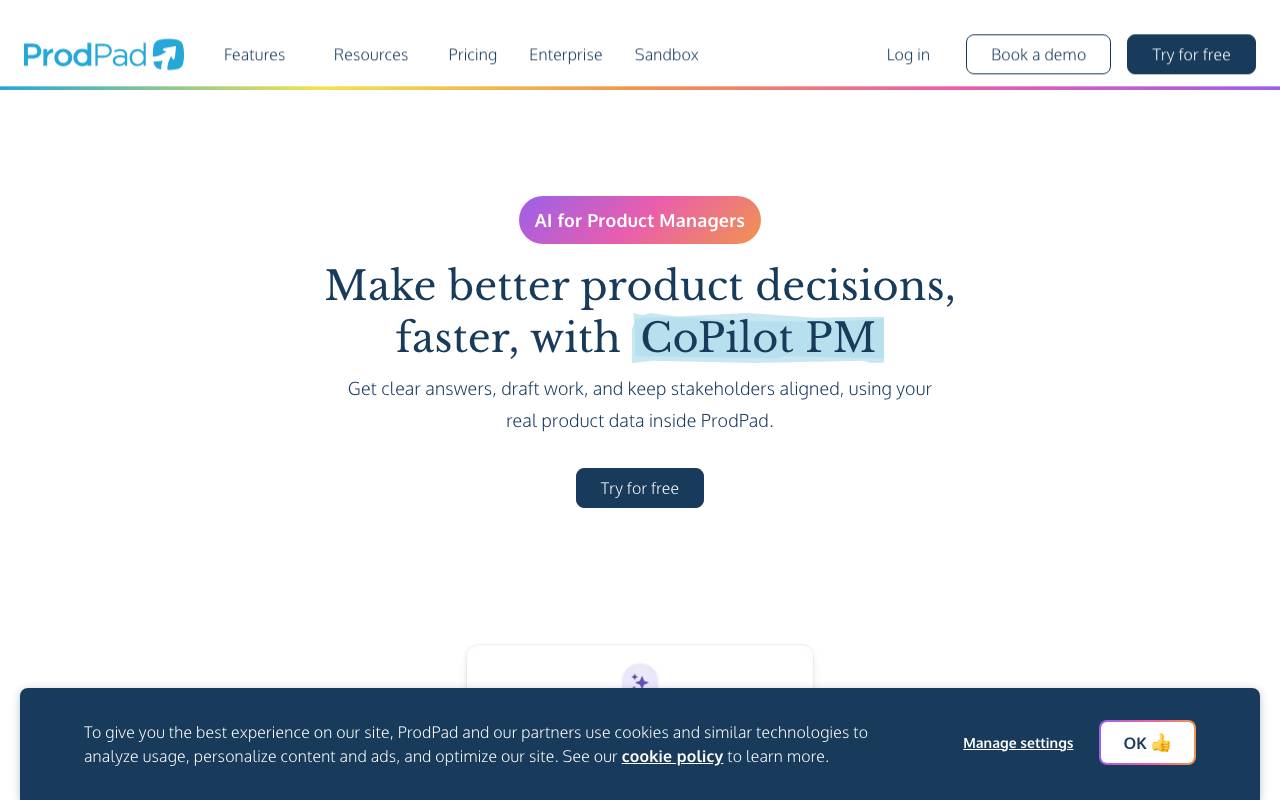

ProdPad CoPilot for Product Managers
Productivity Agents
AI assistant built into ProdPad to speed up everyday product management tasks.
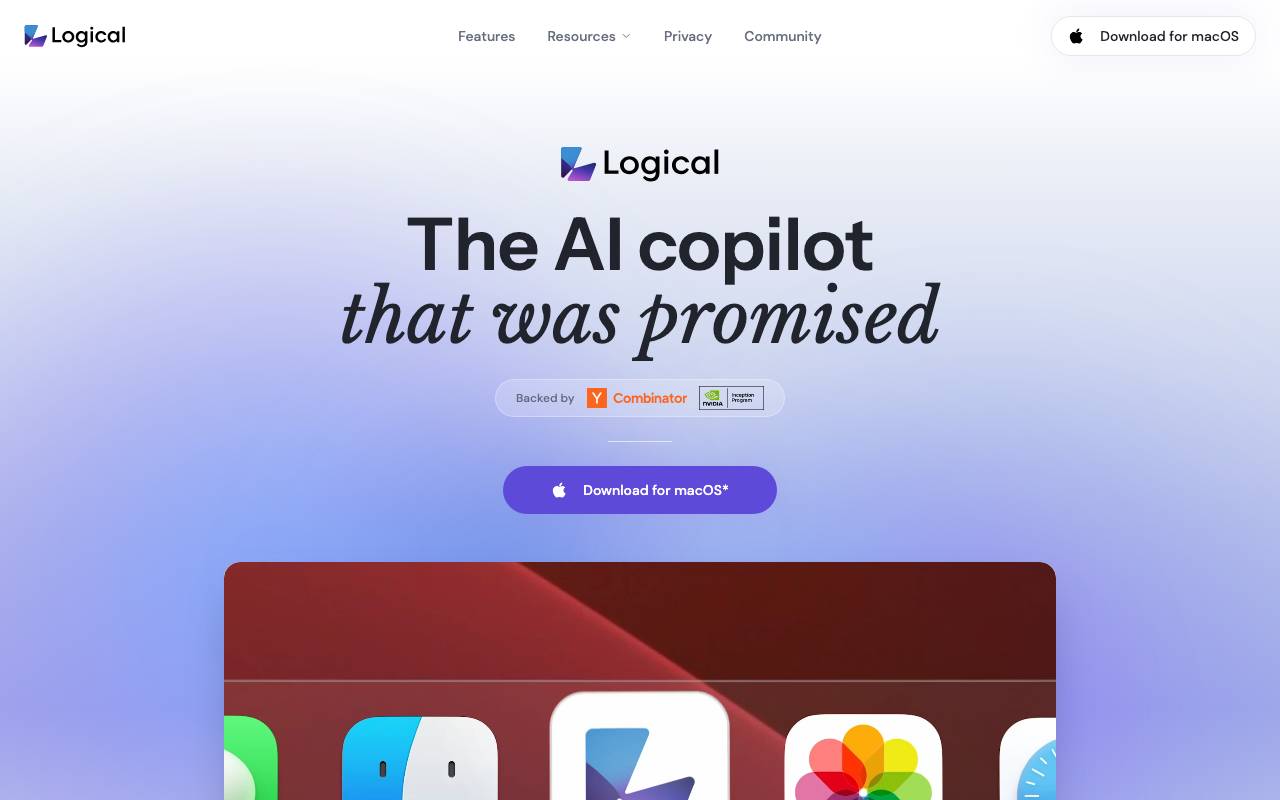

Logical
Productivity Agents
A proactive desktop AI copilot that understands on-screen context, drafts work, and suggests next actions across apps.


Such Much AI
Productivity Agents
AI platform for drafting sales proposals and procurement contracts in minutes.

TealKit
Productivity Agents
A mobile AI assistant for Android that uses tools, automations, and multiple model providers to complete real-world tasks.


Orchid
Productivity Agents
A proactive work delegation agent that reads incoming tasks, drafts next actions, and waits for user approval.


Perplexity Labs
Productivity Agents
A productivity engine that builds full projects—reports, dashboards, code, mini‑apps—through AI‑powered autonomous workflows.