Best Video editing (2026)

Pokud se přihlásíte přes odkaz na této stránce, můžeme získat provizi — to nikdy neovlivní naše hodnocení.
A curated guide to the best AI video editing tools, covering platforms that automate cuts, transcription, captions, color, and effects for creators, marketers, and post-production teams.
Video editing v číslech
Cenový mix
Best Video editing (2026)
- 1
 StreamGenAI poháněný editor Twitch klipů, který automaticky detekuje virální momenty a převádí je na sdílení krátkých videí.5.0 (4)
 - 2
 Satura AIPřevtěte dlouhá videa na krátké, sdílené klipy designované pro růst na sociálních sítích.4.8 (5)
 - 3
 SaimaSaima je umělou inteligencí řízený video ovládací prvek pro kontrolu rychlosti videa, který transformuje prohlížení videa adaptivní zobrazení rychlosti, rušení ticha, zvyšování čistoty zvuku a spolupráci bez...4.8 (4)
 - 4
 Lovo AiRealistický AI text-to-speech a výroba videa ve víc než 100 jazycích.4.6 (5)
 - 5
 Highlight StudioMacovací nástroj nahrávání obrazovky s integrovaným editováním pro vysoce profesionální videa.4.5 (6)

StreamGen
AI poháněný editor Twitch klipů, který automaticky detekuje virální momenty a převádí je na sdílení krátkých videí.
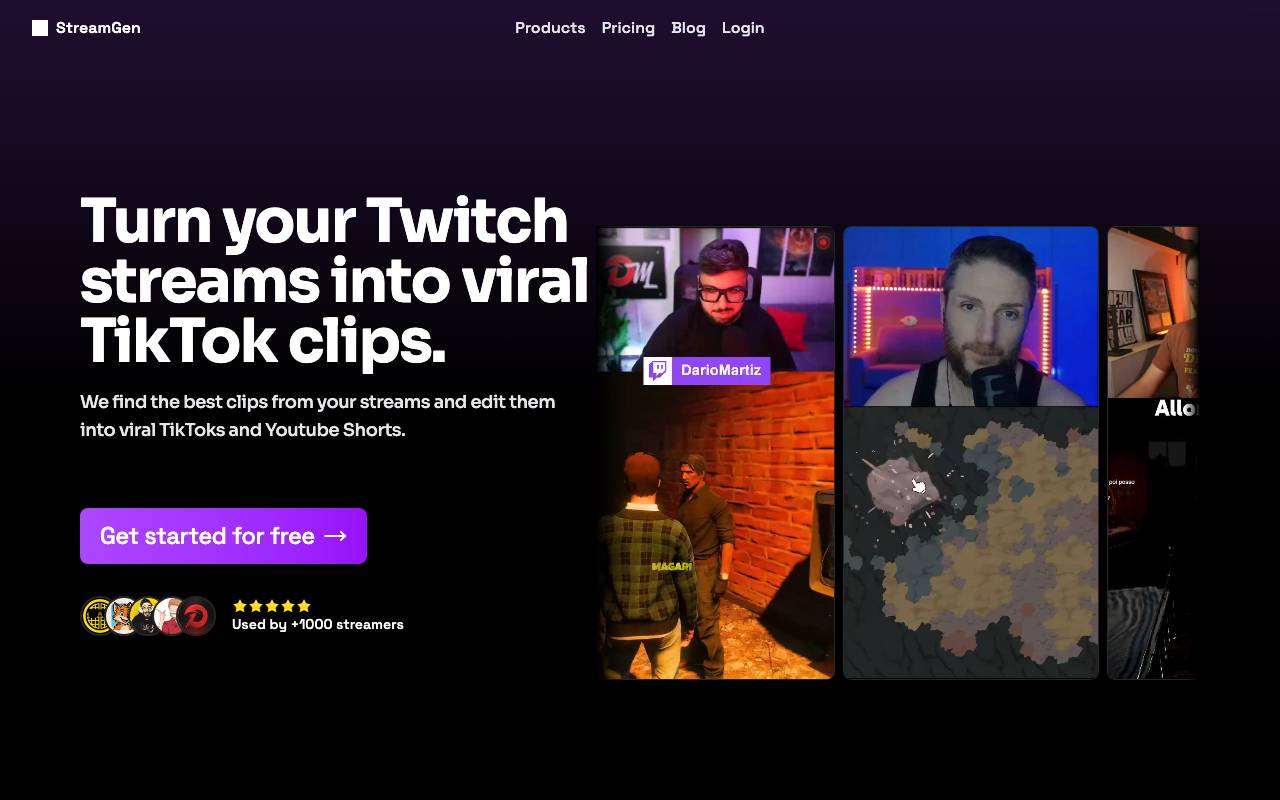
StreamGen je nástroj umělé inteligence vytvořený pro Twitch streamery a týmy pro tvorbu obsahu, kteří chtějí znovu využít dlouhé vysílání bez hodinového procházení VODů. Analyzuje streamované záběry a identifikuje vysoce intenzivní momenty - nárůsty chatu, velké reakce, herní vrcholy - a sestavuje je do připravených klipů pro zveřejnění. Editor zvládá náročnou práci spojenou s tvorbou krátkého obsahu, včetně překládání do vertikálních formátů, generování titulků a vytváření klipů optimalizovaných pro platformy jako TikTok, YouTube Shorts a Instagram Reels. To umožňuje tvůrcům soustředit se na streamování a přitom udržovat stálý přísun sociálního obsahu. StreamGen je určen pro samostatné streamery, editory a agentury, které chtějí růst své publikum napříč více platformami tím, že získají větší hodnotu z existujícího živého obsahu.
- Automatická detekce virálních okamžiků
- Vertikální přeformátování pro Shorts a Reels
- Automaticky generované titulkы a podtitulky
- Analýza chatu a audio reakcí
- Možnosti exportu do více platforem
- Generování klipů z VOD ve velkém

Satura AI
Převtěte dlouhá videa na krátké, sdílené klipy designované pro růst na sociálních sítích.

Vytvořeno tvůrci pro tvůrce, Satura AI je pracovní prostor pro vytváření asistované umělou inteligencí pro tvůrce na YouTube. Tato platforma umožňuje uživatelům editovat videa, přidávat titulky, najít klipy, vytvářet miniature a comprendovat, co lze zlepšit bez přecházení mezi několika nástroji, což nakonec pomáhá zvýšit počet zobrazení na YouTube.
- Automatická detekce zajímavých okamžiků
- Vertikální přeformatování pro krátká videa a záznamy
- Automaticky generované titulků a přepisů
- Zpracování dávek dlouhých videí
- Možnosti exportu připravené pro sociální sítě

Saima
Saima je umělou inteligencí řízený video ovládací prvek pro kontrolu rychlosti videa, který transformuje prohlížení videa adaptivní zobrazení rychlosti, rušení ticha, zvyšování čistoty zvuku a spolupráci bez...
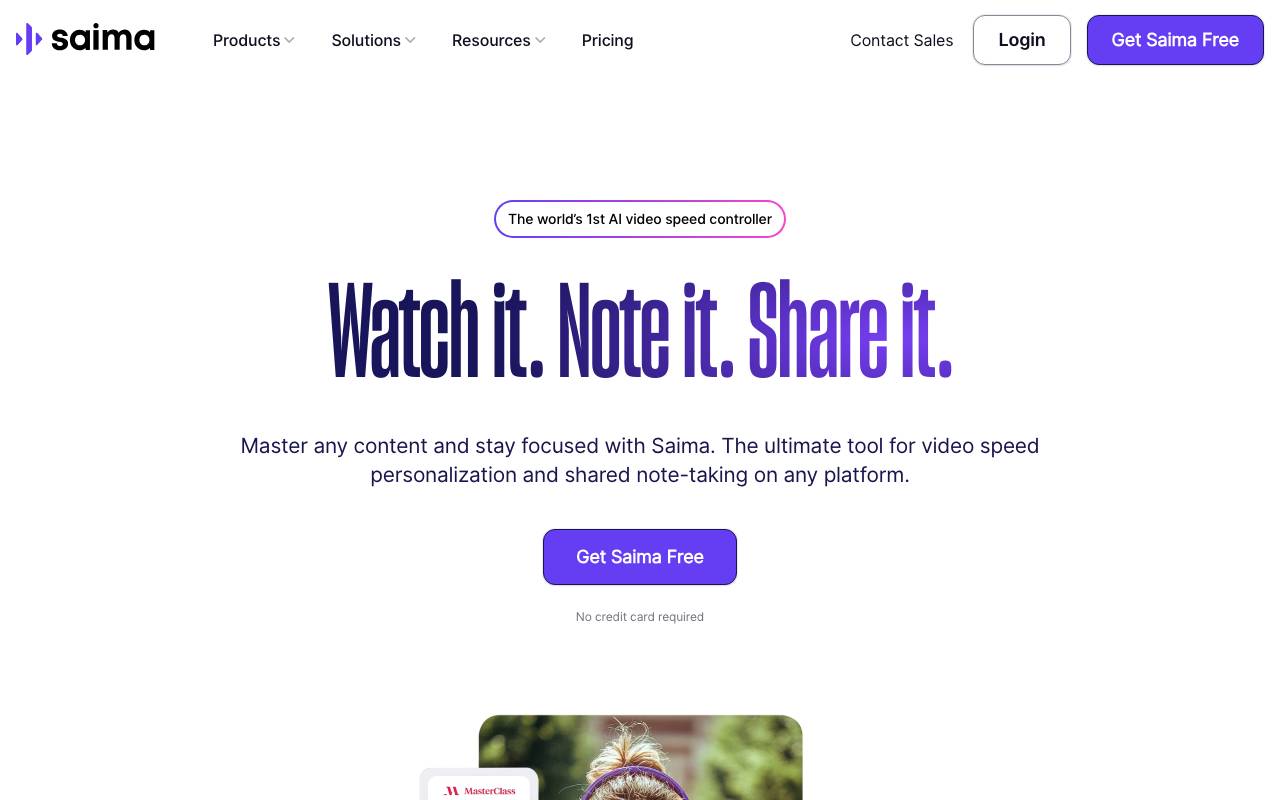
Umělou inteligenci řízený nástroj pro kontrolu rychlosti videa pro osobní, vzdělávací a podnikové scénáře.
- přizpůsobitelná rychlost pro lepší pochopení
- rušení ticha pro soustředěné učení
- rozdělené poznámky a spolupráce pro tým

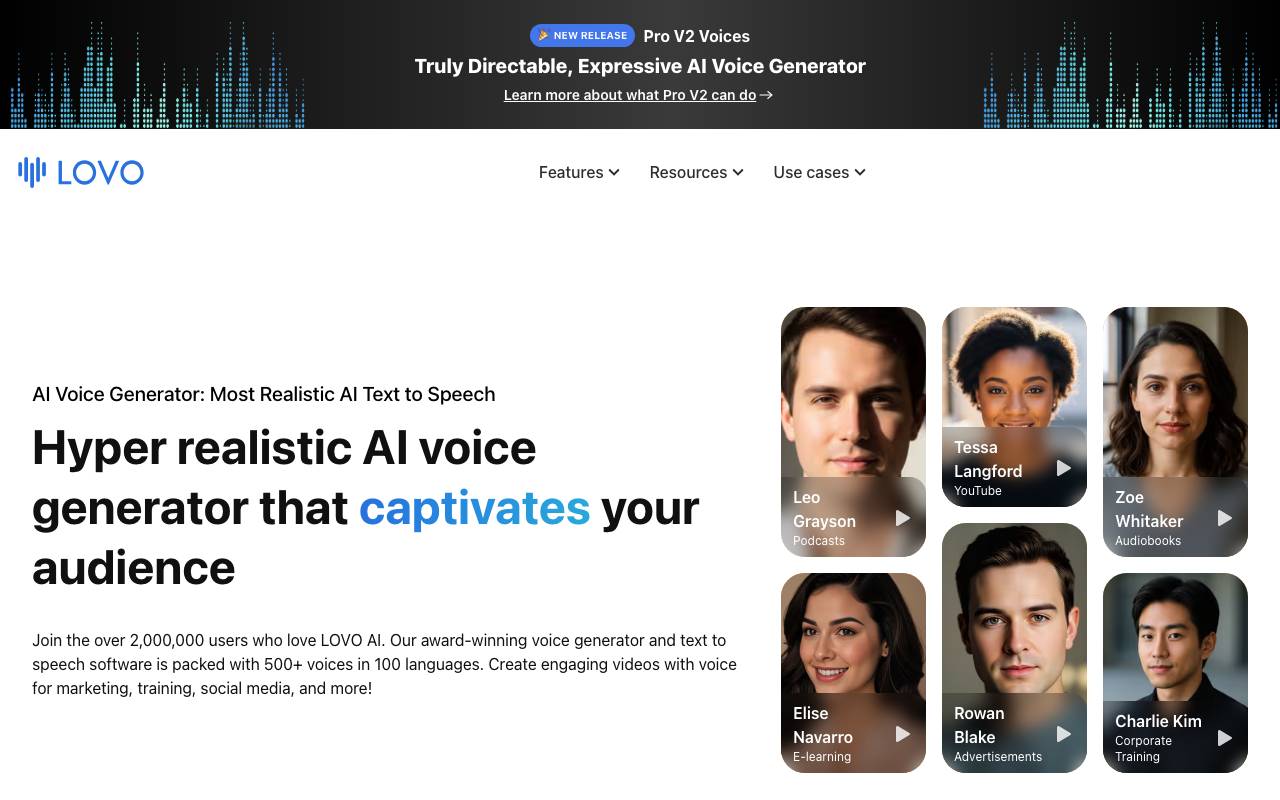
Lovo AI je platforma pro tvorbu obsahu zaměřená na realistické AI voiceovery, s knihovnou syntetických hlasů zahrnující mnoho jazyků, přízvuku a emocionálních stylů. Uživatelé mohou napsat nebo zkopírovat scénář, zvolit hlas a generovat studiové výstupy zvuků vhodné pro videa, reklamy, vzdělávání, podcasting a hry. Za hranicí hlasových generací Lovo nabízí video editaci, vytváření titulků, AI umění a písáření do jednoho prostoru nazývaného Genny. Tým může sesynchronizovat hlasová zpracování s vizuálními prvky, jemně nastavenou výslovnost a tempo a exportovat hotové projekty bez přepínání nástrojů. Komerční licencování a funkce klonování hlasu jej činí vhodným pro jak jednotlivé tvůrce, tak firmy produkující obsah na velkou škálu.
- AI text-to-speech s více než 500 hlasy
- Klonování hlasu z audio vzorků
- Vidео editor a nástroje pro vytváření titulků integrované do softwaru
- Výprava a důraz na výslovnost pod kontrolou
- AI písáření a generování obrazu
- Kolaborace na týmech a knihovna aktiv

Highlight Studio
Macovací nástroj nahrávání obrazovky s integrovaným editováním pro vysoce profesionální videa.
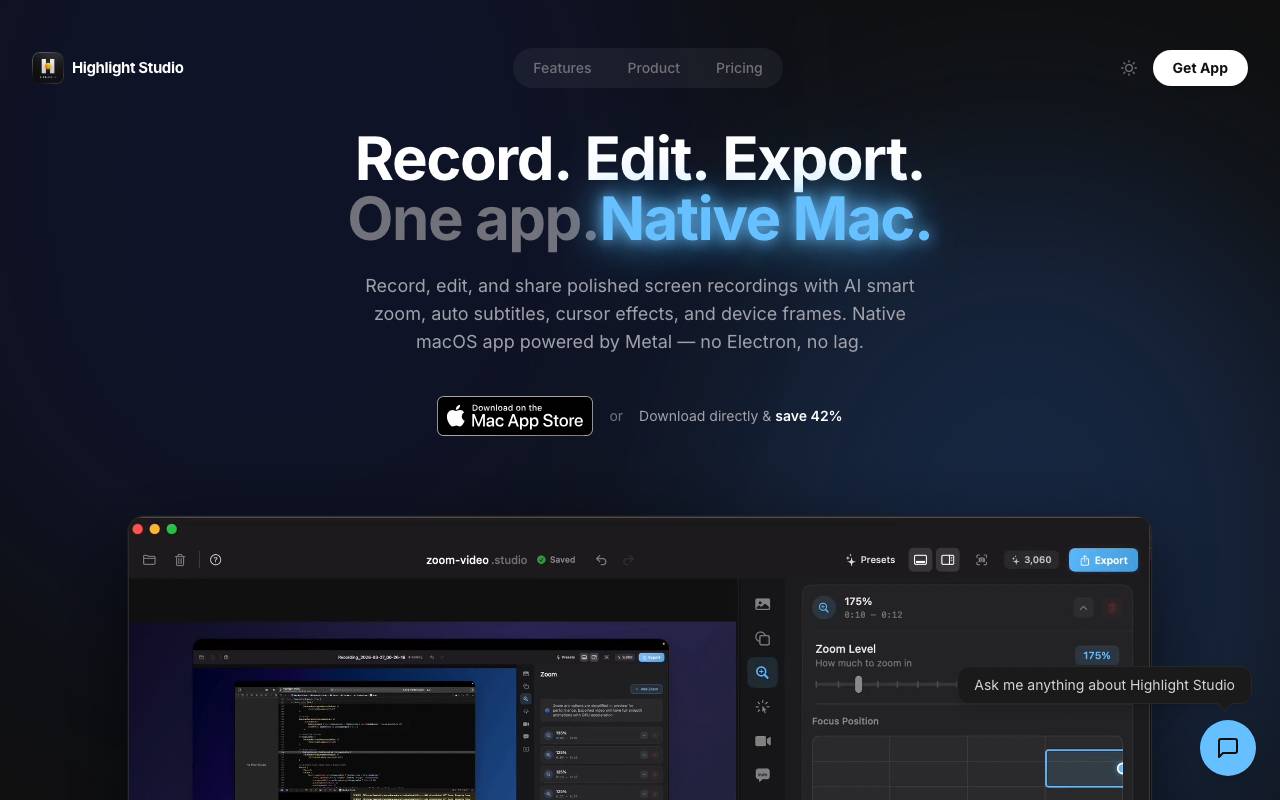
Highlight Studio je aplikace pro nahrávání obrazovky pro macOS, která kombinuje záznam a úpravy v jediném pracovním postupu. Uživatelé mohou nahrávat svou obrazovku, webkameru a zvuk a poté zpřesnit záběr bez přepínání do samostatného videoeditoru. Vestavěné editační nástroje podporují ořezávání, střih, anotace a vizuální vylepšení, díky čemuž je vhodný pro tutoriály, ukázky produktů, průchody softwarem a interní školicí obsah. Díky tomu, že nahrávání a postprodukci udržuje v jedné aplikaci, snižuje tření pro tvůrce, kteří potřebují rychle publikovat.
- Nahraní obrazovky, webkamery a zvuku
- Integrovaný videoeditor
- Trim, řezání a rozdělení snímků
- Poznámky a vizuální efekty
- Export ve společných formátech videa
- Optimalizováno pro macOS
Procházet všech 5 nástrojů Video editing
Kompletní prohledávatelný katalog — seřazený podle recenzí skutečných uživatelů.


