
Desktop Commander MCPخادم MCP يمنح وكلاء الذكاء الاصطناعي وصولاً آمناً إلى المحطة الطرفية، وإدارة العمليات، وتحرير الملفات على سطح المكتب الخاص بك.

نظرة عامة
الميزات الرئيسية
- تنفيذ أوامر المحطة الطرفية
- إدارة العمليات ومراقبتها
- تحرير الملفات قائم على الفرق
- بحث قاعدة البيانات والمستندات
- دعم قراءة وكتابة Excel و PDF
- تسجيل التدقيق لأفعال الذكاء الاصطناعي
التسعير
- النموذج
- Free
- التقييم
- 4.7 / 5 (6)
حالات الاستخدام
أتمتة سير العمل المحلية للمطورين
دع الذكاء الاصطناعي المساعد يشغل أوامر المحطة الطرفية، ويدير العمليات، ويطبق تعديلات قائمة على الفرق عبر قاعدة البيانات الخاصة بك مباشرة من الدردشة، دون نسخ ولصق بين الأدوات.
التحليل المدفوع بالذكاء الاصطناعي لجداول البيانات وملفات PDF
دع الذكاء الاصطناعي يقرأ، يعدل، ويولد ملفات Excel و PDF على القرص، مما يتيح للمحللين تفويض معالجة المستندات إلى مساعد يعمل على البيانات المحلية الفعلية.
بحث وإعادة هيكلة قواعد البيانات الكبيرة
استخدم البحث عن قاعدة البيانات والمستندات بالإضافة إلى تعديلات الفرق الجراحية لإعادة هيكلة أو تحديث العديد من الملفات بكفاءة مع الحفاظ على استخدام الرموز منخفضًا.
عمليات الذكاء الاصطناعي المدققة على البيانات الحساسة
قم بتشغيل أفعال الذكاء الاصطناعي محليًا مع تسجيل التدقيق الكامل حتى يتمكن الفريق من مراجعة كل أمر وتغيير في الملف، مما يدعم سير العمل الحساسة للخصوصية أو المدفوعة بالامتثال.
المزايا والعيوب
المزايا
- تعديلات قائمة على الفرق توفر الرموز وتتجنب إعادة الكتابة الكاملة
- يعمل مع ملفات Excel و PDF، وليس فقط مع الرموز
- سجلات التدقيق تحسن الشفافية والثقة
- يعمل محليًا لتحسين الخصوصية
العيوب
- يتطلب الراحة مع إعداد MCP
- منح الوصول إلى المحطة الطرفية يحمل خطرًا متأصلًا
- محدود على عملاء الذكاء الاصطناعي المتوافقين مع MCP
المراجعات
المتوسط من 6 تقييم.
سجّل الدخول لكتابة مراجعة.
Compared a few options
Evaluated this against two competitors. Where it wins: codebase and document search and works with Excel and PDF files, not just code. Where it lags: limited to MCP-compatible AI clients. On balance the feature set — especially process management and monitoring — justifies the 5 stars for our use case.
Compared a few options
Evaluated this against two competitors. Where it wins: audit logging of AI actions and audit logs improve transparency and trust. Where it lags: granting terminal access carries inherent risk. On balance the feature set — especially audit logging of AI actions — justifies the 5 stars for our use case.
Does the job
Pretty happy overall. Terminal command execution just works and diff-based edits save tokens and avoid full rewrites. but no dealbreakers — I'd recommend it to a friend without hesitating.
Solid for our team
We rolled this out across the team last quarter and runs locally for better privacy. Process management and monitoring fits neatly into how we already work, and excel and PDF read/write support removed a step we used to do by hand. Granting terminal access carries inherent risk, which is the main caveat, but it has held up under daily use.
Use it every day
Honestly didn't expect to like it this much. Diff-based file editing is exactly what I needed, and works with Excel and PDF files, not just code. I do wish requires comfort with MCP setup, but I reach for it almost every day now and it just clicks.
Use it every day
Honestly didn't expect to like it this much. Codebase and document search is exactly what I needed, and audit logs improve transparency and trust. I do wish requires comfort with MCP setup, but I reach for it almost every day now and it just clicks.
أسئلة وأجوبة
What file types and tasks can it handle beyond running shell commands?
In addition to terminal execution and process management, it performs diff-based file edits, searches across codebases and documents, and reads and writes Excel spreadsheets and PDFs, making it useful for both developers and analysts.
How does it address the security risks of giving an AI terminal access?
It runs locally rather than in the cloud, uses targeted diff-based edits instead of full rewrites to limit unintended changes, and keeps an audit log of every action the AI takes for transparency. Granting shell access still carries inherent risk.
Which AI clients can I use Desktop Commander MCP with?
It works with MCP-compatible clients like Claude Desktop. Because it relies on the Model Context Protocol, any assistant or app that speaks MCP can connect, but non-MCP clients are not supported.
اطرح سؤالاً
بدائل لـ Programming Assistants
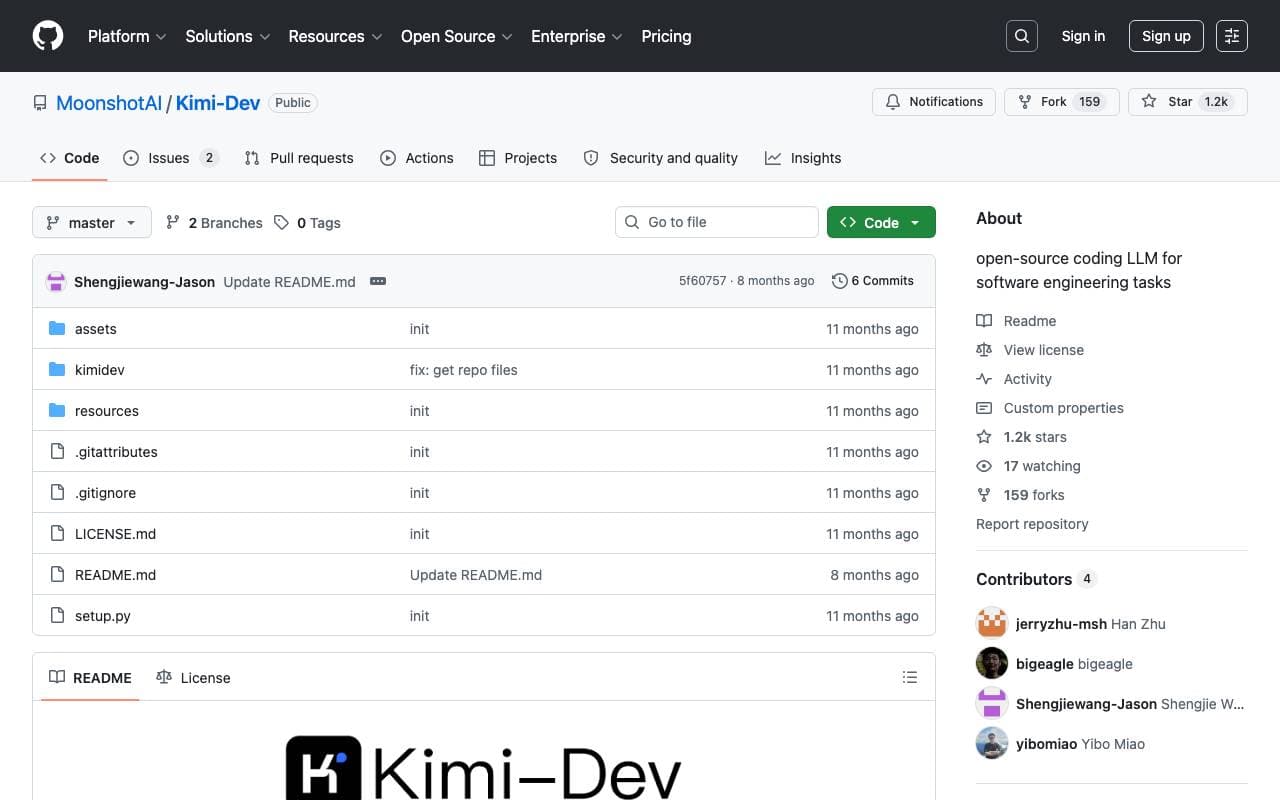

Kimi‑Dev
Programming Assistants
Kimi-Dev: نموذج لغة كبير مفتوح المصدر للتفتيش التلقائي وتصحيح الأخطاء والقضايا في مشاريع البرمجيات.
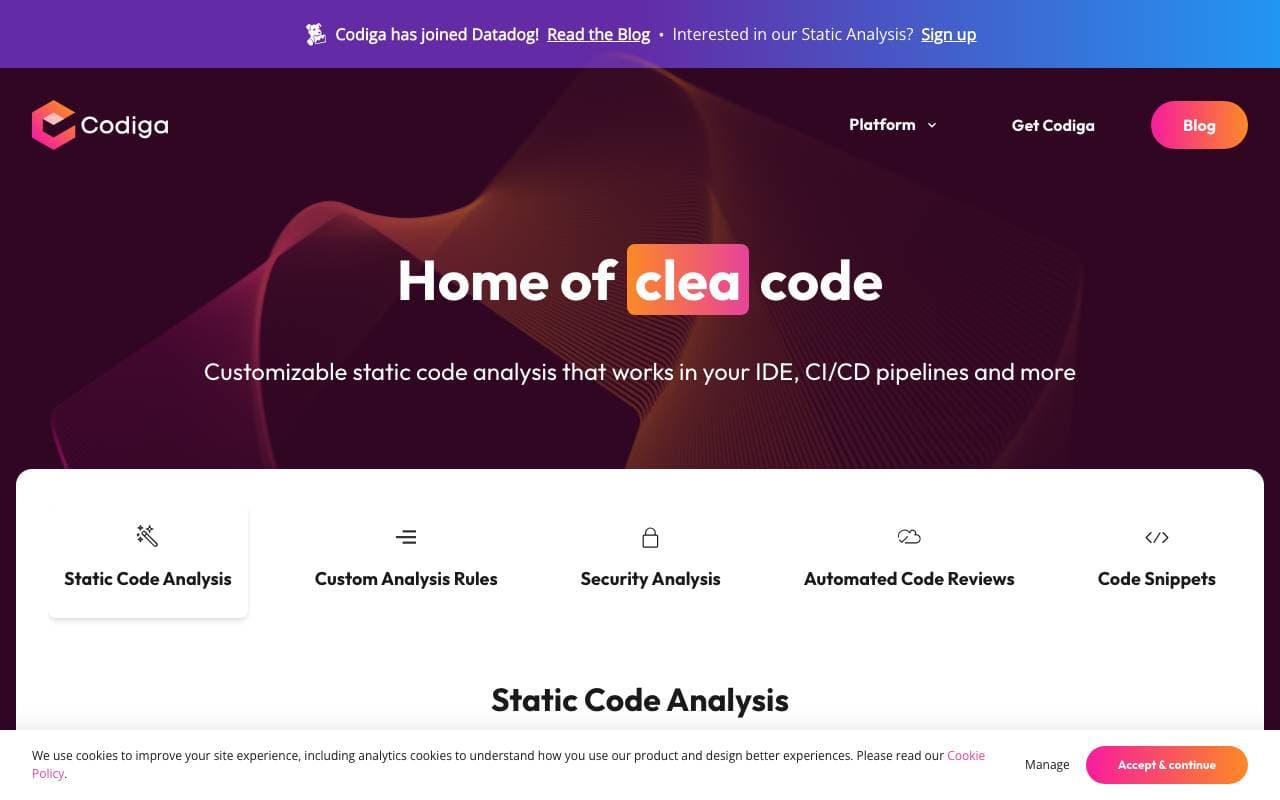

Codiga
Programming Assistants
تحليل الكود الثابت والمراجعات البرمجية التلقائية باستخدام دمج كوديجا في أنابيب CI لمراجعة طلبات السحب تلقائيًا، وتحديد المشكلات وفرض معايير البرمجة قبل دمج الشيفرة
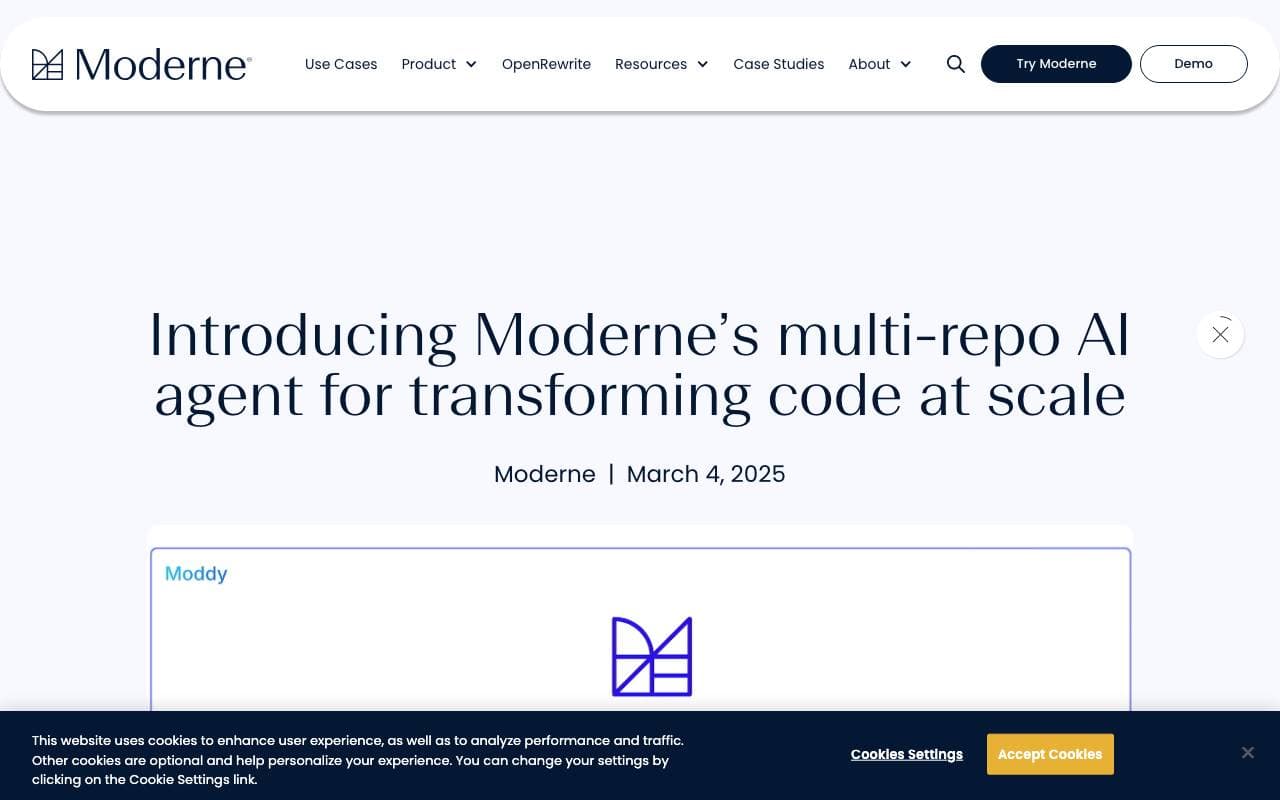

Moddy
Programming Assistants
وكيل الذكاء الاصطناعي لتحليل وتحديث البنى التحتية للشفرة البرمجية على نطاق واسع
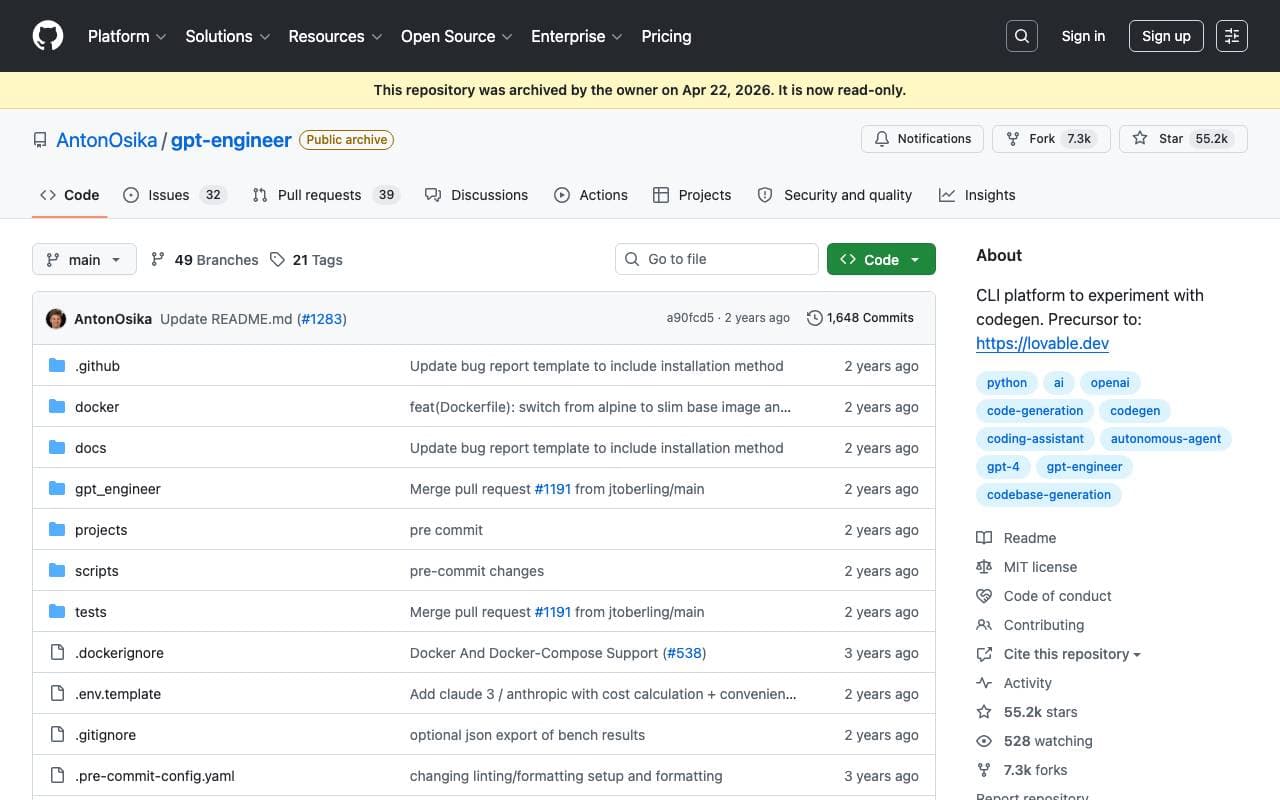

GPT Engineer
Programming Assistants
مهحرك GPT: أداة ذكاء صناعي مفتوحة المصدر لتوليد قواعد الكود البرمجي من وصف المشروع الصادر عن المستخدم عبر واجهة الحوار التفاعلية.
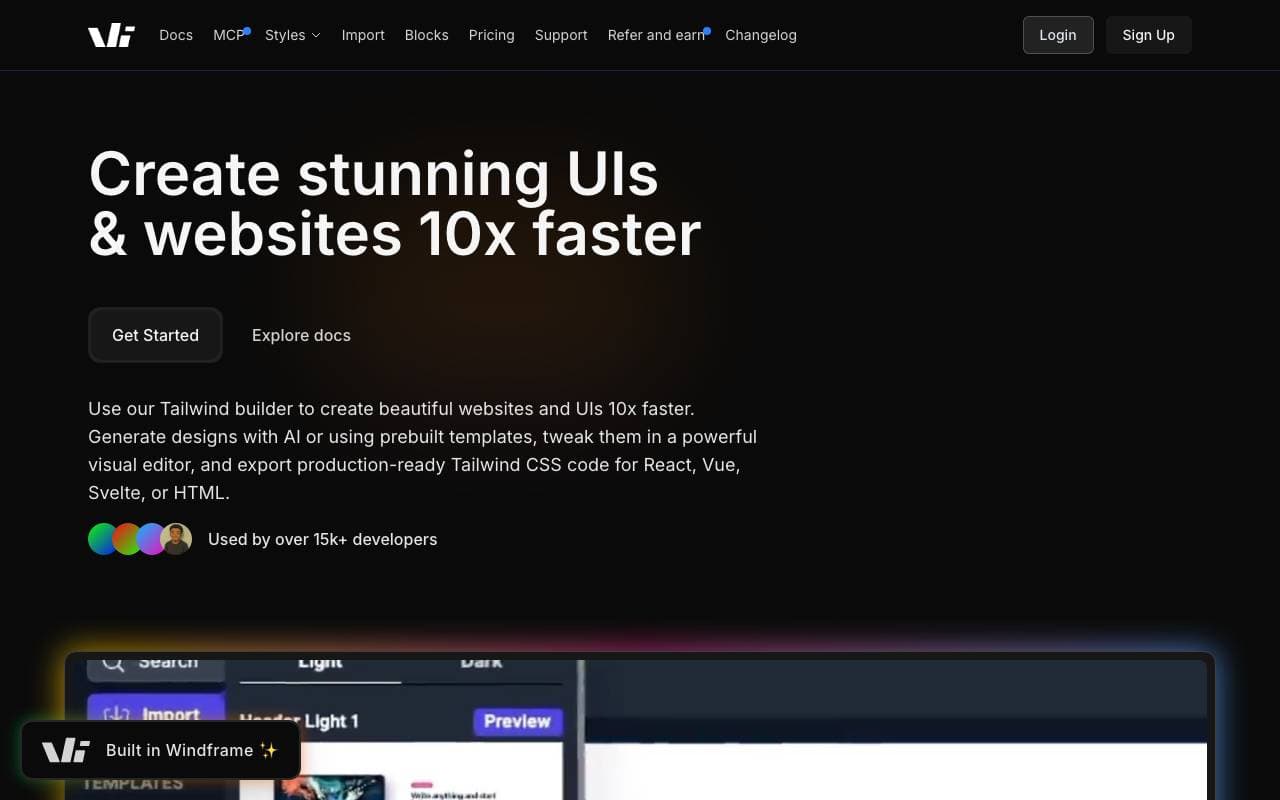

Windframe
Programming Assistants
Windframe - مصمم واجهة المستخدم AI المساعد لنظام Tailwind CSS للرسومات السريعة للتصميم والنماذج الأولية وتطوير الكود للHTML, React or Vue.

gstack
Programming Assistants
طبقة إدارة سير العمل مفتوحة المصدر التي تضيف مهارات التخطيط والتدقيق وضمان الجودة والشحن إلى كود كلود وكودكس.
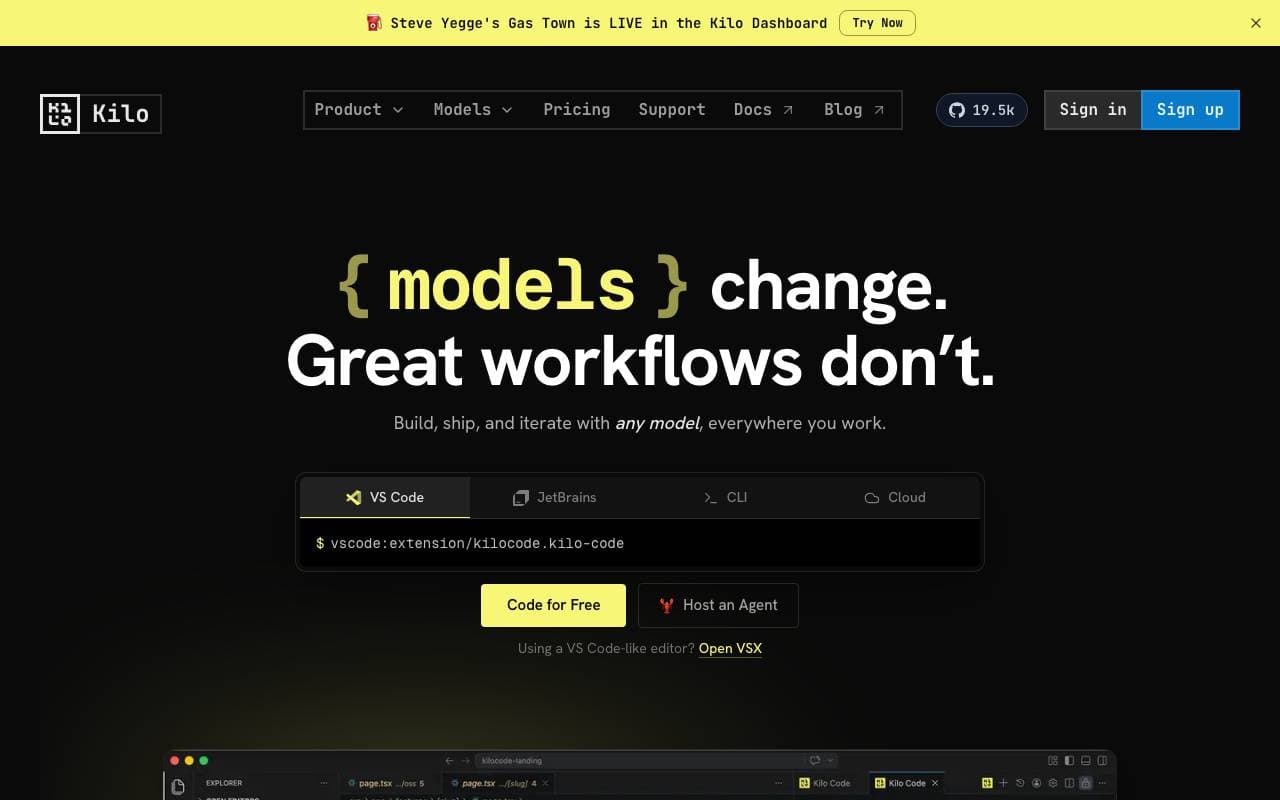

Kilo Code
Programming Assistants
اداة AI مفتوحة المصدر للذكاء الاصطناعي لكتابة وتصحيح الأخطاء في الكود مع دعم متعدد النماذج.
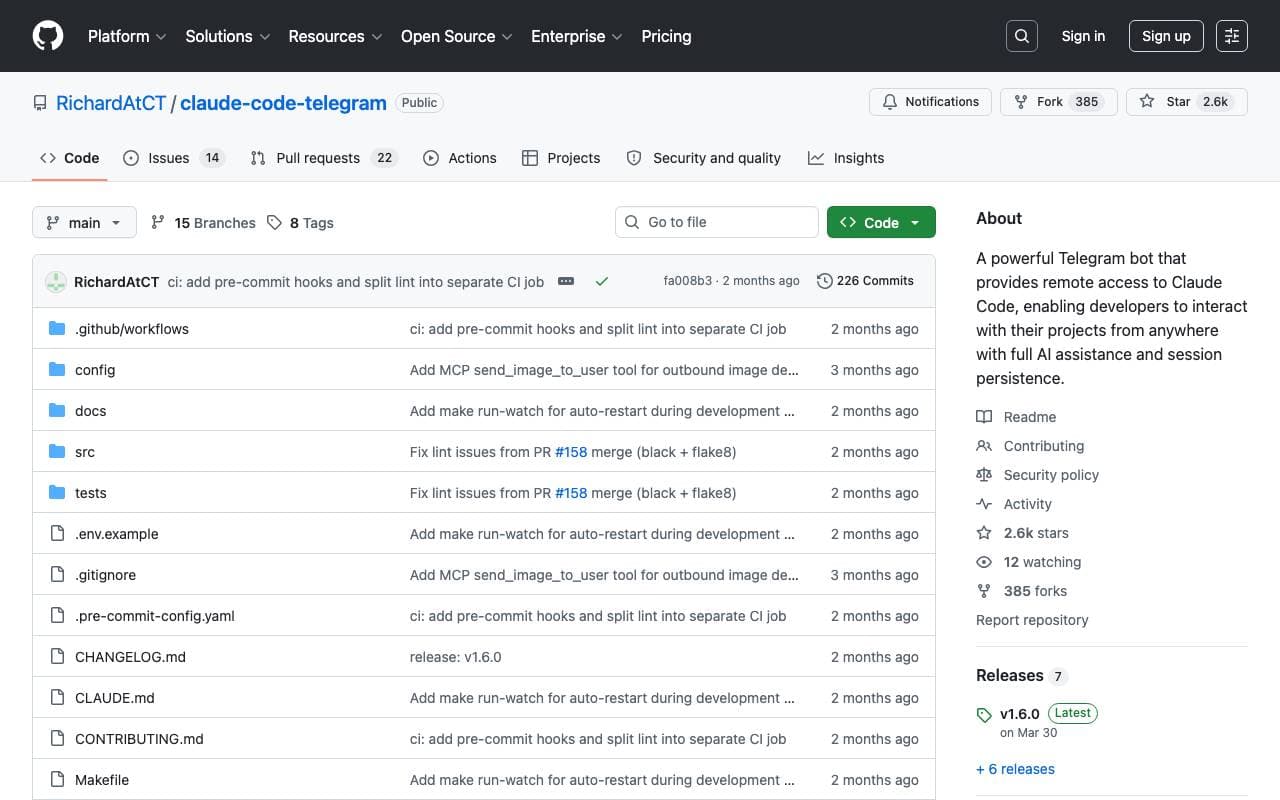

Claude Code Telegram Bot
Programming Assistants
بوت تليجرام كود كلود مفتوح المصدر الذي يمنح الوصول عن بعد والآمن إلى كود كلود عبر المحادثات.
Trending now

Doozer Ai
Sales Agent
المساعدين الرقميين الذين يعززون سير العمل لتناغم أكبر في الأعمال


Claude
AI Agents & Chatbots
مساعد AI محادثة من Anthropic للكتابية، التحليل، البرمجة والتحليل العاطفي


Consistent Character AI
Images
إنشاء شخصيات الذكاء الاصطناعي المتسقة عبر المشاهد من صورة مرجعية واحدة


Pin AI
Workflow automation
مساعد الذكاء الاصطناعي للبحث عن المواهب بشكل فعّال: يسرع Pin AI عملية التوظيف مع الحفاظ على جودة الاختيار.