
Gantt ChartProfessionaalne Gantt diagrammi loomise tööriist projekti ajakava, sõltuvuste ja verstapostide planeerimiseks.

Ülevaade
Põhifunktsioonid
- Lohista‑ja‑lasse ajakava redigeerimine
- Ülesannete sõltuvuste sidumine
- Verstapostide jälgimine
- Edenemise ja lõpetamise näidikud
- Koostööaldis projektiplaanimine
- Visuaalne projekti ülevaade
Hinnad
- Mudel
- Freemium
- Kategooria
- Project Management
- Hinnang
- 4.8 / 5 (6)
Kasutusjuhud
Planeeri mitmeetapilisi projektiajakavasid
Projektijuhid saavad koostada ülesanded koos algus- ja lõppkuupäevadega, siduda sõltuvused ja visualiseerida kogu projekti ajakava ühes interaktiivses Gantt diagrammis.
Jälgi verstaposte ja edenemist
Meeskonnajuhid määravad olulised verstapostid ja kasutavad edenemise näidikuid lõpetamise jälgimiseks, tagades, et tarned püsivad ajakavas kogu projekti elutsükli vältel.
Kohanda ajakavasid koostöös
Meeskonnad kasutavad lohista‑ja‑lasse redigeerimist, et ajakavasid prioriteetide muutudes nihutada, hoides sidusrühmad kooskõlas uuendatud tähtaegade ja sõltuvustega.
Visualiseeri keerukad töövood sidusrühmadele
Jaga selget visuaalset ülevaadet ülesannetest, sõltuvustest ja tähtaegadest, et sidusrühmad saaksid kiiresti mõista projekti olekut ja eelseisvaid tarneid.
Plussid ja miinused
Plussid
- Selge visuaalne kujundus keerukate ajakavade jaoks
- Toetab ülesannete sõltuvusi ja verstaposte
- Lihtne kohandada ajakavasid plaanide muutumisel
- Kasulik nii väikeste kui ka suurte projektide jaoks
Miinused
- Piiratud väärtus meeskondadele, kes ei kasuta ajakavapõhist planeerimist
- Õppimiskõver kasutajatele, kes on Gantt'i metoodikaga uued
- Võib puududa täisfunktsionaalse projektijuhtimise tööriistakomplekti täiustatud funktsioonid
Lahingute rekord
1 lahingus Panteonis.
Last battle
Arvustused
Keskmine 6 hinnangust.
Logi sisse arvustuse jätmiseks.
Years in this space
I've evaluated a lot of these over the years. What stands out here is milestone tracking — handled better than most — and useful for both small and large projects. Learning curve for users new to Gantt methodology is my one real gripe. Worth the time if this is your use case.
Solid for our team
We rolled this out across the team last quarter and easy to adjust timelines as plans change. Milestone tracking fits neatly into how we already work, and progress and completion indicators removed a step we used to do by hand. May lack advanced features of full PM suites, which is the main caveat, but it has held up under daily use.
Use it every day
Honestly didn't expect to like it this much. Collaborative project planning is exactly what I needed, and easy to adjust timelines as plans change. but I reach for it almost every day now and it just clicks.
Solid for our team
We rolled this out across the team last quarter and supports task dependencies and milestones. Collaborative project planning fits neatly into how we already work, and collaborative project planning removed a step we used to do by hand. but it has held up under daily use.
Skeptical, then convinced
I went in skeptical — most tools in this space overpromise. It actually delivers on progress and completion indicators, and supports task dependencies and milestones caught me off guard. still, I'd recommend giving it a real trial.
Compared a few options
Evaluated this against two competitors. Where it wins: visual project overview and useful for both small and large projects. On balance the feature set — especially drag-and-drop timeline editing — justifies the 5 stars for our use case.
Küsimused
Küsimusi pole — esita esimene.
Esita küsimus
Project Management alternatiivid
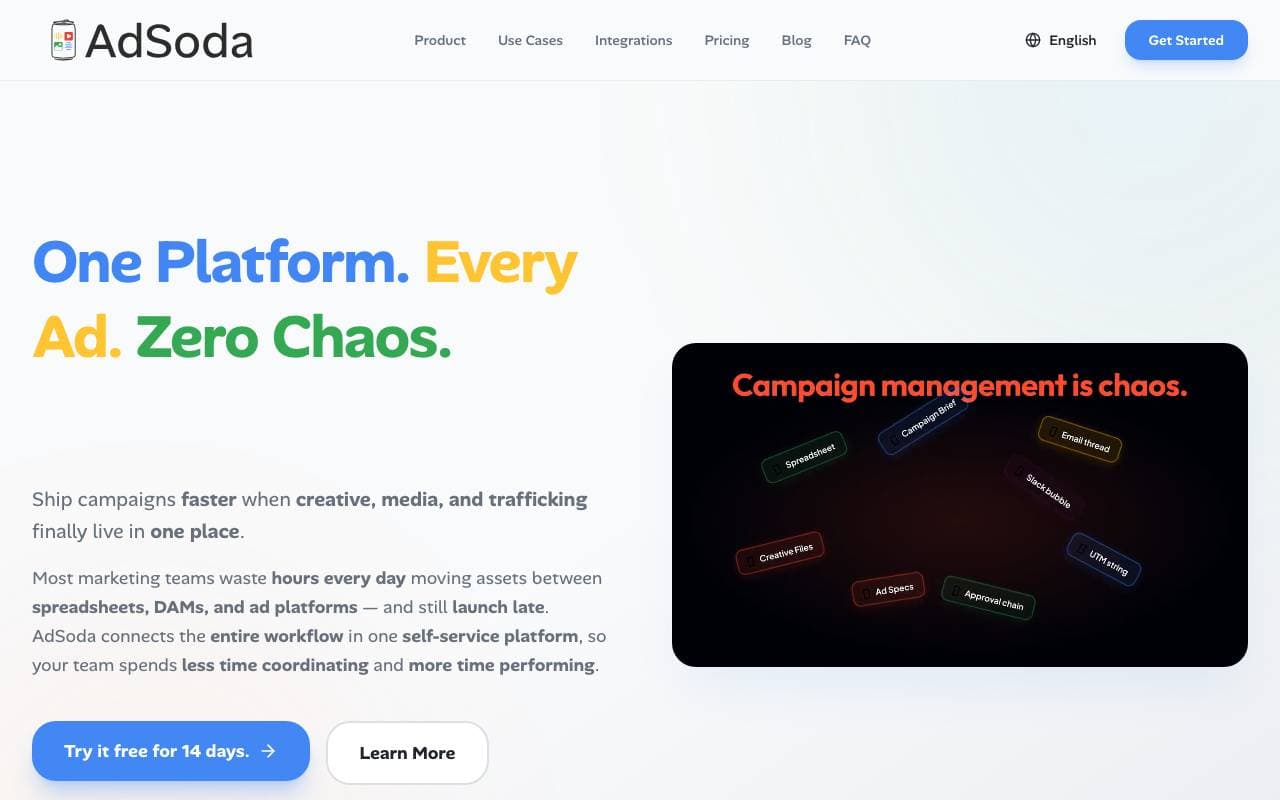

AdSoda
Project Management
Ühtne kampaaniaoperatsioonide platvorm, mis ühendab loova, meediaplaneeringu ja reklaamitransiidi.
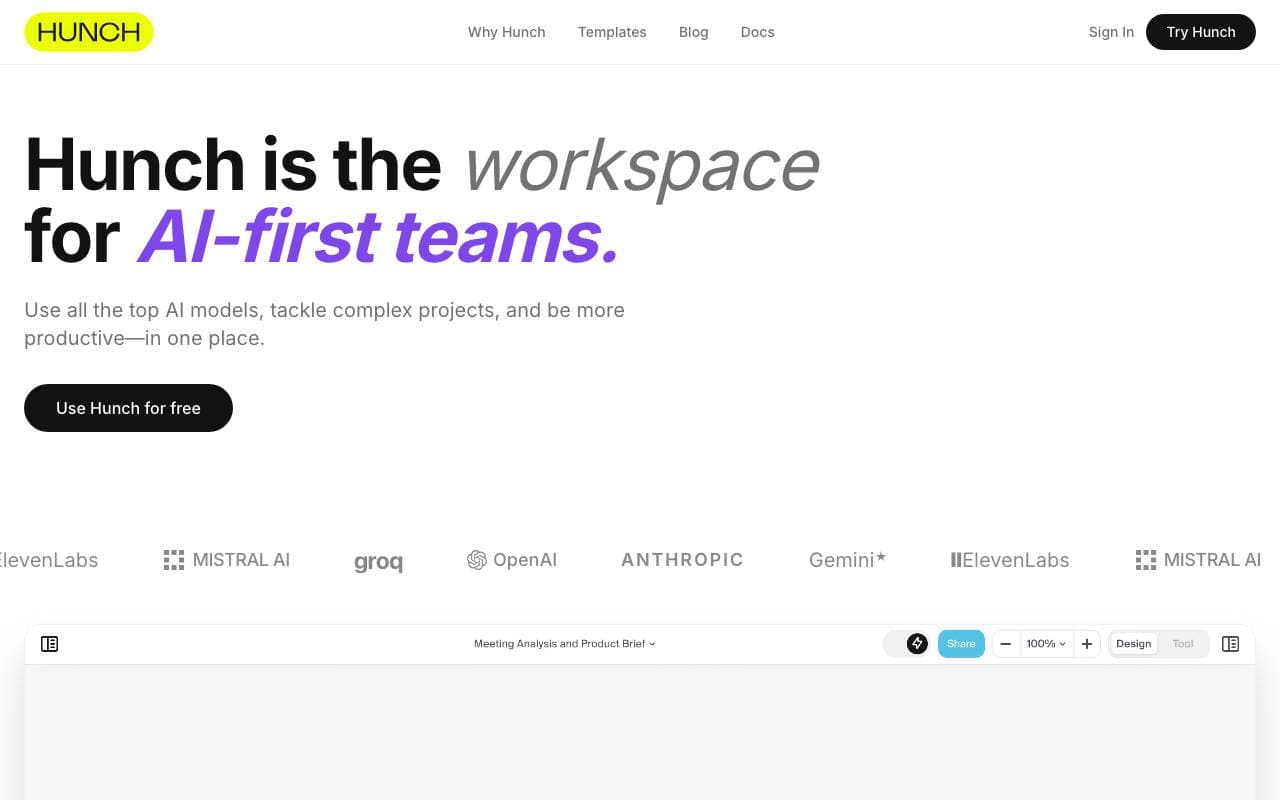
Hunch
Project Management
Ühtne tööruum, mis ühendab mitu AI mudelit, et lahendada keerukaid, mitmeetapilisi projekte.
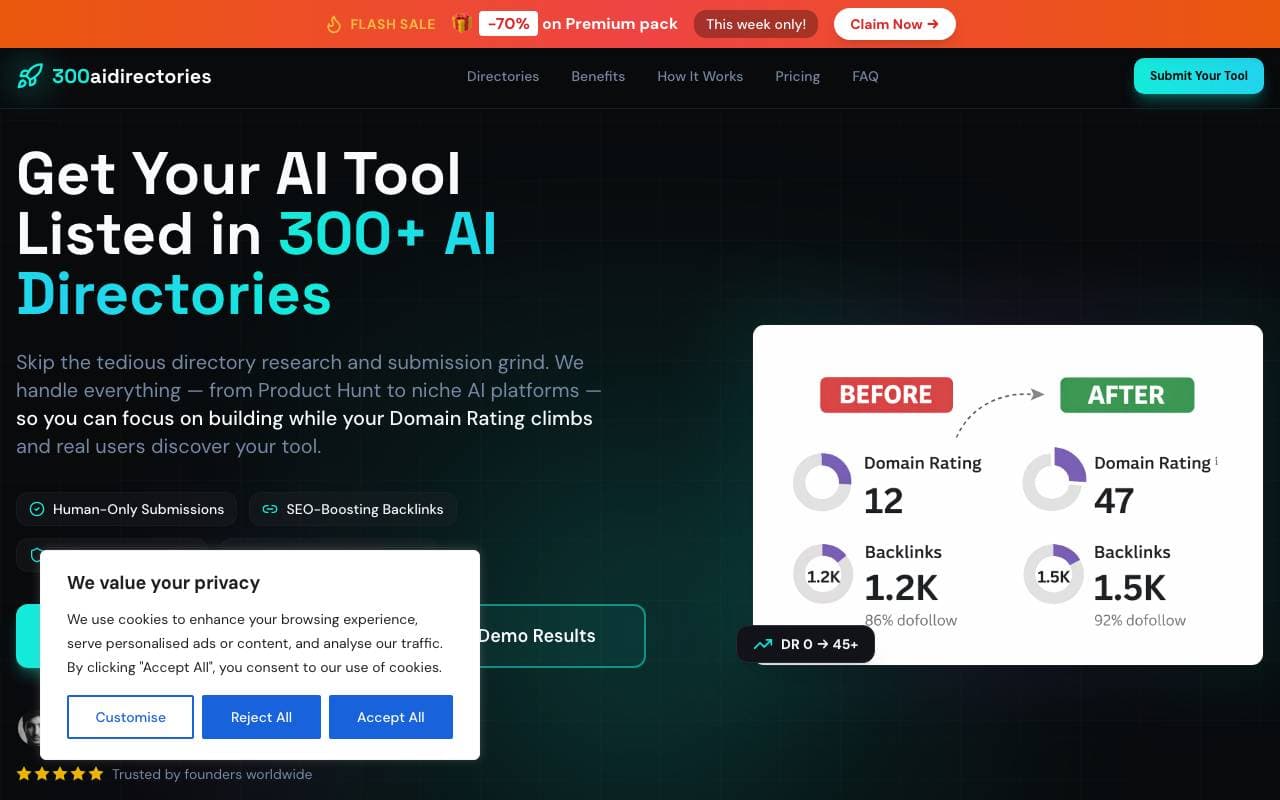

x102tech
Project Management
Tehisintellektil põhinevad saidiauditid koos praktiliste sammudega viidete suurendamiseks ChatGPT-s, Geminis ja teistes tehisintellekti otsingumootorites.
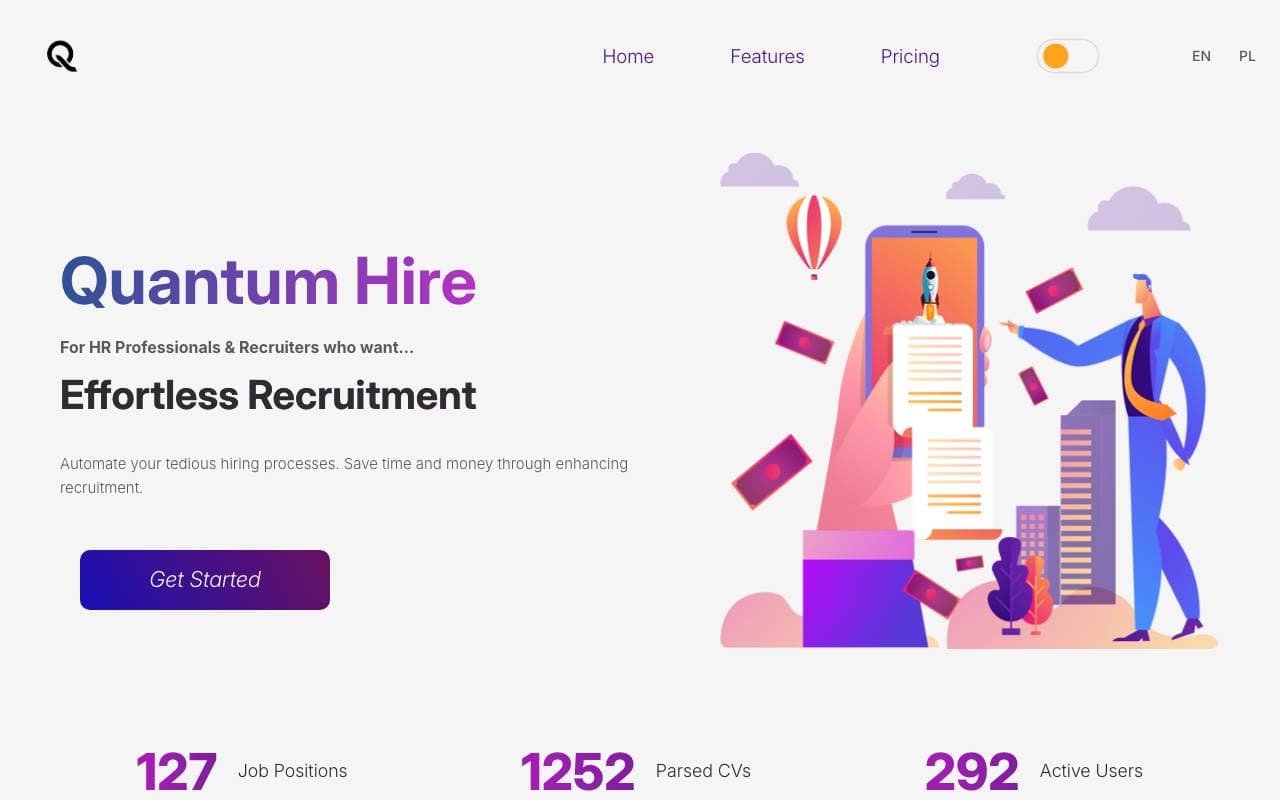

Quantum Hire
Project Management
Teenusele Quantum Hire rakendused automaatseid töö paljudes etappes

Asana AI
Project Management
AI-põhine tööhaldus, mis automatiseerib ülesandeid ja prioriseerib meeskonna töövoogusid.
Taskade
Project Management
Airtänaustega ühendatud tegevuste, määratud andmed ja allkirjastatud näidisid.
Trending now

Doozer Ai
Sales Agent
Digitaalsed kolleegid, mis automatiseerivad operatiivseid töövoogusid ja suurendavad meeskonna tõhusust.


Claude
AI Agents & Chatbots
Anthropic'i konversatsiooniline AI-assistent kirjutamiseks, analüüsiks, koodimiseks ja dokumenttöödeks


Consistent Character AI
Images
Genereeri ühtne AI karakter mitmes kaadris ühe viitepildist.


Pin AI
Workflow automation
Meie agentlik Olümp asjuajas