
Anima | UX Design AgentUX design agent, amely a márkád és a design rendszered alapján tanulva pontos felületeket hoz létre.

Áttekintés
Fő funkciók
- Brand és design rendszer beolvasása
- AI által generált UX képernyők és áramlatok
- Komponens-tudatos UI javaslatok
- Következetesség több artefakt között
- Tervezői szerkesztés folyamatban
- Munkafolyamat-integráció a kézbesítéshez
Árazás
- Modell
- Free
- Kategória
- Code Generation
- Értékelés
- 4.4 / 5 (5)
Felhasználási esetek
Gyorsítsa az elsődleges UX felfedezést
Gyorsan hozzon létre több, a márkahoz illő képernyőkonceptet és áramlati variációt, amely segíti a termékcsapatokat a irányok felfedezésében anélkül, hogy minden mockupot újra kellene építeni.
Töltse ki a gyakori képernyők előállítását
Használja az Animát rutinszerű képernyők előállításához, mint beállítások, üres állapotok vagy listanézetek, amelyeket a meglévő komponenskönyvtár és design rendszer illeszt.
Tartsa fenn a következetességet nagy projektekben
Biztosítsa, hogy a UI artefaktok megfeleljenek a brand irányelveinek és a megszokott mintáknak, ha több tervező dolgozik egy nagy, terjedt terméken.
Egyszerűsítse a design-tól fejlesztésig történő átadást
Generáljon rendszerehez igazodó terveket, amelyek készen állnak az integrálásra a meglévő design és fejlesztési munkafolyamatokba, csökkentve a tervezők és fejlesztők közötti újra munkát.
Előnyök és hátrányok
Előnyök
- Tartja tiszteletben a meglévő design rendszereket és brand szabályait
- Gyorsítja a rutin UI előállítást
- Csökkenti az állóképesség hiányát a képernyők között
- Integrálódik a meglévő design munkafolyamatokba
Hátrányok
- A legjobb teljesítményhez definiált design rendszer szükséges
- Kevésbé hasznos új brand felfedezésekhez
- A kimenetet még mindig tervező ellenőrizheti
- Tanulási görbe a brand kontextus beállításához
Értékelések
Átlag 5 értékelésből.
Jelentkezz be értékelés írásához.
Skeptical, then convinced
I went in skeptical — most tools in this space overpromise. It actually delivers on workflow integration for handoff, and speeds up routine UI production caught me off guard. Requires a defined design system to perform best is why this isn't a perfect score, still, I'd recommend giving it a real trial.
Solid for our team
We rolled this out across the team last quarter and speeds up routine UI production. Brand and design system ingestion fits neatly into how we already work, and consistency across multiple artifacts removed a step we used to do by hand. Output still needs designer review, which is the main caveat, but it has held up under daily use.
Years in this space
I've evaluated a lot of these over the years. What stands out here is component-aware UI suggestions — handled better than most — and speeds up routine UI production. Less useful for greenfield brand exploration is my one real gripe. Worth the time if this is your use case.
Years in this space
I've evaluated a lot of these over the years. What stands out here is aI-generated UX screens and flows — handled better than most — and reduces inconsistency across screens. Learning curve to configure brand context is my one real gripe. Worth the time if this is your use case.
Use it every day
Honestly didn't expect to like it this much. Brand and design system ingestion is exactly what I needed, and integrates into established design workflows. but I reach for it almost every day now and it just clicks.
Kérdések
Do we need an existing design system to use Anima effectively?
Yes. Anima performs best when you have a defined design system, brand guidelines, and component library to ingest. Without that context, it's less useful for greenfield brand exploration, since its strength is generating screens that stay consistent with established patterns.
What are the best use cases for Anima on a product team?
Anima is well-suited for accelerating early UX exploration, filling in repetitive screens, and translating ideas into polished, system-aligned designs. Teams use it to maintain consistency across multiple artifacts and speed up routine UI production without starting from scratch.
Does Anima replace designers, or is human review still required?
Designer review is still required. Anima is built as a designer-in-the-loop tool that acts as an extension of the team, generating on-spec screens and flows that designers then edit, refine, and approve before handoff to development.
Kérdezz
Code Generation alternatívái
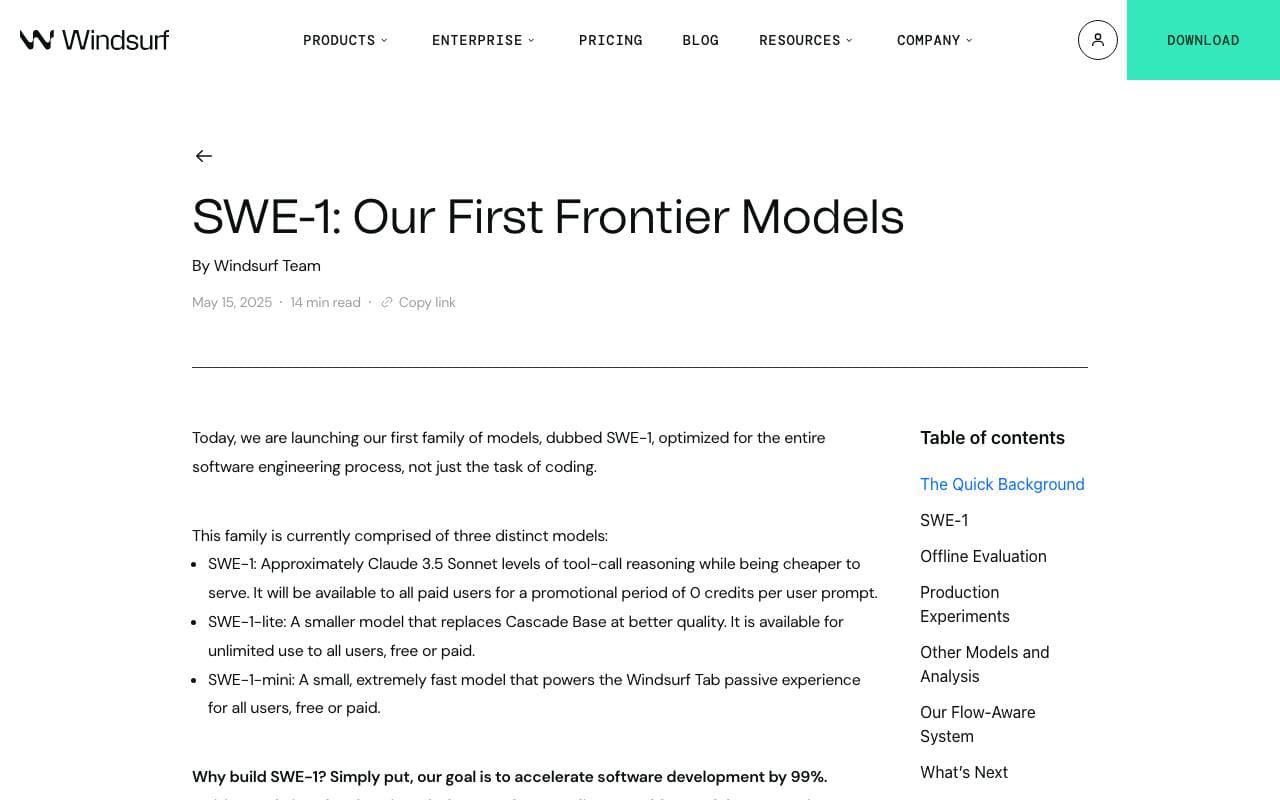

SWE-1 ai coding model
Code Generation
Windsurf belső AI modellcsaládja, amely a végpontok közötti szoftverfejlesztési munkafolyamatokhoz készült.
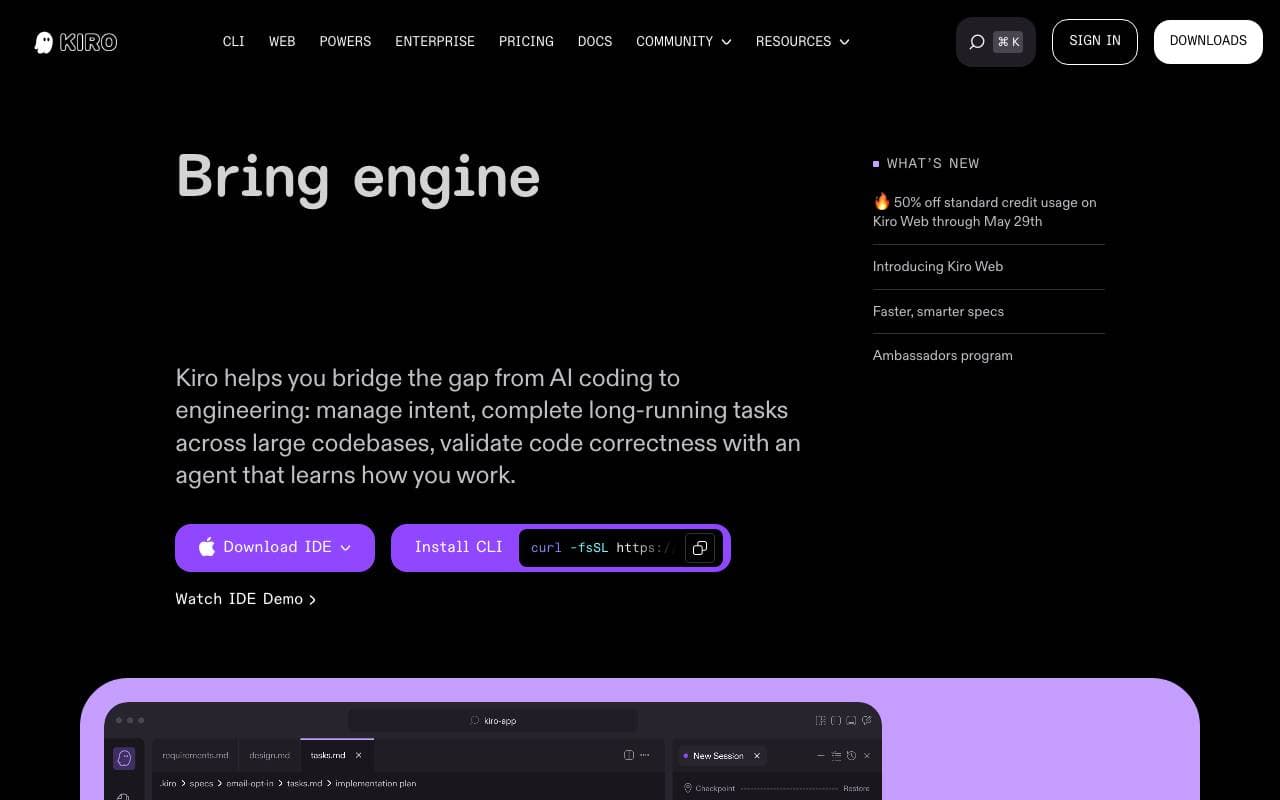

Kiro AI
Code Generation
A konceptuktól gyakorlati kódig ért komfortos IDE

DeepCoder-14B-Preview
Code Generation
Nyíltforráskódú 14 billió paraméteres kódindoklás-modell, a DeepSeek-R1 és a Qwen-14B-ből kiemelve előzetes vágatossága a fejlett kódgeneráláshoz.


OpenAI Codex
Code Generation
Természetes nyelvből gépelési aszisztens azáltal, hogy több száz programnyelven működő kódot fordít le

Keringit
Code Generation
Írjon meg egy felismétlési feladatot, és indítsa el működő alkalmazását, amelyet sajátíthat és módosíthat.
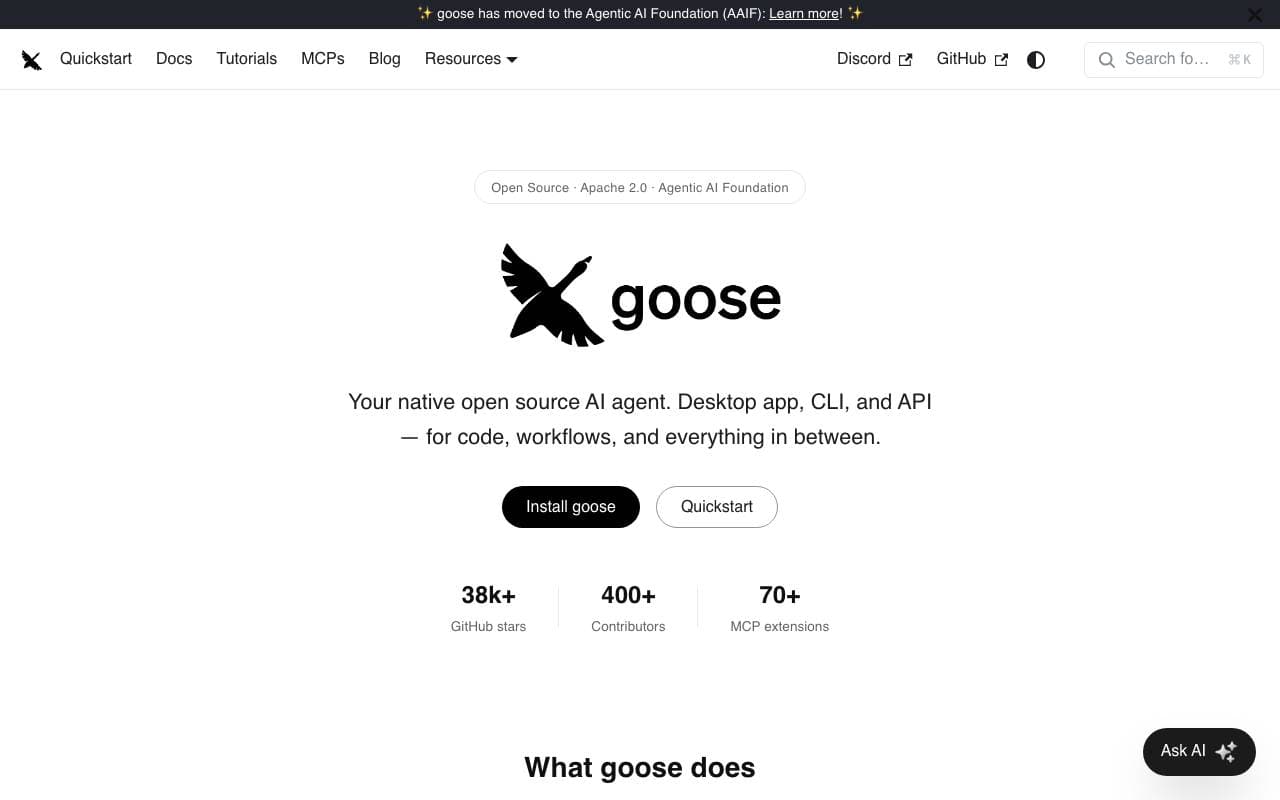

Codename Goose
Code Generation
Nyílt forráskódú, gépien futó AI-ügynök, amely összetett szoftverfejlesztési feladatok automatizálását segíti, hogy növelje a fejlesztői termelékenységet.
Trending now


Claude
AI Agents & Chatbots
Konverzacios AI segítő az Anthropic részéről írás, elemzés, kódolás és dokumentum feladatokhoz

Doozer Ai
Sales Agent
Digitális csapattagok megjavítják üzleti folyamatok hatékonyságát.


Consistent Character AI
Images
Generáljon konzisztens AI-karaktereket egyetlen referenciafotóról való színpadon.
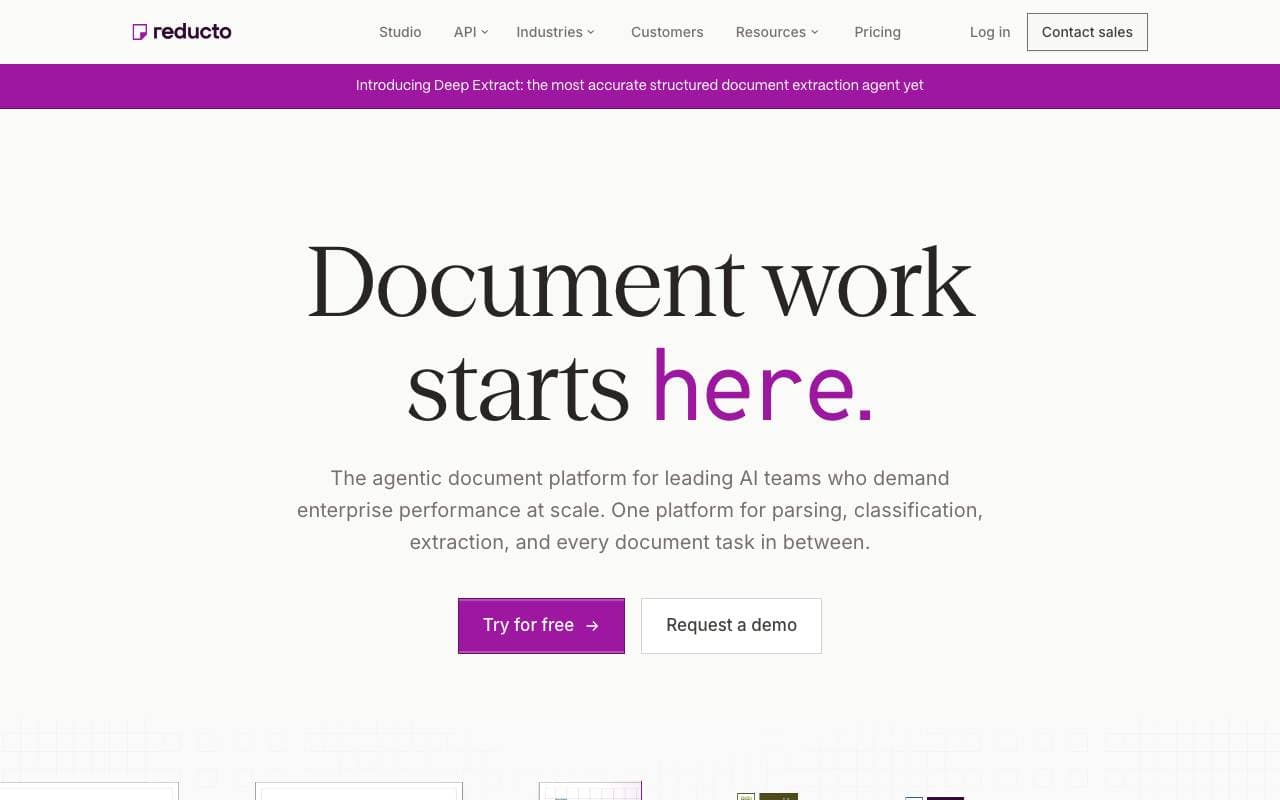

Reducto AI
AI Agent Development Platforms
Dokumentum intelligencia API, amely szövegen, szétválasztja, szöveget felismeri, és strukturált adatokat kímél ki összetett PDF-kből, előadásokból és összehasonlító dokumentumokból.